
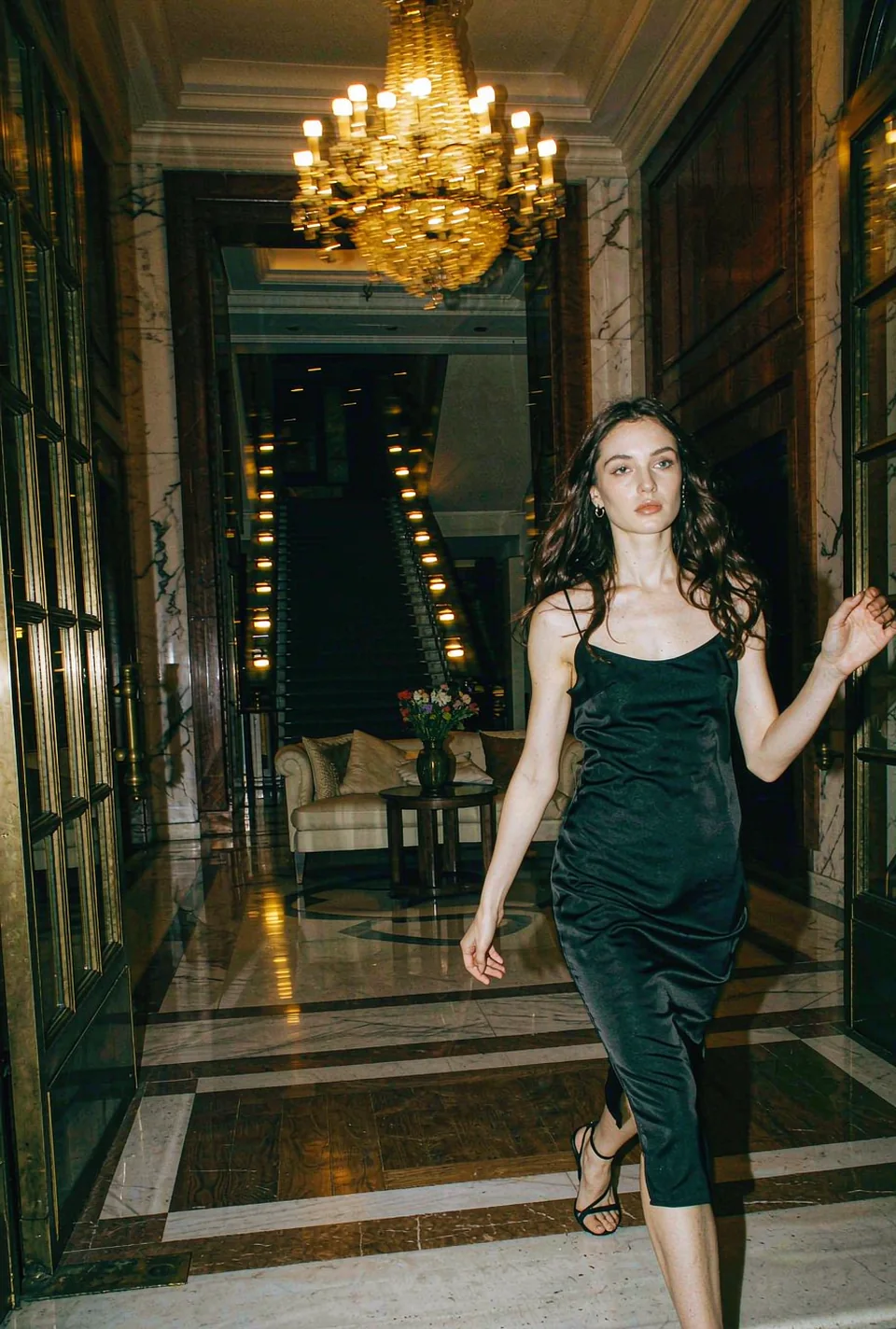
 HOT

01
Pick a clip
Start from a trending template, or bring footage you own. Length and price are printed on every card.
Short answers, including the parts most tools leave out — consent, deletion, and what happens when someone reports a clip.
No timeline, no plugins, no export queue you have to babysit. Pick, upload, download.
Start from a trending template, or bring footage you own. Length and price are printed on every card.
One clear shot of a face — yours or your pet’s. Even light beats a good camera, and there is no prompt to write.
An MP4 in about 75 seconds at 480p, 720p or 1080p. Motion and the clip’s own sound come through untouched.
Your own, someone who has given you written permission, or a pet — a cat, a dog, anything with a face works, and a pet needs no consent. No public figures, no politicians, no one who has not agreed to it. Pro plans keep a consent record per talent so an agency can prove it on request — and we remove reported content within 24 hours.
On a 1080p source with even light, most people cannot pick the swap out at phone size. It gets weaker in heavy shadow, on faces turned past about 45 degrees, and when something crosses the mouth. Upload the sharpest photo you have and the gap closes a lot.
About 75 seconds for a 15-second clip on the standard queue, up to 4 minutes when the queue is busy at peak. Batch jobs run in parallel.
It is stored encrypted, used only for the render you asked for, and deleted after 7 days. It is never used to train a model and never shown to another user. EU customers can pin processing to Frankfurt; a DPA is available on every paid plan.
The songs in these clips are licensed to the artists who made them, not to us — so the template loops without audio. You add the trending sound in the app you post from, which is what the format expects anyway.
Yes on Creator and Pro — the licence covers paid social, client work and broadcast, with no watermark. Every render leaves the app clean, so there is nothing to strip before you post.
5 credits buy one second of 480p. A 15-second clip takes 75 credits at 480p, 150 at 720p and 375 at 1080p — a higher finish sends the model more pixels, so it burns more credits a second. Paying for one clip in dollars is built from the same runtime, which is why the two prices always line up. Renders we fail, or that come back broken, cost nothing.
Higher resolutions cost more per frame, so every clip shows its own price for 480p, 720p and 1080p. A longer clip also costs more than a short one at the same finish, because the model is billed per second of video rather than per file.
The same 15-second clip at 480p costs $6.99 paid on its own, about $5.75 with a credit pack, and about $4.50 on Creator. Paying per clip needs no account and no commitment; packs never expire, so they suit bursts; plans are the cheapest per second and reset every month. Yearly billing takes another 15% off, and Pro goes lower still.
Yes, from the billing page, in two clicks. Subscription credits stay live for 30 days after you cancel, pack credits never expire, and if the first month does not work for you we refund it within 7 days, no interview required.