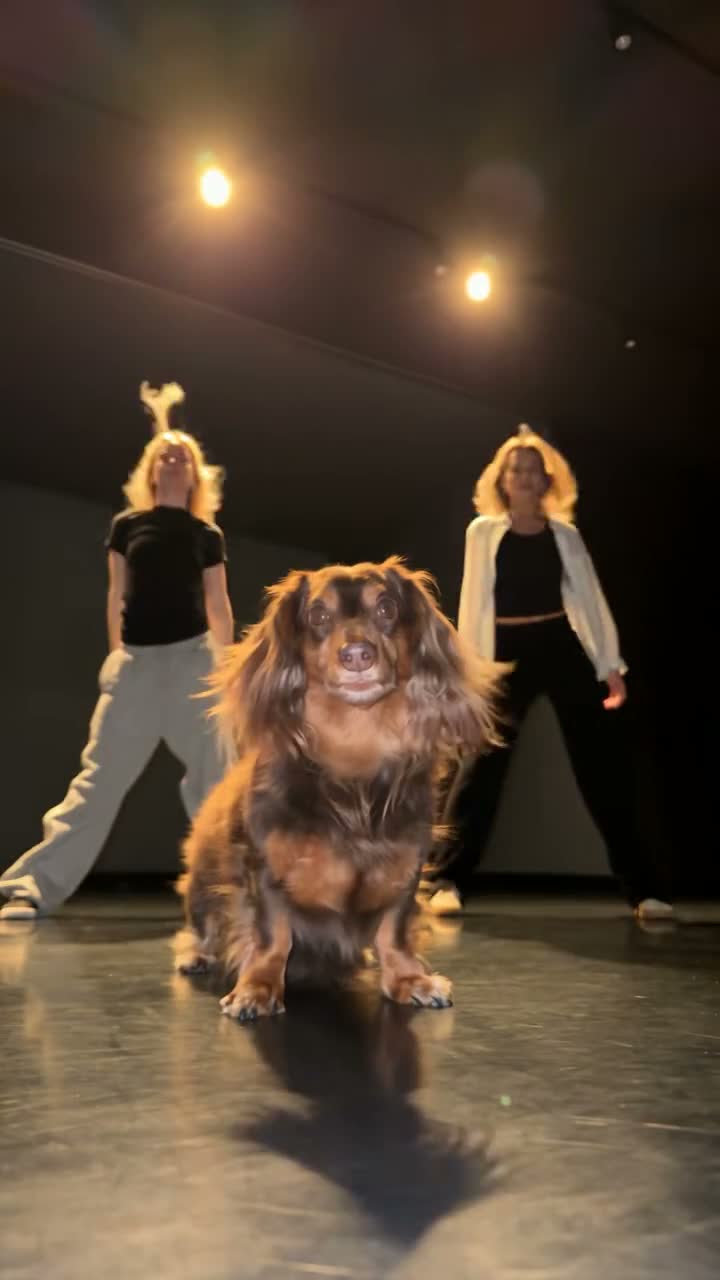
What you actually get
What is Doodle Dance Partner AI?
Doodle Dance Partner is the 2026 template where a photo of you is answered by a hand-drawn copy of yourself: the drawing steps out of a white wall, the two of you dance the same small sequence, and it ends with your palms pressed together. You stay a photograph; the twin stays black outline on plain white, in your own hair and your own outfit — your sketch, not a stock character.
It spread because the reveal is personal and instant: the same ten seconds work with a wedding outfit, a work uniform or a jacket you never get photographed in, so everyone wants to see what their own copy looks like. The AI versions simply hand that role to your photo.
How did the Doodle Dance Partner become a trend?
It spread as a template before it was a trend: you added one photo and the effect did the rest, so there was no dance to learn and no edit to make — and every version was about the person posting it, which is the most shareable thing a format can be.
A short timeline
- Oct 14, 2026The first tutorials go up from Myanmar and Filipino template promoters; the effect is showing about 32,800 uses.
- Oct 16–18, 2026Uses pass 593,000 in four days, and it crosses languages: “Baila con tu yo anime”, “cartoon sketch doppelganger”.
- Late Oct – early Nov 2026The sound outgrows the template at about 44 new videos a day, and photo-to-video takes move it onto rooftops.
Who people give a sketch twin
The clip keeps your clothes and your hair as lines, so most people start from the outfit they actually want drawn — the long shirt and dupatta they wore to the wedding, the dress that only comes out once a year, the jacket they never get a photo of themselves in.
One person per photo, full body or at least to the knees, facing the camera in even light. A close-up selfie is the one upload that reliably disappoints here: the twin is copied from what is in the frame, so a head-and-shoulders crop comes back with a drawing that has no outfit and no legs to dance in.
Use your own photo, or a photo of someone who agreed to appear. The clip shows exactly one real person and one drawing of them — a group shot, a couple or a friend standing beside you gives the render two subjects to keep apart, which is the most common way this one goes wrong.
- You, in the outfit you never photograph
- The wedding outfit, drawn
- You and your own sketchbook
- The dress that lives in the wardrobe
- You at golden hour, on any wall
- An illustrator putting themselves in their own drawing
Your Doodle Dance Partner video in three steps
The order panel above takes the photo and the finish. There is nothing else to decide.
Add your photo
One person, full body or knees up — the twin is drawn from this frame.
1 photoPick a finish
480p, 720p or 1080p — the beats and the track are the same at all three.
480p · 720p · 1080pRender and download
Checkout starts the render; the 0:10 MP4 lands in your library with the track already on it.
0:10 · 9:16 · MP4Full step-by-step notes
- Add one photo. You, full body or knees up, facing the camera and evenly lit. JPG, PNG or WebP, up to 10 MB. The twin keeps the hair and outfit in this photo, so show them.
- Pick a finish. Choose 480p, 720p or 1080p. The finish only changes sharpness — the seven beats, both figures and the track are identical at every one.
- Render and download. The render starts when checkout clears. The 9:16 MP4 lands in your library with the track on the file, no watermark, no subtitles and no logo. Pay by card, with credits, or on a monthly plan — same clip, same render.
Rights. The preview above shows the format this clip recreates; the finished video is an AI render built from the photo you upload, not footage pulled from a social network. The doodle dance partner template spread through phone editors and social apps with many versions and no single owner; MakeTrend is an independent tool with no affiliation with the people who posted them, the platforms or the rights holders. Use a photo of yourself, or of someone who agreed to appear, and only upload an outfit you have the right to reproduce. Rights holders may ask for a clip to be removed at any time.
Doodle Dance Partner AI FAQ
One photo of one person, full body or down to the knees, facing the camera in even light, with the face fully visible. The twin is copied from this frame, so the outfit matters: a long shirt, a dupatta, a skirt or a jacket comes back as clear lines, while a tight head-and-shoulders crop leaves nothing to draw below the chin. Avoid two people in one photo, sunglasses, a hand across the face and heavy filters.
No — there is one box. The drawing is made from your own photo by the render, in your hair and your outfit, which is the whole point of the trend. Adding a second person would give the render two identities to keep apart in a clip that only has room for one real person and one drawing.
Yes, both. The twin keeps the same hair and the same outfit as your photo, redrawn as flat line-art — that is what makes the clip look like your own sketch rather than a stock character. Anything the photo does not show clearly, such as shoes below the frame, is improvised by the render rather than copied.
A drawing. The twin comes back as clean black outlines filled with plain white — the same hair and the same outfit as your photo, like a page from a fashion sketchbook standing in the terrace. It is not a coloured cartoon, not an anime character and not a second photo of a human. Exactly one real person appears in the clip.
Yes — same format, different trend name. People also call it the doodle twin dance, the cartoon sketch doppelganger, the manga clone dance and, in Spanish, “baila con tu yo anime”: a line-drawn copy of you steps in and dances beside you in every one of them. Here the dance ends with your palms pressed together.
No. That one is a redraw edit over anime concert footage — a fandom meme with no real person in it. This is the 2026 sketch-twin template: a real photo of you, and a white line-drawn copy of you that steps into the frame and dances beside you.
MakeTrend chooses the model that suits this render best and tunes the request for this trend, so the real person stays photorealistic while the twin stays flat line-art through every beat, and the track lands in time with the action. We may switch models as better ones become available, but you never have to pick or configure one — upload your photo and the render is queued.
Ten seconds — one portrait 9:16 MP4 with seven beats, at 480p, 720p or 1080p. It ships as a single clip with the track already on it, not a repeating template, and drops straight into TikTok, Instagram or YouTube.
No. The finished MP4 already carries the same track you hear in the preview, in time with the flash and the dance. Download it and post it as is; there is no voiceover, subtitle or added logo. You can still mute it and pick a sound inside TikTok or Instagram if you prefer.
No, it is paid. One render is $2.99 for 480p, $4.99 for 720p and $8.99 for 1080p — or 30, 50 and 90 credits. Nothing is charged until you render, and a failed render is refunded automatically.
The MP4 and its download link both expire 30 days after the render, and the photo you uploaded is deleted after 7. Save the file when it lands — nothing else is kept.
Ready to meet your sketch twin?
Add one photo, pick a finish, and the terrace is drawn around you.