AI transformation videos
Glow-ups, costume reveals, before-and-after reveals and morph loops — turn one photo into a short transformation video with your face in it.
Transformation clips are built around a single payoff: a reveal, a morph or a change of character. Because the camera usually holds on one subject, one photo is often all a swap needs.
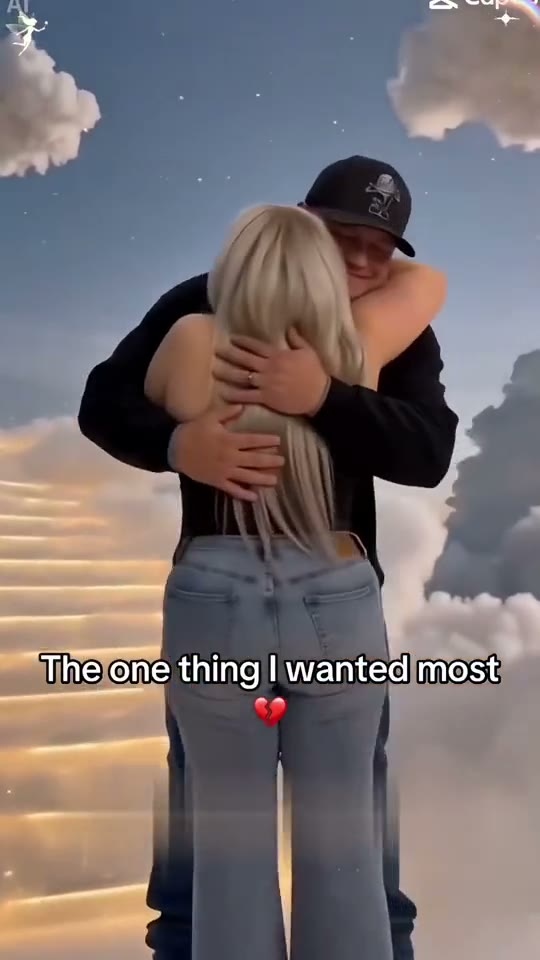
Some of these loops are near-still images with an animated overlay rather than full motion video. Where that is the case we say so on the clip page and bill the render as a lighter image pass — you still get the complete clip you previewed.
Good for Glow-up reveals, character changes, avatar posts and profile refreshes.
- ai transformation video from one photo
- face swap reveal video generator
- ai glow up video template
- before and after ai face swap
- character morph ai video no watermark
- ai avatar animation from photo
- costume reveal ai video
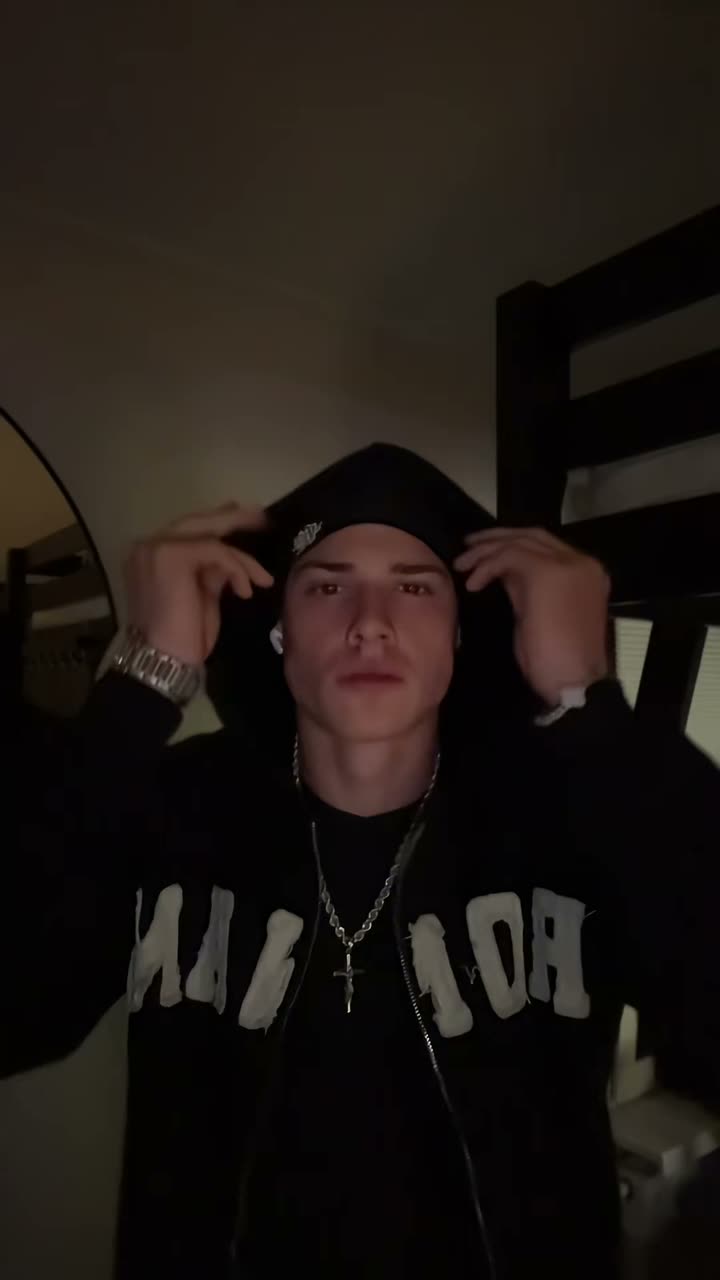
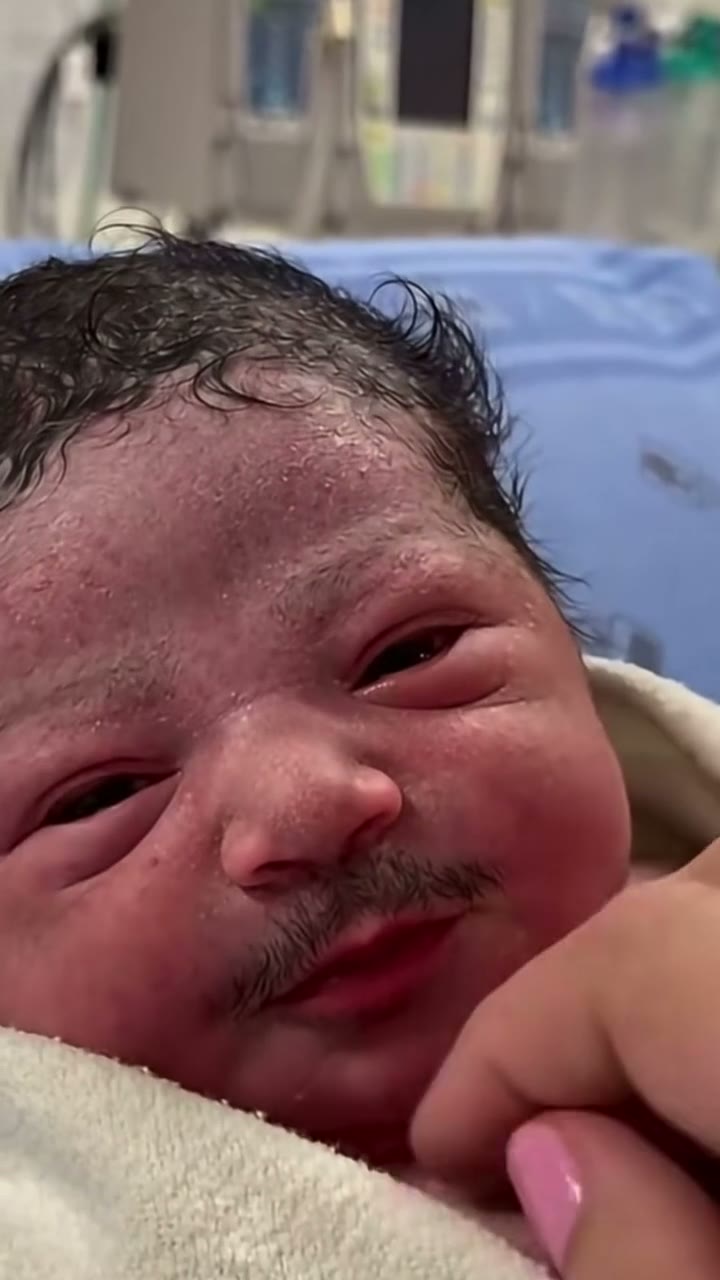
One-photo transformation AI video templates
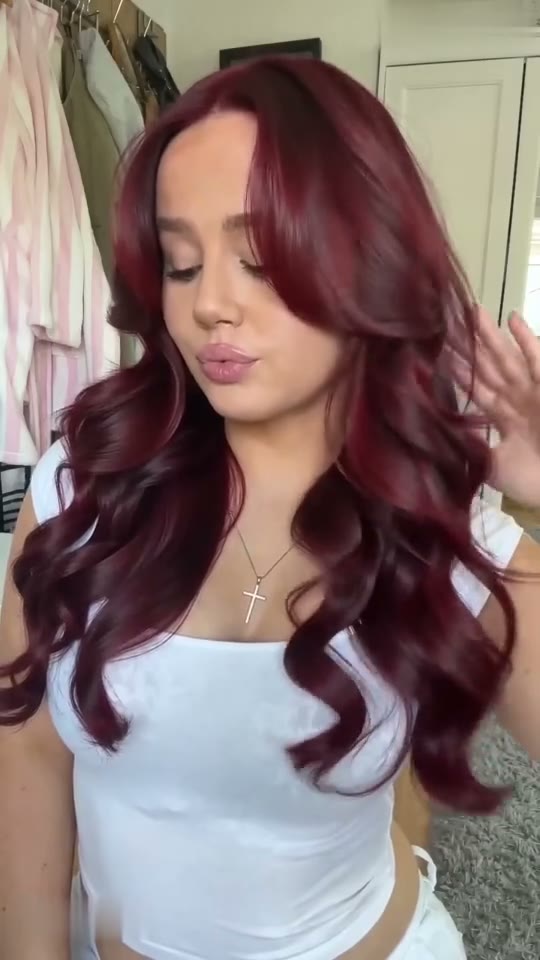
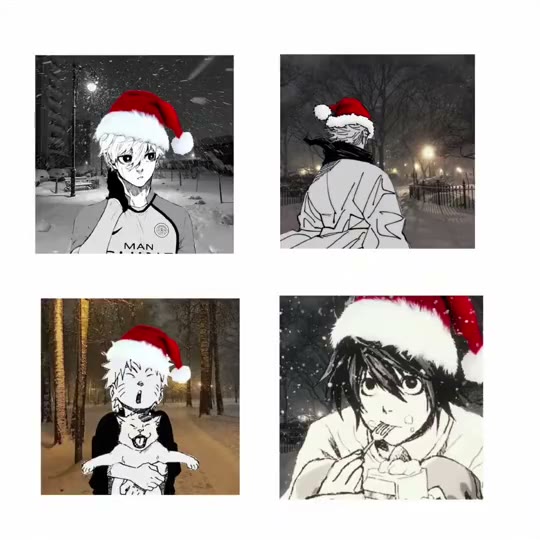
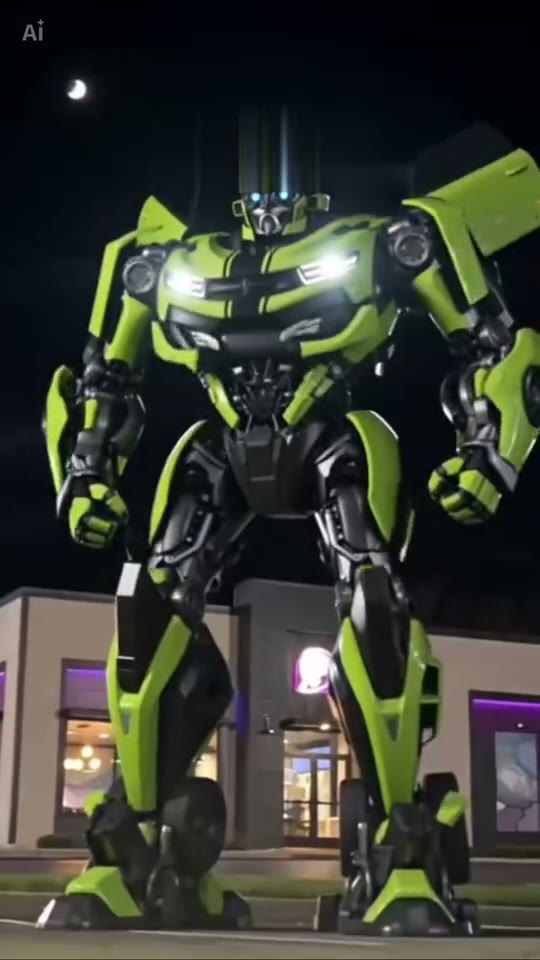
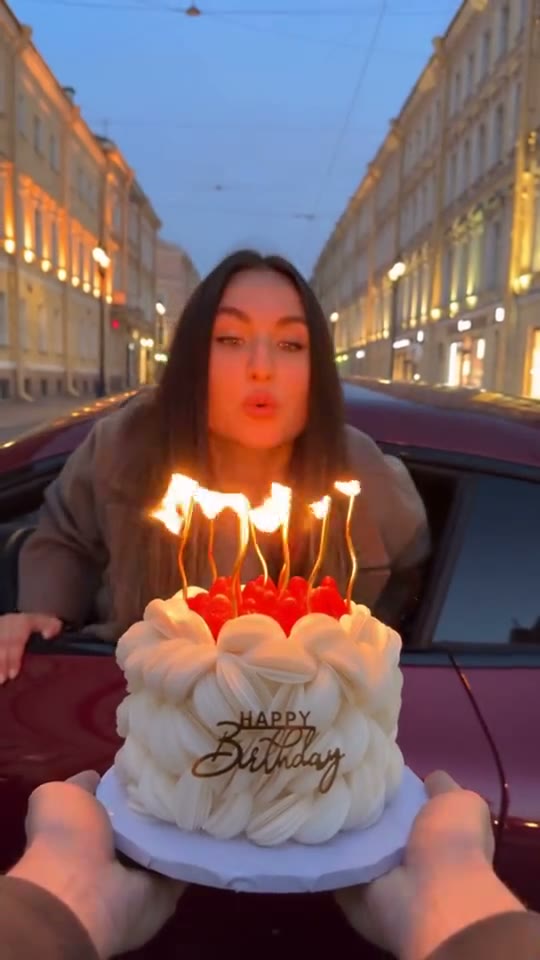

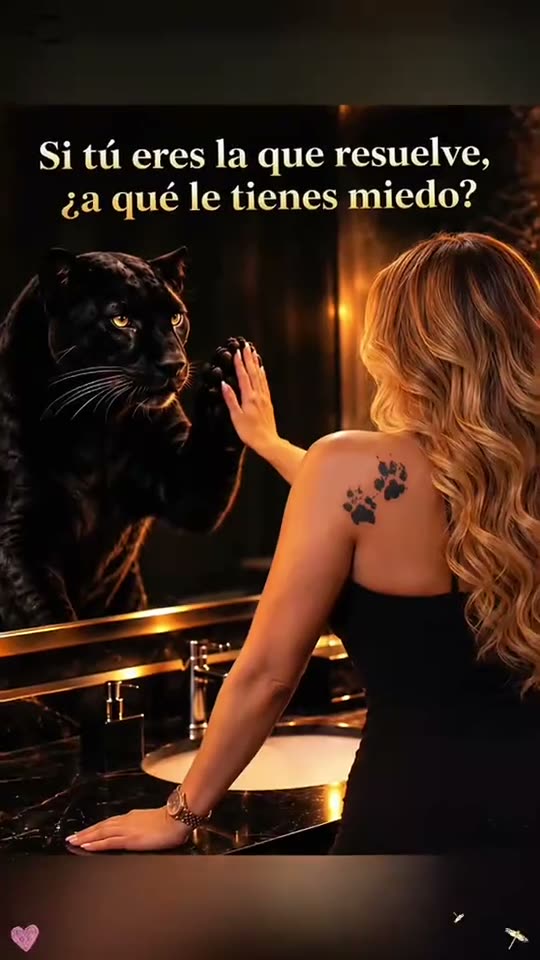
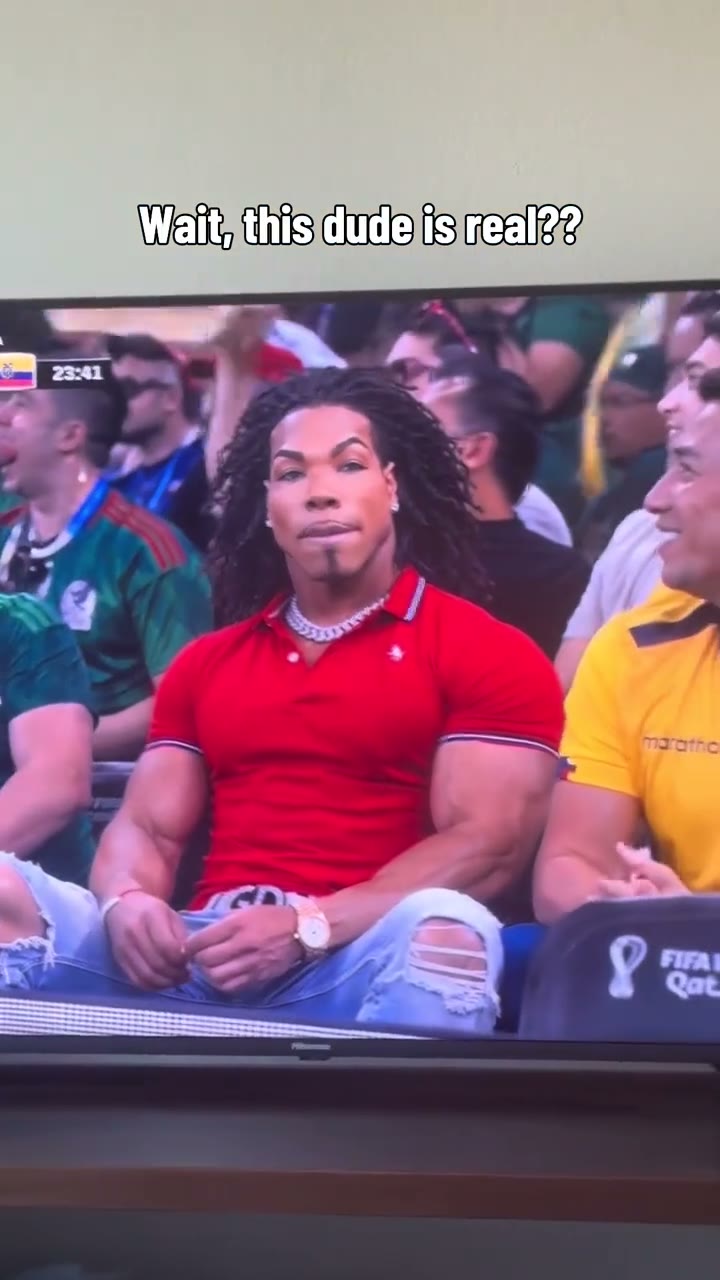
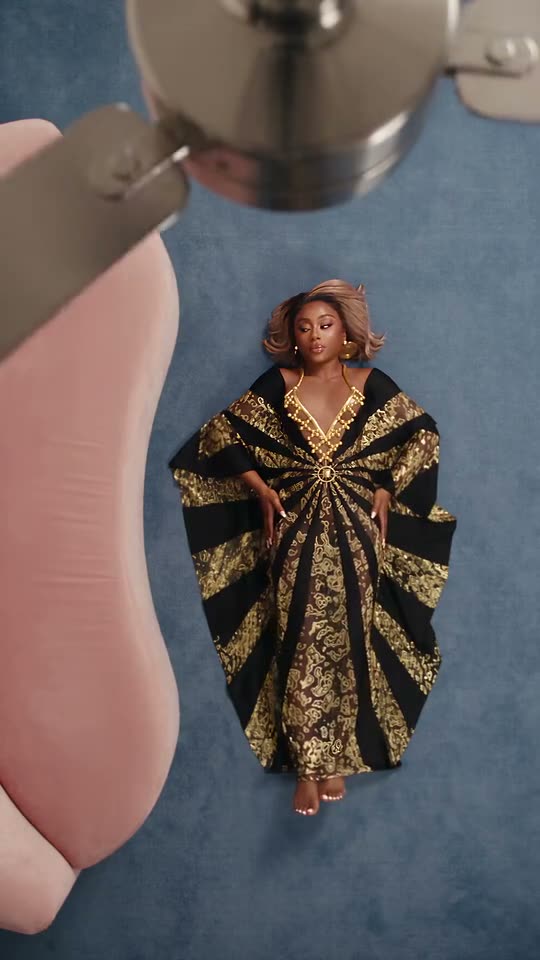

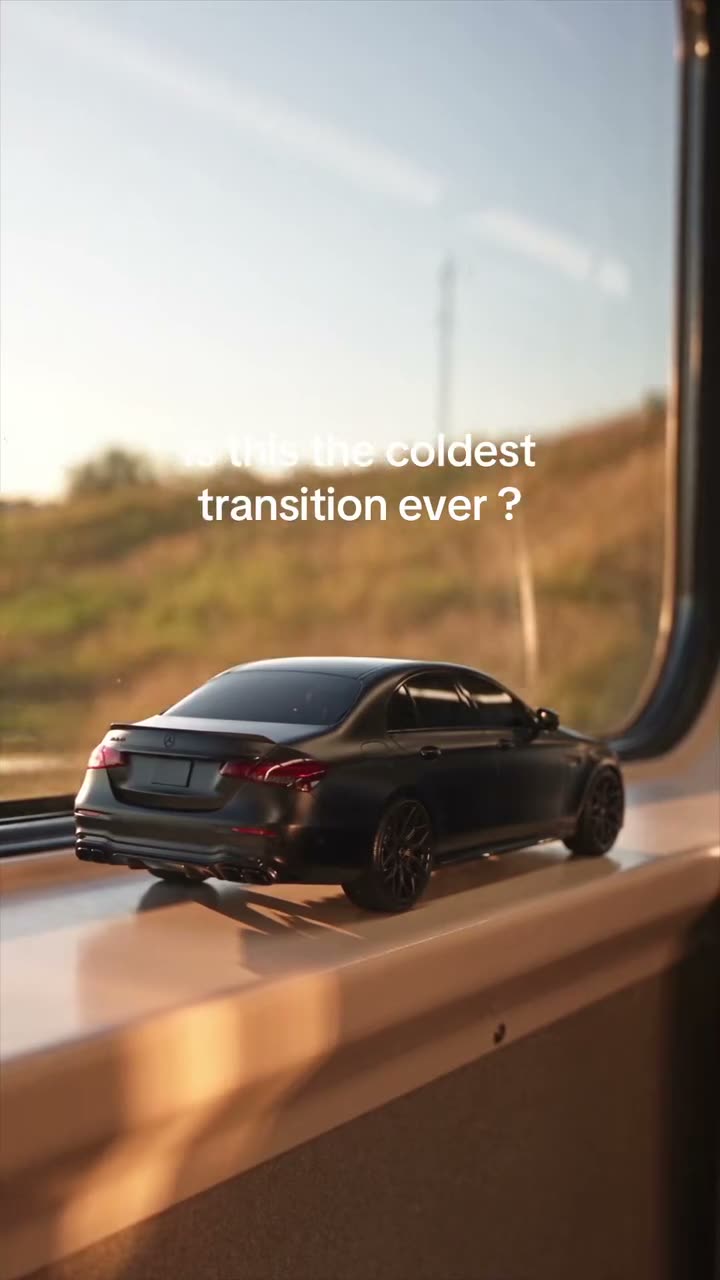
Multi-photo transformation AI video clips
Transformations AI video FAQ
Usually one. Each page lists the exact face count; a small number of reveal loops swap two people and take two photos. Upload one subject per box and keep the face large in the frame.
A few loops hold a single still image with a light animated overlay instead of generating new video every second. Those renders cost one image pass rather than a full video pass, so they are billed for the shorter effective length. The note under the order total explains it on the clip page.
You receive the same clip length shown in the preview, as an MP4 with sound and no watermark. It is a short loop designed for feeds and stories, not a long-form video.