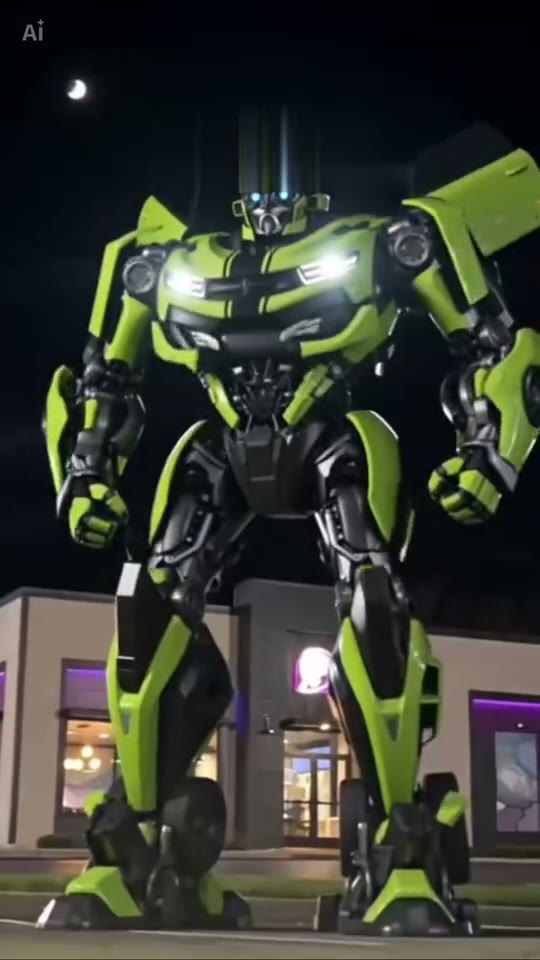
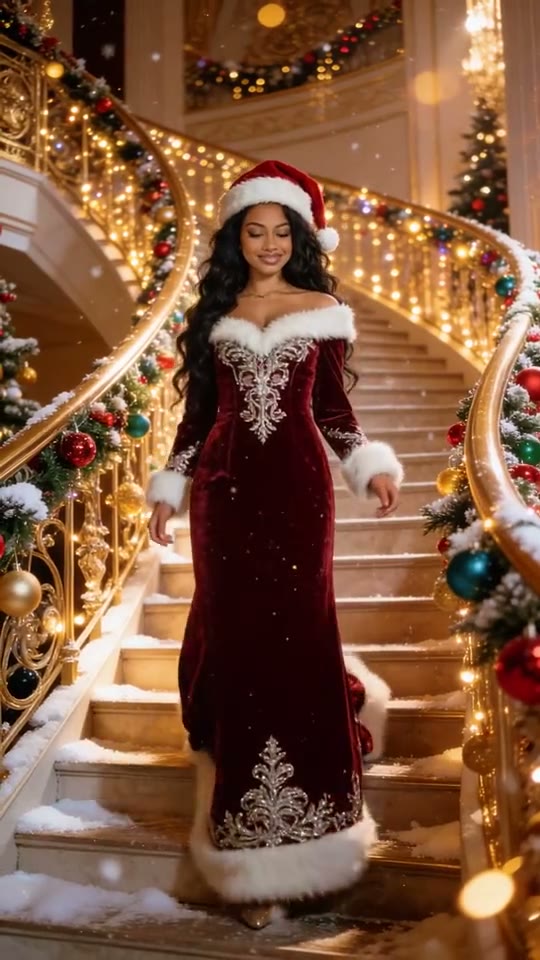
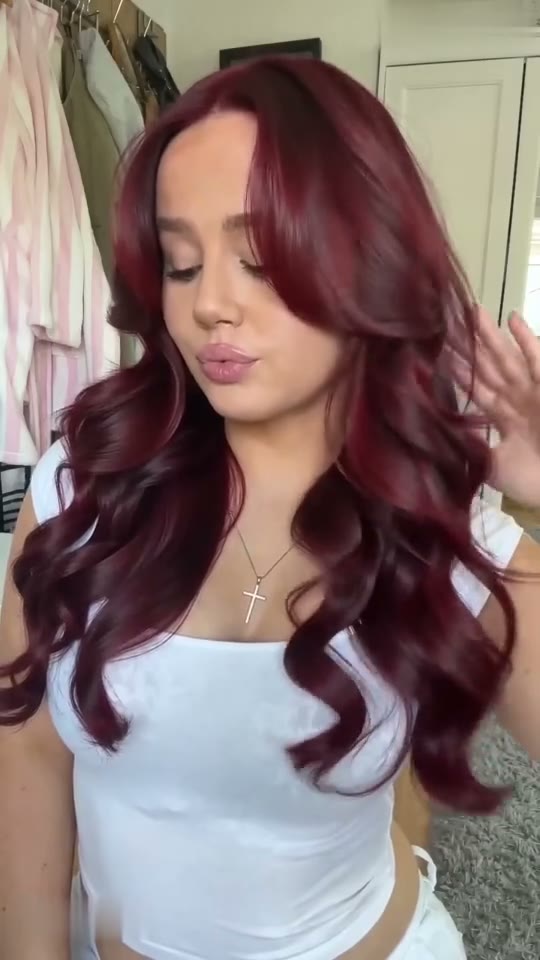
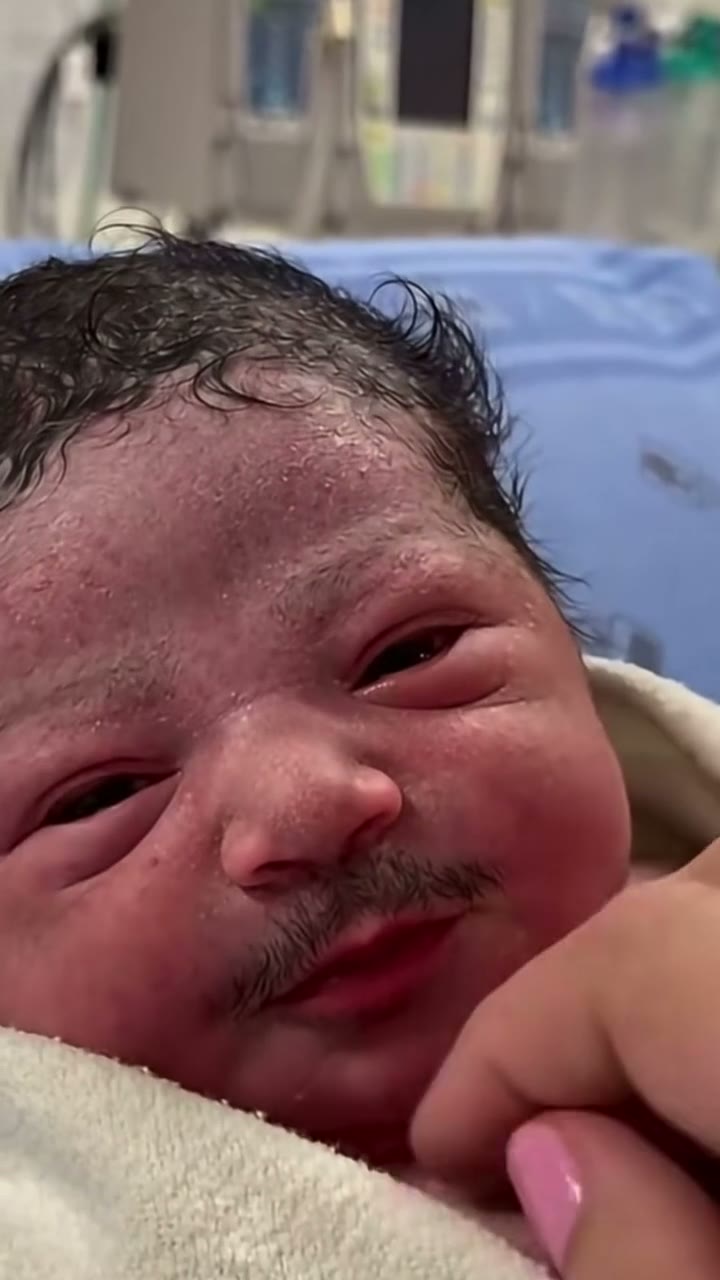
A small white cake with lit candles held up to the lens, 'Happy Birthday' fading in over the top while the frame barely moves.
Now it's you. Upload one photo and the 0:09 loop comes back with one face replaced. What stays: lit candles on a white cake, a Happy Birthday title card, two hands holding the cake, the 9:16 frame and the original sound.
What is Birthday Cake AI and how do I make one?
Birthday Cake AI is a 0:09 vertical 9:16 reveal clip in the MakeTrend library. Upload one photo — one clear, front-facing subject per slot — pick a finish in the order panel, and the render comes back as an MP4 with one face swapped in. The original motion and audio stay on the file; there is no watermark and no editing software involved. It takes one photo and runs 9 seconds of source footage.
What is the Birthday Cake trend?
The Birthday Cake trend is a reveal clip that builds to one change — a morph, a costume or a new character. What plays above is the real library preview at 9:16, not a storyboard: the 0:09 runtime, the vertical 9:16 frame and one photo on this page are the ones your render uses.
The vertical 9:16 preview of Birthday Cake was added Nov 7, 2026 and has not been re-framed or re-timed for the library. Searches for Birthday Cake meme or Birthday Cake trend land on the same clip; what plays above is what the render works from.
What you get with a Birthday Cake face swap
Everything below is identical on all three finishes — the 0:09 runtime, the 9:16 frame and the original sound come from the preview above. Lit candles on a white cake and two hands holding the cake stay; only one face change.
- Length
- 0:09 loop · 9s source file
- Frame
- vertical 9:16 · post as-is on a phone screen
- In the clip
- lit candles on a white cake · a Happy Birthday title card — unchanged
- Faces
- 1 face replaced
- File
- MP4 with the original sound, no watermark
- Turnaround
- About 75 seconds from cleared checkout
- Privacy
- Uploaded photos deleted 7 days later
- Examples
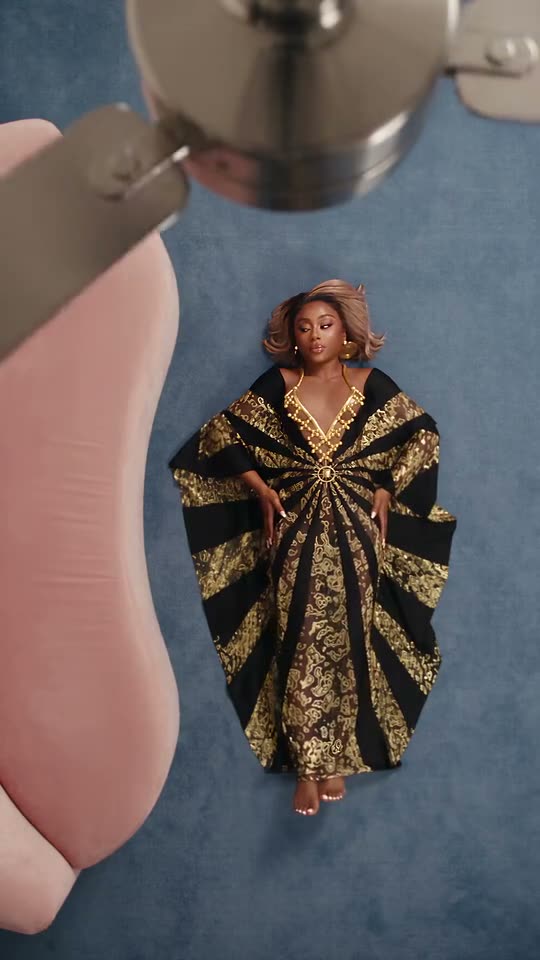
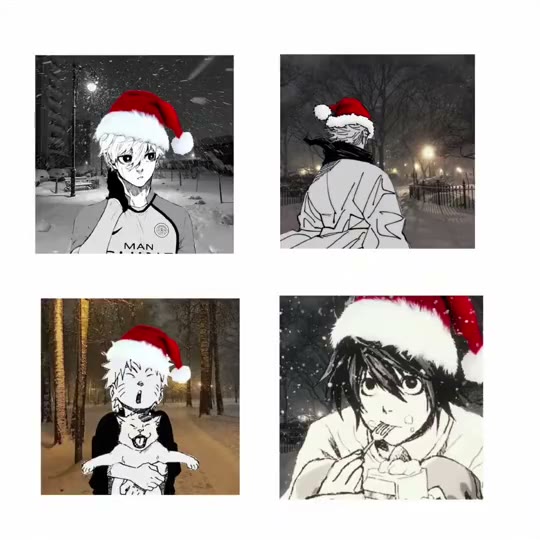
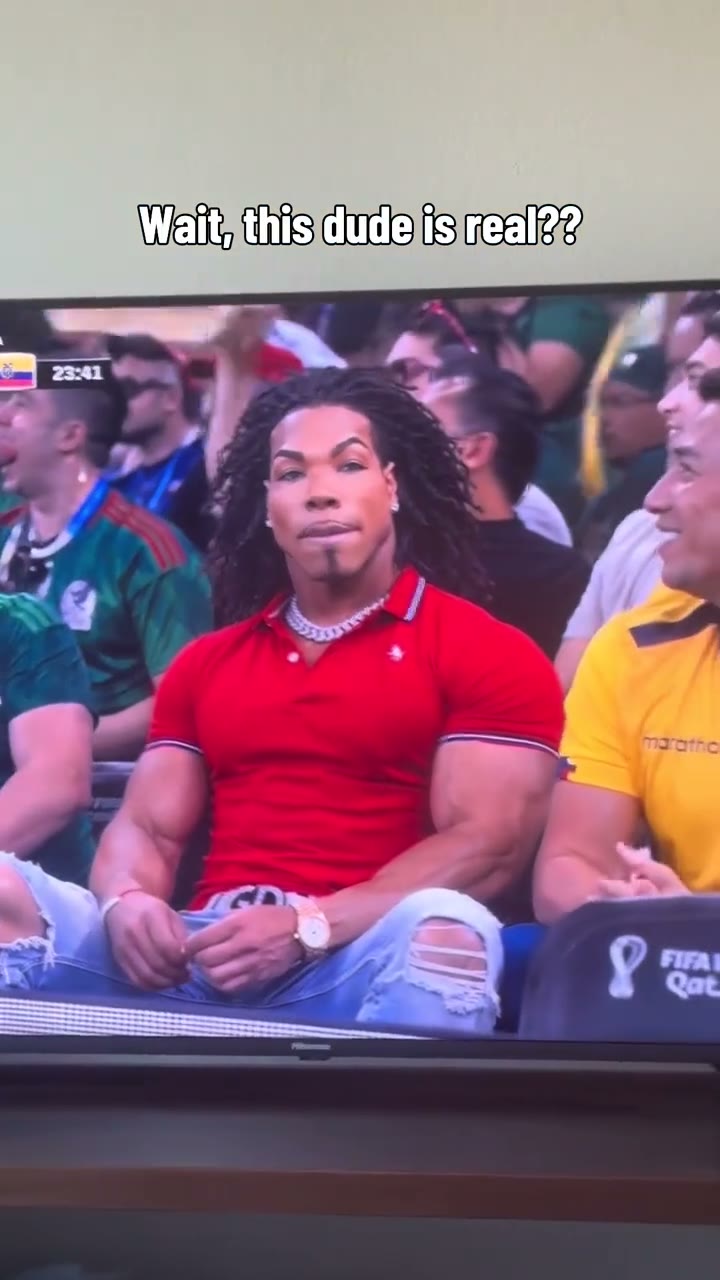
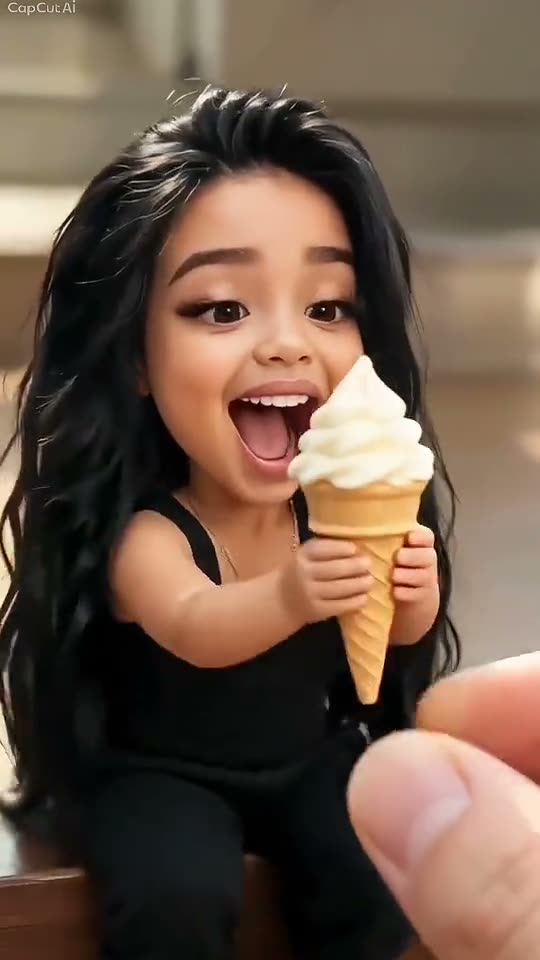
- three other takes on this loop shown above
Your Birthday Cake video in three steps
The order panel above handles the upload and the payment. These are the three decisions that decide how the Birthday Cake render turns out.
- 01
Bring one photo. One per slot. Sharp originals, not screenshots; no sunglasses, masks or hands across the face. Almost nothing moves in this clip, so a single clean headshot is enough — a blurry or cropped photo is the only thing that can really go wrong.
- 02
Set the resolution. The three finishes differ only in resolution — the 0:09 Birthday Cake reveal clip, birthday candles and the audio stay exactly the same. Choose in the order panel above.
- 03
Pay and wait a minute. Card, credits or a monthly allowance all produce the same render. The MP4 is watermark-free, and the photos you uploaded are deleted after 7 days.
Best photos for a Birthday Cake face swap
The render is only as good as the source. One clear subject is all the model needs — a group shot makes it guess.
Tips for this clip
- Almost nothing moves in this clip, so a single clean headshot is enough — a blurry or cropped photo is the only thing that can really go wrong.
- One face filling the frame — a person or a pet
- Facing the lens in even light
- Sharp — not a screenshot of a photo
- One sharp, unobstructed headshot is plenty here, because most of the frame barely moves.
Breaks it
- More than one subject in a single upload box
- A profile steeper than 45° — the ${short} loop keeps a front view
- Sunglasses, a mask or a hand over the mouth
- A low-light original with visible compression
Why is my Birthday Cake face swap blurry? On a vertical 9:16 frame the face gets fewer pixels than you would expect, and birthday candles does not help. Re-upload a sharper, straight-on original rather than changing the finish.
Who people put in the Birthday Cake AI video
Who people put in the Birthday Cake clip: the friend whose birthday you nearly forgot; a parent who sends a cake video every year; the office birthday thread. One face means the whole joke lands on whoever you choose. Use a photo you have permission to use — that goes double for anyone who is not you.
Where a Birthday Cake video ends up: birthday stories, last-minute greetings, group-chat wishes. The 9:16 frame fills a phone screen with no cropping, so the MP4 can go straight to TikTok, Reels or Shorts as-is. Keep the original sound if the trend depends on it and put captions outside the face.
Looking for something else in the same shelf? Browse all 13 transformations AI videos.
Questions people ask after watching Birthday Cake
The 0:09 preview of Birthday Cake raises a few obvious questions. Here is what is actually on screen, what the render swaps, and what to check before the clip goes public.
A small white cake with lit candles held up to the lens, 'Happy Birthday' fading in over the top while the frame barely moves. The preview runs 0:09 (9 seconds), and lit candles on a white cake and two hands holding the cake stay exactly where they are when your face is on screen.
Yes — one clear, front-facing portrait, and your face takes the same position. Lit candles on a white cake and white cake are left untouched.
Yes, close to it. One still of the cake, a dissolve and a Happy Birthday card — a single image pass, not nine seconds of motion. The 0:09 MP4 you receive plays exactly as the preview does, with the original audio.
The clip is the source, not an AI render. Lit candles on a white cake and the sound already exist in the 9:16 file above — the AI pass only re-draws one face after you order.
It is vertical 9:16 — the same ratio as the preview above, not re-framed for this page. That fills a phone screen without cropping, so the MP4 can go straight to TikTok, Reels or Shorts.
One photo with one person. The rest of the 0:09 Birthday Cake frame — lit candles on a white cake and the original sound — is already finished in the template.
Almost always the source photo. In a 9:16 frame the face gets fewer pixels than you expect, and a screenshot, a heavy filter or a dim original makes it worse. Re-upload a sharp, straight-on portrait with no sunglasses or hair over the eyes — choosing 1080p will not fix a soft input on Birthday Cake.
A pet works if one animal fills the frame and faces the lens; a group shot does not, because the model picks the first face it finds. A screenshot carries compression that shows up on the face — use the original file, or a daylight photo of a print.
Your Birthday Cake render as one 9:16 MP4, with lit candles on a white cake and the sound intact. It is normally ready in about 75 seconds, the file and its link last 30 days, and the photos you uploaded are deleted 7 days after the render.
It is the loop's own sound, exactly as you heard it. Only one face is re-rendered; the timing, the mix and the 9-second length stay. We do not clear or replace tracks — a platform mute is a rights matter outside the render.
Ask first, and use only photos you have permission to use. A Birthday Cake render puts a recognisable face into a 0:09 loop, so a friend, a relative or a coworker should agree before you upload them; public figures are best left out. Your own photo is the simplest route.
Yes — the 9:16 frame fills a phone screen without cropping, so the MP4 can go straight to TikTok, Reels or Shorts. It is watermark-free, with the original sound on the file.
The MP4 and its download link both expire 30 days after the render, and the photo you uploaded is deleted after 7. Save the file when it lands — nothing else is kept.
Ready to see yourself in Birthday Cake?
Upload one photo in the order panel above. Lit candles on a white cake stays; one face becomes yours in the 0:09 MP4.