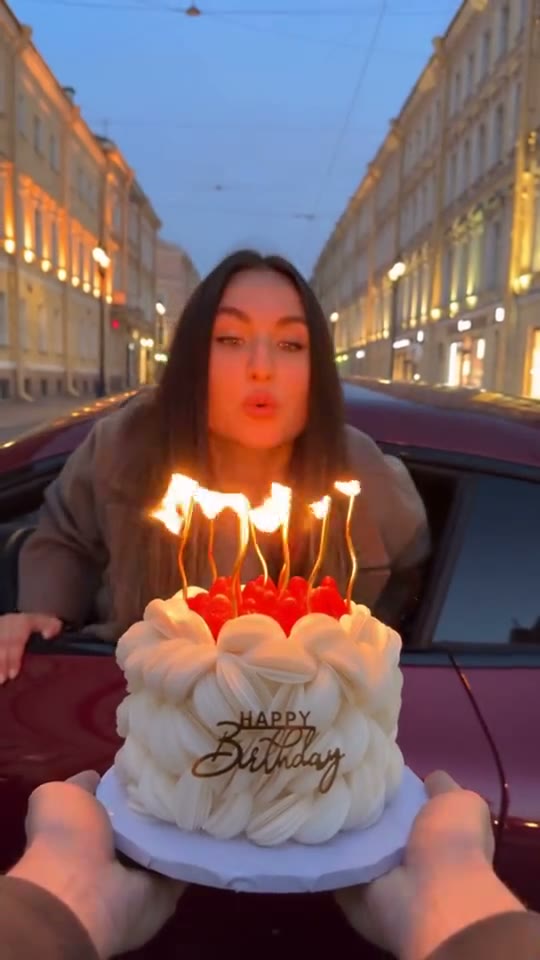
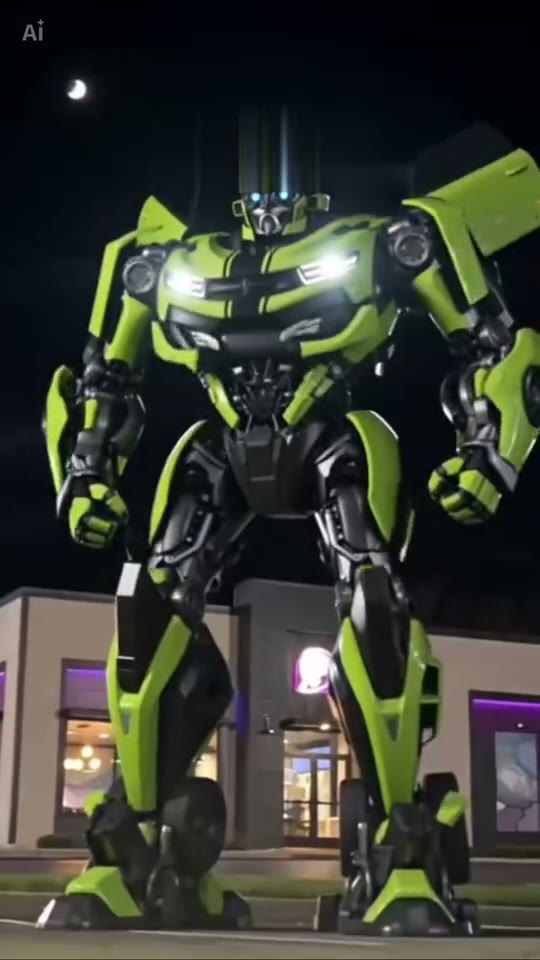
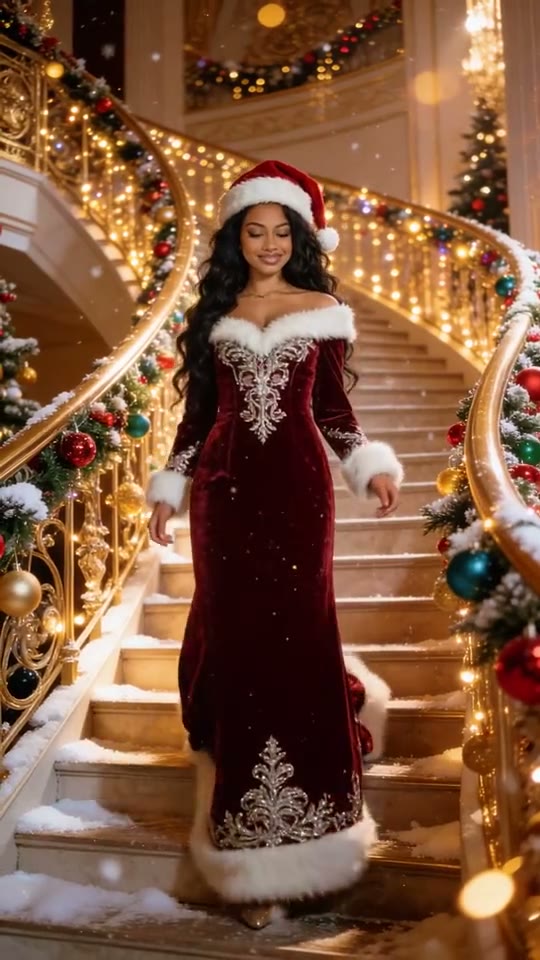
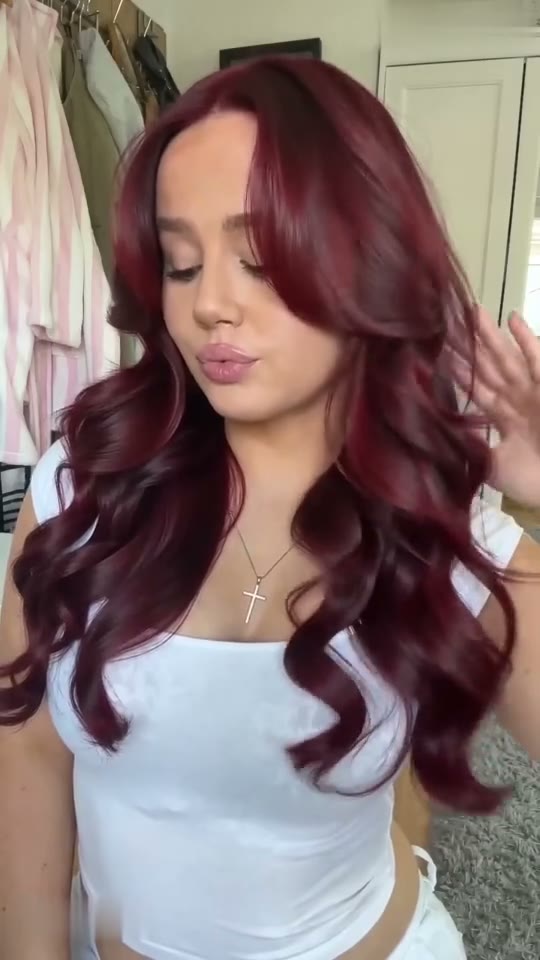
A comic-strip grid of Santa-hat profile pictures with snow drifting across the panels; the drawing stays still while the snow falls.
Now it's you. Upload one photo and the 0:04 loop comes back with one face replaced. What stays: a grid of comic panels, Santa hats on every avatar, snow falling over a still drawing, the 1:1 frame and the original sound.
What is Christmas PFP AI and how do I make one?
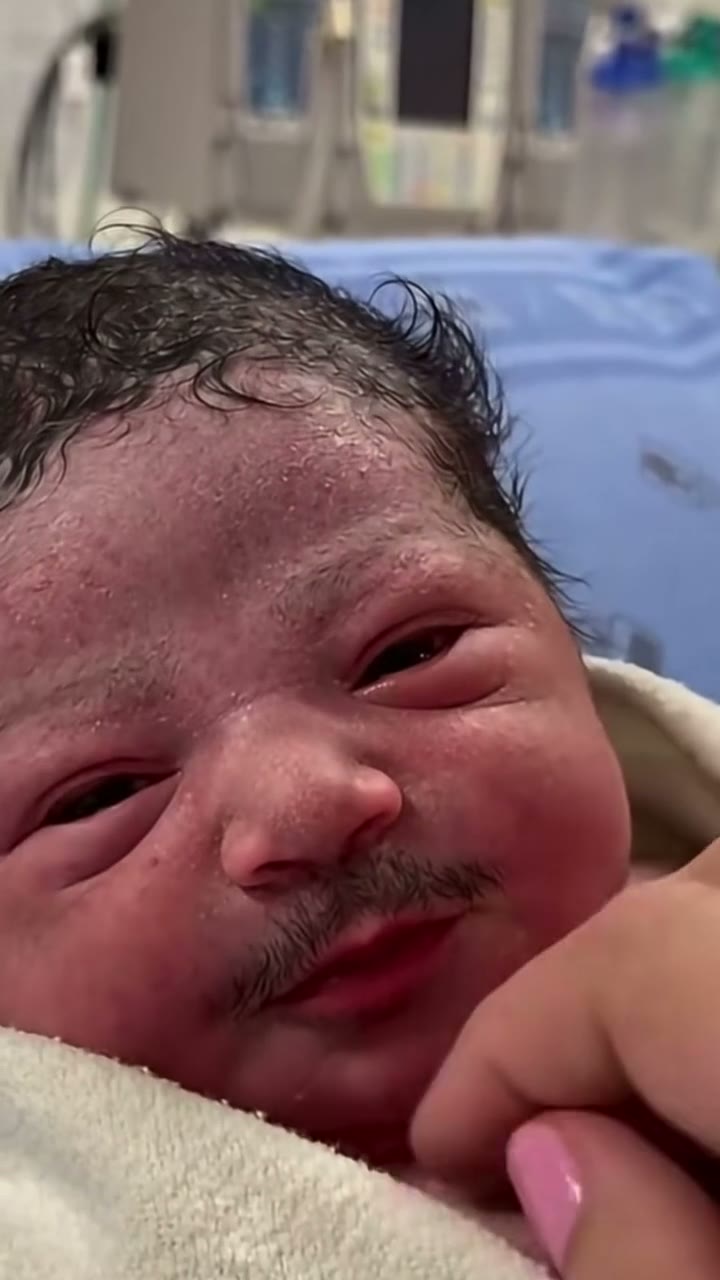
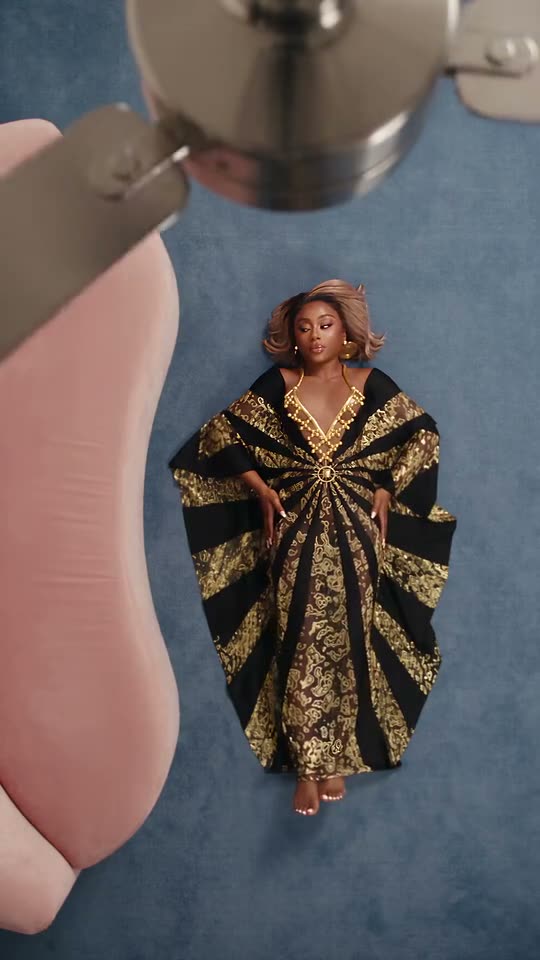
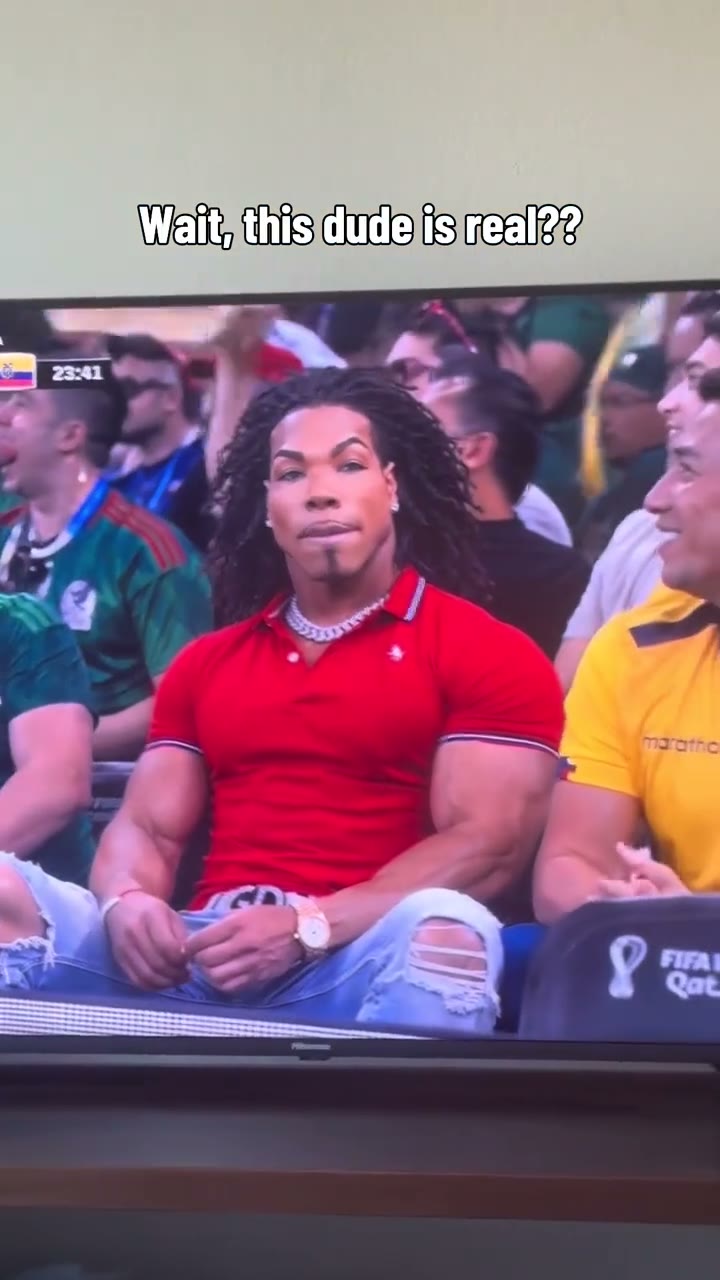
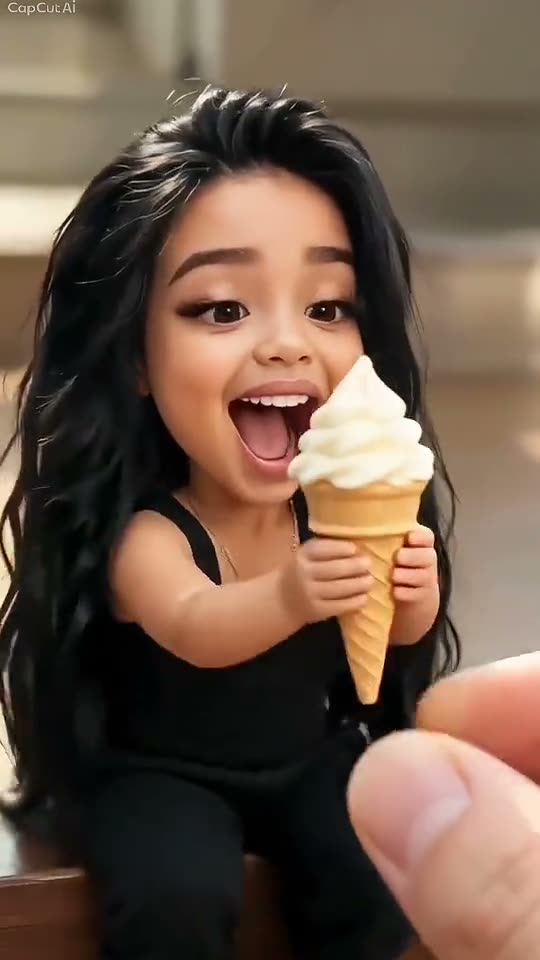
Christmas PFP AI is a 0:04 square reveal clip in the MakeTrend library. Upload one photo — one clear, front-facing subject per slot — pick a finish in the order panel, and the render comes back as an MP4 with one face swapped in. The original motion and audio stay on the file; there is no watermark and no editing software involved. The preview above is the real 1:1 file, added Nov 7, 2026.
What is the Christmas PFP trend?
The Christmas PFP trend is a reveal clip that builds to one change — a morph, a costume or a new character. What plays above is the real library preview at 1:1, not a storyboard: the 0:04 runtime, the square frame and one photo on this page are the ones your render uses.
At 4 seconds, Christmas PFP is one beat rather than a story: a grid of comic panels, then Santa hats on every avatar. It is also searched as Christmas PFP meme or christmas profile picture. One sharp, unobstructed headshot is plenty here, because most of the frame barely moves.
What your Christmas PFP render includes
Everything below is identical on all three finishes — the 0:04 runtime, the 1:1 frame and the original sound come from the preview above. A grid of comic panels and snow falling over a still drawing stay; only one face change.
- Length
- 0:04 loop · 4s source file
- Frame
- square · post as-is, or crop it for Reels and TikTok
- In the clip
- a grid of comic panels · Santa hats on every avatar — unchanged
- Faces
- 1 face replaced
- File
- MP4 with the original sound, no watermark
- Turnaround
- About 75 seconds from cleared checkout
- Privacy
- Uploaded photos deleted 7 days later
- Examples
- three other takes on this loop shown above
Your Christmas PFP video in three steps
The order panel above handles the upload and the payment. These are the three decisions that decide how the Christmas PFP render turns out.
- 01
Upload one photo. A single subject per photo, face large in the frame, evenly lit and looking at the lens. The artwork is small and mostly still, so crop your photo to a single large face — a full-body shot leaves the avatar with too few pixels.
- 02
Pick the finish you need. Stories and reposts do fine at 480p, phone-size posts look best at 720p, and anything destined for an ad or a big screen wants 1080p. All three are priced in the order panel above.
- 03
Get the file. No account is needed for a one-off card payment. Your Christmas PFP MP4 lands in your library in about a minute, ready to download and post with the original sound.
What photo works for the Christmas PFP AI video
The render is only as good as the source. One clear subject is all the model needs — a group shot makes it guess.
Works
- The artwork is small and mostly still, so crop your photo to a single large face — a full-body shot leaves the avatar with too few pixels.
- One face filling the frame — a person or a pet
- Facing the lens in even light
- Sharp — not a screenshot of a photo
- One sharp, unobstructed headshot is plenty here, because most of the frame barely moves.
Breaks it
- A group shot where the model has to guess which face you meant
- A hat brim, sunglasses or hair covering the eyes
- A heavy beauty filter or a screenshot of a photo
- A dim, grainy shot with the face turned away from the lens
Wondering why a Christmas PFP face swap looks soft on one face but not the other? Give the frame the sharpest photo you have — one sharp, unobstructed headshot is plenty here, because most of the frame barely moves.
Who people put in the Christmas PFP AI video
Who people put in the Christmas PFP clip: anyone refreshing an avatar for December; a whole friend group with matching pfps; the family chat. One face means the whole joke lands on whoever you choose. Use a photo you have permission to use — that goes double for anyone who is not you.
Where a Christmas PFP video ends up: December profile pictures, holiday greeting posts, group-chat avatars. The square 1:1 frame sits in a feed without letterboxing, and works well as a reply or a story. Keep the original sound if the trend depends on it and put captions outside the face.
Looking for something else in the same shelf? Browse all 13 transformations AI videos.
After watching Christmas PFP: your questions
You have just watched the 0:04 1:1 preview. These are the things people ask next — first about what is actually on screen, then about what changes when it is your face in that frame.
A comic-strip grid of Santa-hat profile pictures with snow drifting across the panels; the drawing stays still while the snow falls. The comic grid avatar and Santa hats on every avatar in that frame are part of the fixed 1:1 loop — the only thing that changes is one face.
Just the face. The body, Santa hat pfp, the camera move and the sound all come from the 1:1 preview; the render re-draws one face inside that footage.
Mostly a held frame with an overlay. One comic-grid avatar with snow falling over it — a single image pass, not four seconds of video. You still get the complete 0:04 1:1 MP4 you watched, sound included.
No. The 0:04 1:1 loop is a finished template: a grid of comic panels, snow falling over a still drawing and the audio are the same on every render and at every finish. The order panel gives you one photo and a choice of 480p, 720p or 1080p — that is the whole control surface.
The clip is the source, not an AI render. A grid of comic panels and the sound already exist in the 1:1 file above — the AI pass only re-draws one face after you order.
One photo. One subject per box. The artwork is small and mostly still, so crop your photo to a single large face — a full-body shot leaves the avatar with too few pixels. Keep the original file rather than a screenshot of it.
No. Your first render is the one you pay for. Watch Christmas PFP above plus the three extra takes to see how comic grid avatar treats different faces before you order.
A failed render is refunded automatically. If the face looks off rather than failing outright, the source photo is nearly always the reason — re-upload a sharper, straight-on original and run it again. The file and its link are both deleted 30 days after the render, so save the MP4 once you are happy with it.
Your Christmas PFP render as one 1:1 MP4, with a grid of comic panels and the sound intact. It is normally ready in about 75 seconds, the file and its link last 30 days, and the photos you uploaded are deleted 7 days after the render.
Yes — the MP4 carries the audio from the 0:04 preview, unchanged. The render replaces one face, not the edit, so nothing is re-recorded and MakeTrend adds no music. If TikTok, Instagram or YouTube mutes a post over music rights, that is a decision between the platform and the rights holder.
No. Christmas PFP AI is an independent, unaffiliated template built around a recognisable loop. The preview belongs to its creator; what you receive is your own 1:1 MP4, and rights holders can request a takedown of the preview at any time.
It can be: pick 1080p and use a paid plan, which includes a commercial licence for the render. As with any parody or fan edit, rights in the original scene and the music are yours to clear.
December profile pictures, holiday greeting posts and group-chat avatars are the usual destinations. Post the MP4 as-is with the original sound and a short caption, then set the AI-label option where you publish.
The MP4 and its download link both expire 30 days after the render, and the photo you uploaded is deleted after 7. Save the file when it lands — nothing else is kept.
Ready to see yourself in Christmas PFP?
Upload one photo in the order panel above. A grid of comic panels stays; one face becomes yours in the 0:04 MP4.