Music & stage AI videos
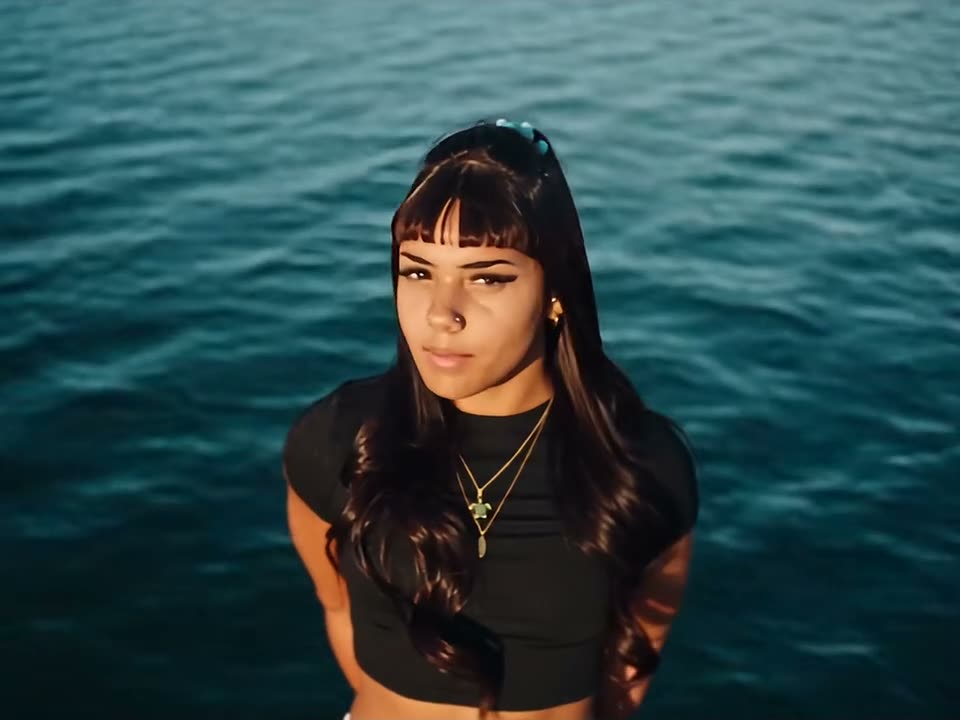
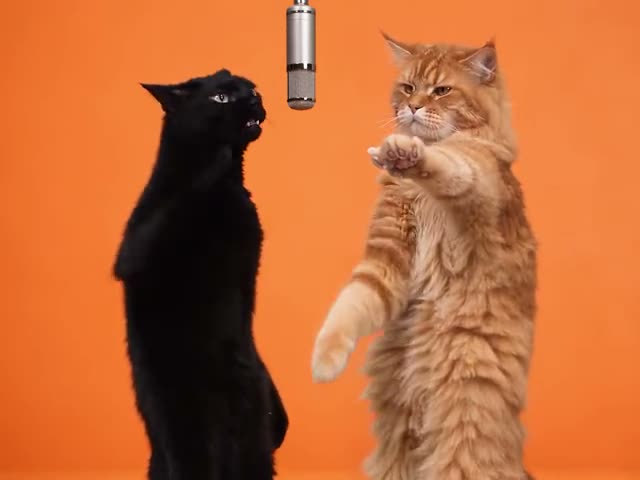
Step into a lip-sync, a stage shot or a music-video moment. Watch the real loop, upload a photo, and get the performance back with your face in it.
Performance clips are built around a face held to camera — a verse, a lip-sync, a spotlight moment. That is exactly the framing a face swap needs, which is why these templates hold up better than a fast-cut montage.
This collection covers concert-style shots, mic-in-hand performances and music-video recreations. Each page shows the true runtime, the frame shape and how many faces the scene takes before you upload anything.
Good for Lip-syncs, fan edits, cover announcements and artist promos.
- ai music video face swap from photo
- put your face in a lip sync video
- ai concert clip generator
- stage performance face swap template
- music video ai meme no watermark
- singing ai video with your face
- ai karaoke video template
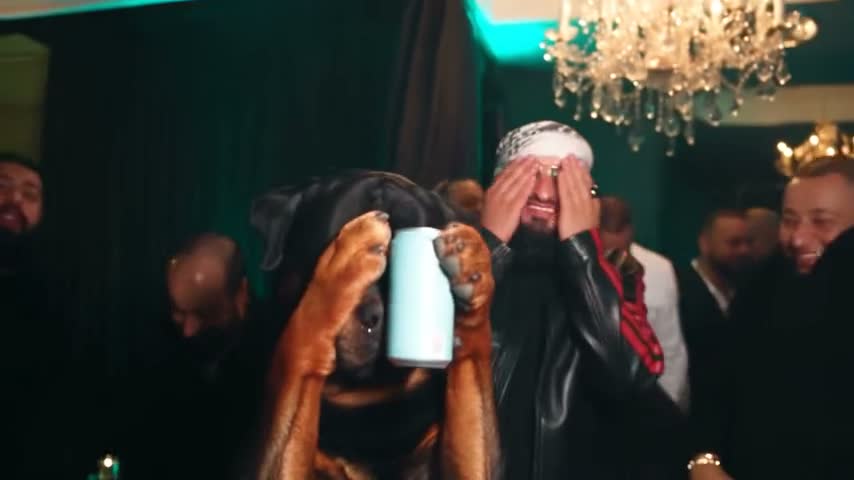
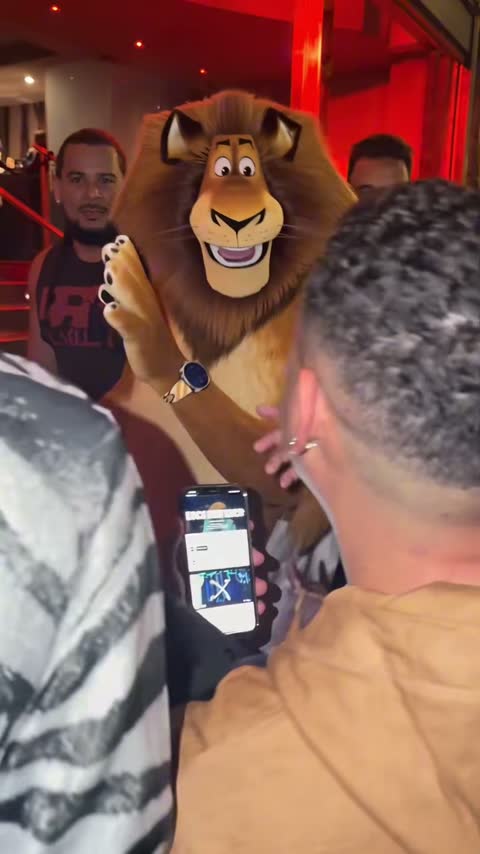
One-photo music & stage AI video templates
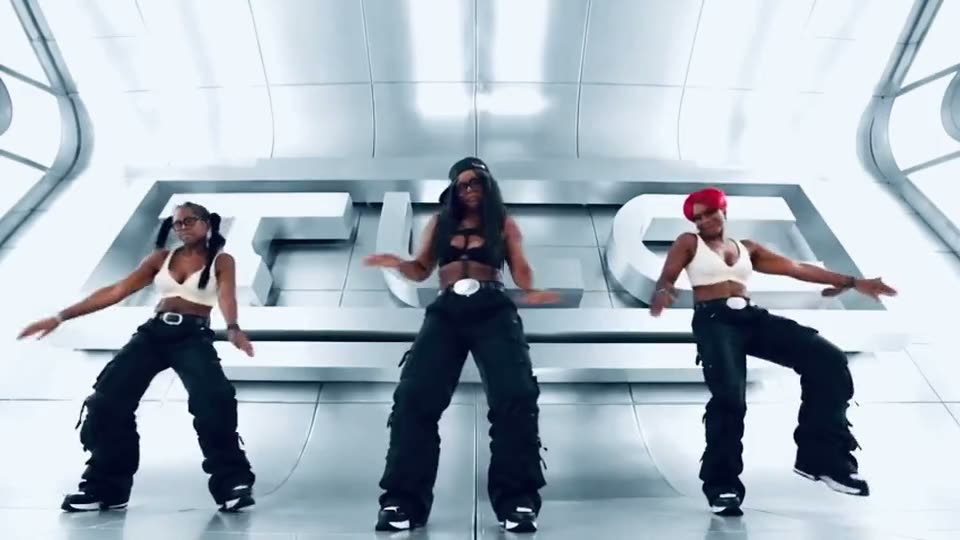
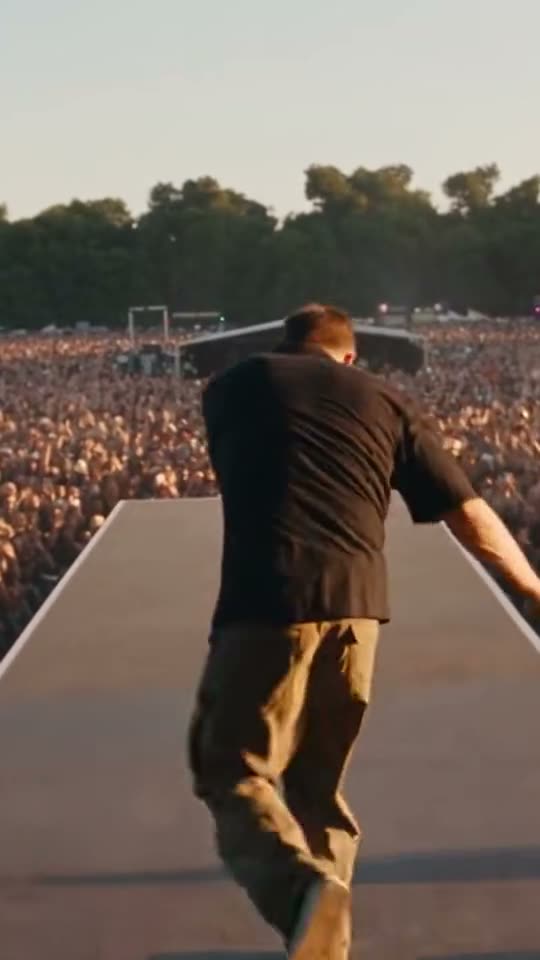
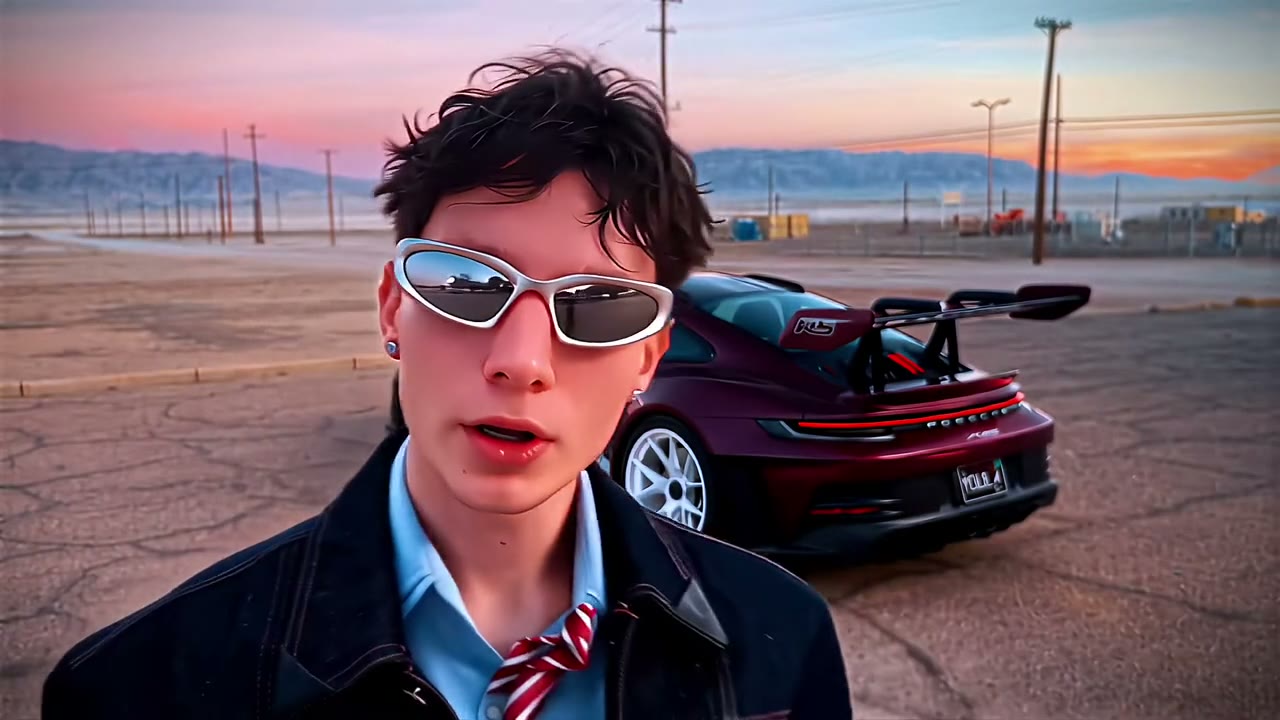
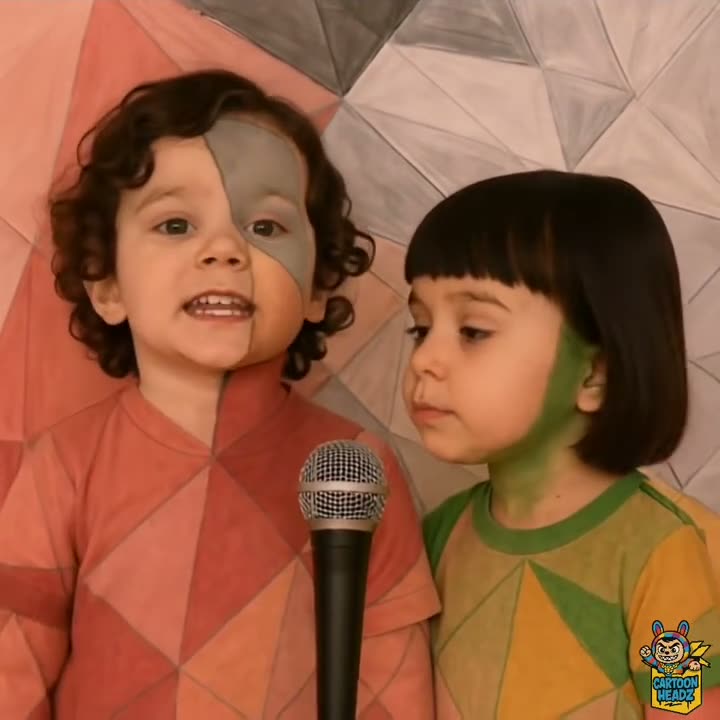
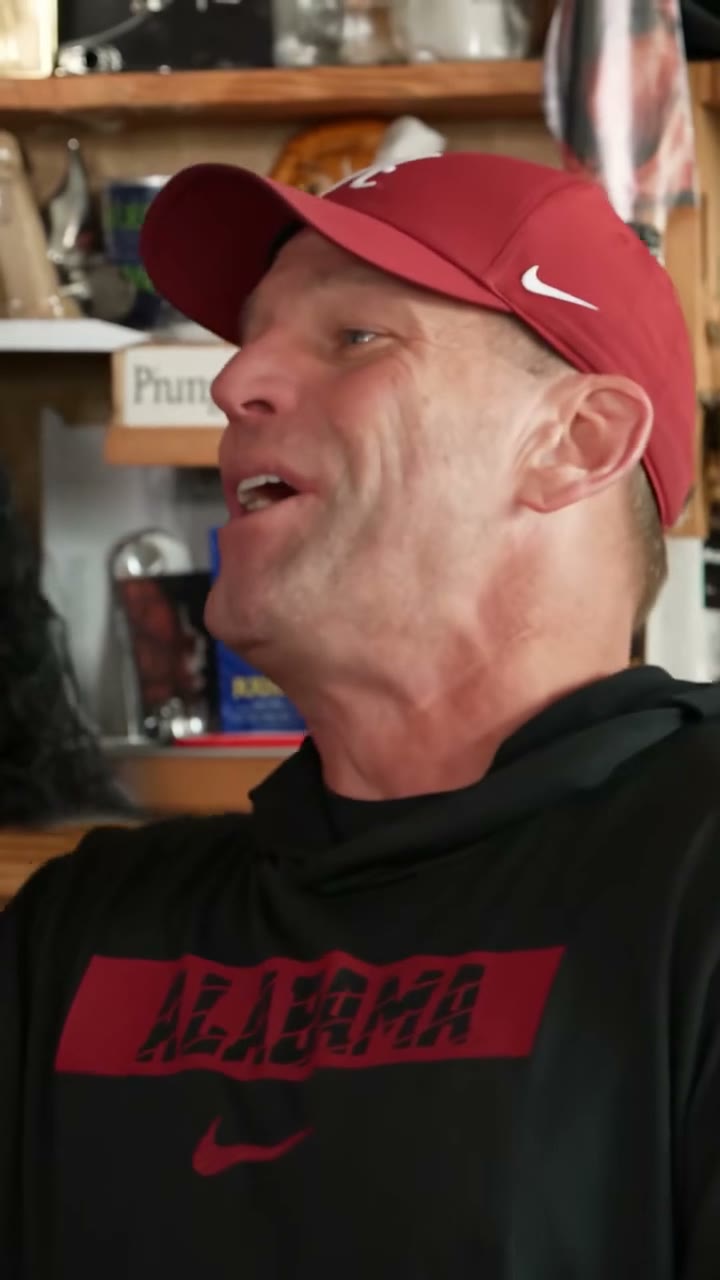
Multi-photo music & stage AI video clips
Music & stage AI video FAQ
For single-subject performance shots, one clear front-facing photo is enough. Clips with two performers take two photos, one per labelled upload slot. The page for each loop tells you which it is before you pay.
The render follows the head position and expression already in the loop, so a straight-on, evenly lit photo tracks the performance better than a hard profile or a shot with sunglasses. Avoid uploading a screenshot of a photo — compression shows up on the face.
Yes. You get the loop's original audio on the downloaded file, with no watermark. The swap changes the face only, not the edit, the timing or the sound.