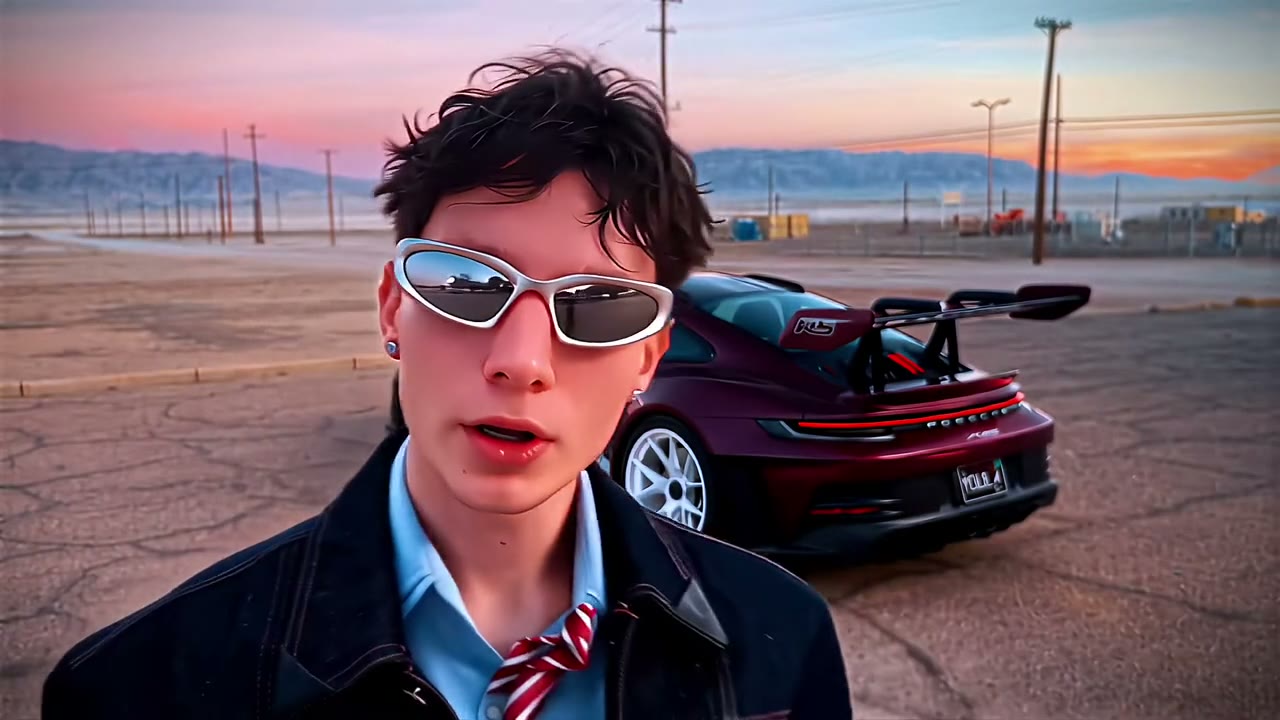
A figure in black walks away from the lens toward a festival crowd at dusk, with stage lights and a sea of phones behind him.
Now it's you. Upload one photo and the 0:15 loop comes back with one face replaced. What stays: a walk-out toward the crowd, a back view held for several seconds, stage lights behind the subject, the 9:16 frame and the original sound.
What is Lil Yachty Walkout AI and how do I make one?
Lil Yachty Walkout AI is a 0:15 vertical 9:16 performance clip in the MakeTrend library. Upload one photo — one clear, front-facing subject per slot — pick a finish in the order panel, and the render comes back as an MP4 with one face swapped in. The original motion and audio stay on the file; there is no watermark and no editing software involved. In this one, a walk-out toward the crowd, a back view held for several seconds, stage lights behind the subject all stay exactly where they are in the preview.
What is the Lil Yachty Walkout trend?
The Lil Yachty Walkout trend is a performance clip that holds on a performer delivering a line, a verse or a lip-sync. What plays above is the real library preview at 9:16, not a storyboard: the 0:15 runtime, the vertical 9:16 frame and one photo on this page are the ones your render uses.
People look for this clip under a few different names: Lil Yachty Walkout meme or Lil Yachty Walkout trend. Whatever it is called, festival walk-out and the 0:15 timing are fixed — the only thing that changes is one face.
What you get with a Lil Yachty Walkout face swap
Everything below is identical on all three finishes — the 0:15 runtime, the 9:16 frame and the original sound come from the preview above. A walk-out toward the crowd and stage lights behind the subject stay; only one face change.
- Length
- 0:15 loop · 15s source file
- Frame
- vertical 9:16 · post as-is on a phone screen
- In the clip
- a walk-out toward the crowd · a back view held for several seconds — unchanged
- Faces
- 1 face replaced
- File
- MP4 with the original sound, no watermark
- Turnaround
- About 75 seconds from cleared checkout
- Privacy
- Uploaded photos deleted 7 days later
- Examples
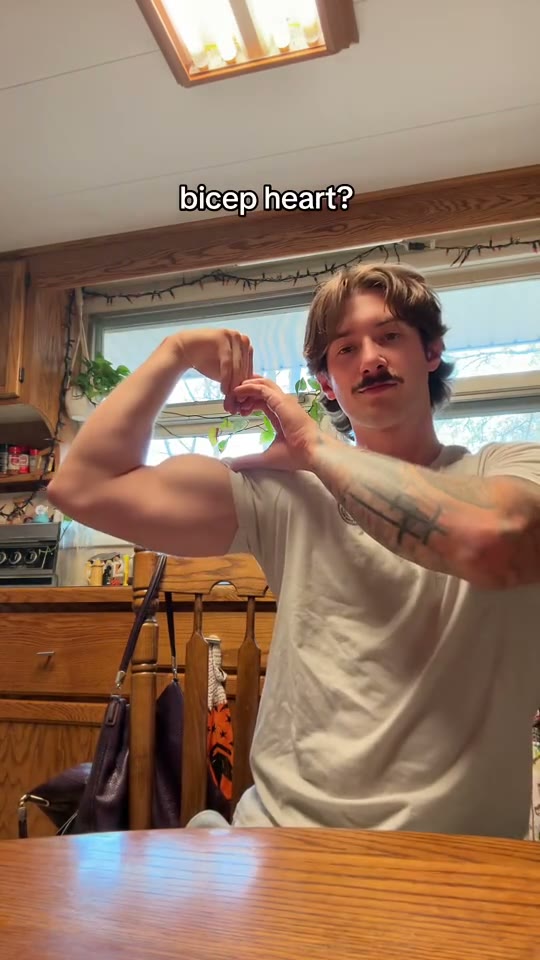
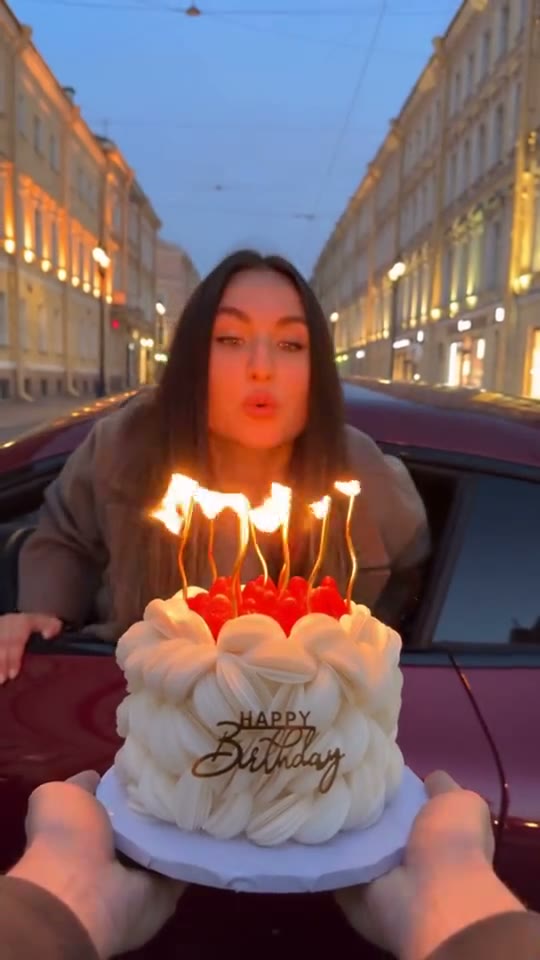
- one other take on this loop shown above
Your Lil Yachty Walkout video in three steps
The order panel above handles the upload and the payment. These are the three decisions that decide how the Lil Yachty Walkout render turns out.
- 01
Bring one photo. One per slot. Sharp originals, not screenshots; no sunglasses, masks or hands across the face. This one holds a back view for a long stretch, so a photo with head, shoulders and a bit of the hairstyle reads better than a tight cropped selfie.
- 02
Set the resolution. The three finishes differ only in resolution — the 0:15 Lil Yachty Walkout performance clip, festival walk-out and the audio stay exactly the same. Choose in the order panel above.
- 03
Pay and wait a minute. Card, credits or a monthly allowance all produce the same render. The MP4 is watermark-free, and the photos you uploaded are deleted after 7 days.
What photo works for the Lil Yachty Walkout AI video
The render is only as good as the source. One clear subject is all the model needs — a group shot makes it guess.
What works
- This one holds a back view for a long stretch, so a photo with head, shoulders and a bit of the hairstyle reads better than a tight cropped selfie.
- One face filling the frame — a person or a pet
- Facing the lens in even light
- Sharp — not a screenshot of a photo
- Pick a photo with even light and a neutral expression; dramatic side lighting on the source photo fights the stage lighting in the clip.
Breaks it
- A group shot where the model has to guess which face you meant
- A hat brim, sunglasses or hair covering the eyes
- A heavy beauty filter or a screenshot of a photo
- A dim, grainy shot with the face turned away from the lens
The two mistakes people make on a 0:15 vertical 9:16 loop like Lil Yachty Walkout: using a screenshot instead of the original photo, and uploading a group shot where one face compete. A single clean head-on portrait fixes both.
Who people put in the Lil Yachty Walkout AI video
Who people put in the Lil Yachty Walkout clip: anyone making a grand-entrance joke; the friend who treats every door like a stage; a fan-account edit. One face means the whole joke lands on whoever you choose. Use a photo you have permission to use — that goes double for anyone who is not you.
Where a Lil Yachty Walkout video ends up: concert recaps, entrance posts, hype reels. The 9:16 frame fills a phone screen with no cropping, so the MP4 can go straight to TikTok, Reels or Shorts as-is. Keep the original sound if the trend depends on it and put captions outside the face.
Looking for something else in the same shelf? Browse all 10 music & stage AI videos.
Questions people ask after watching Lil Yachty Walkout
Watched the Lil Yachty Walkout loop above and still wondering about festival walk-out or stage lights behind the subject? The first group of answers is about the clip itself; the rest cover your render and where you can post it.
A figure in black walks away from the lens toward a festival crowd at dusk, with stage lights and a sea of phones behind him. Nothing was generated while you watched — the player is playing the real 0:15 file. The AI pass happens only after you upload.
It is the face from the source loop, used to show the framing — not a customer photo. One clear portrait replaces it, and the rest of the 9:16 frame stays exactly as it is.
No. The example strip shows what other source photos look like on this loop; your order produces one 0:15 MP4 from your own one photo.
The scene is fixed. Nothing about the festival walk-out or the 15-second timing is editable here, and the three finishes differ only in resolution. If you want a different setup, there are 9 other loops in the music & stage shelf.
No — what you watched is the source, not a render. It is a real 15-second video file; the AI pass starts when you order and returns a new 0:15 MP4 with your face in it.
One photo, full stop — one clear, front-facing subject, JPG, PNG or WebP up to 10 MB. This one holds a back view for a long stretch, so a photo with head, shoulders and a bit of the hairstyle reads better than a tight cropped selfie.
No — the swap is the render, so there is no test version. The 0:15 preview and the one extra take below it show the same loop with different source photos so you can judge the framing first.
A failed render is refunded automatically. If the face looks off rather than failing outright, the source photo is nearly always the reason — re-upload a sharper, straight-on original and run it again. The file and its link are both deleted 30 days after the render, so save the MP4 once you are happy with it.
A single clean MP4 — 0:15, 9:16, the original audio, no watermark or end card — usually ready about 75 seconds after payment. Save it inside 30 days, because the file and the link are deleted together then; your source photos are deleted after 7.
Yes — the MP4 carries the audio from the 0:15 preview, unchanged. The render replaces one face, not the edit, so nothing is re-recorded and MakeTrend adds no music. If TikTok, Instagram or YouTube mutes a post over music rights, that is a decision between the platform and the rights holder.
Yes, set the AI-label option in the app you publish from. A Lil Yachty Walkout render is realistic AI media, and the main platforms require disclosure. MakeTrend leaves the 0:15 MP4 clean, so the label is added where you post, not in the file.
Yes — the 9:16 frame fills a phone screen without cropping, so the MP4 can go straight to TikTok, Reels or Shorts. It is watermark-free, with the original sound on the file.
The MP4 and its download link both expire 30 days after the render, and the photo you uploaded is deleted after 7. Save the file when it lands — nothing else is kept.
Ready to see yourself in Lil Yachty Walkout?
Upload one photo in the order panel above. A walk-out toward the crowd stays; one face becomes yours in the 0:15 MP4.