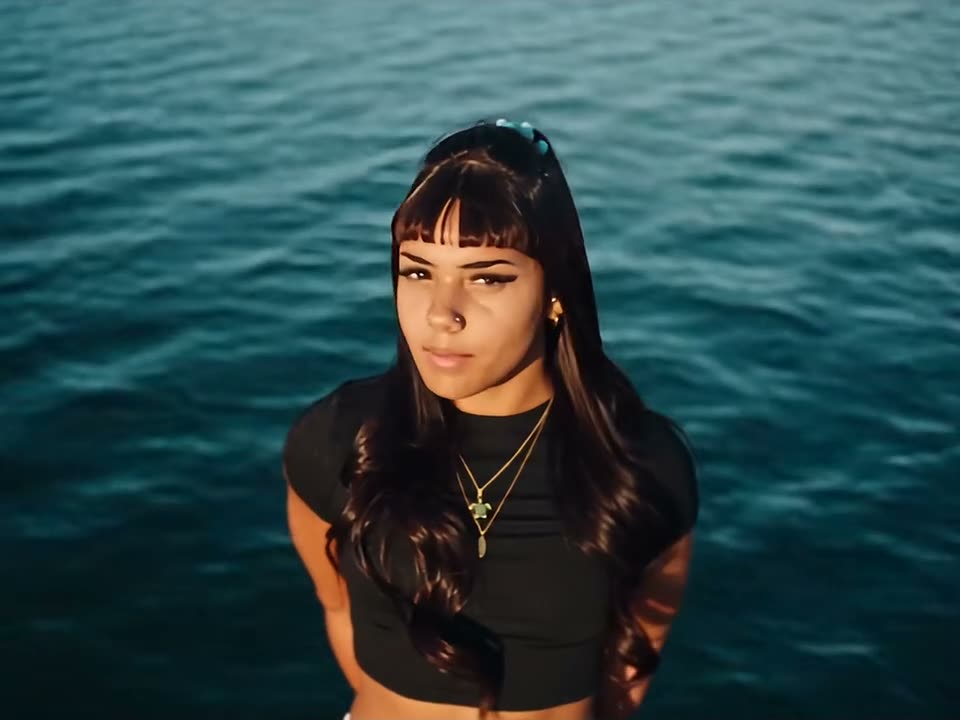
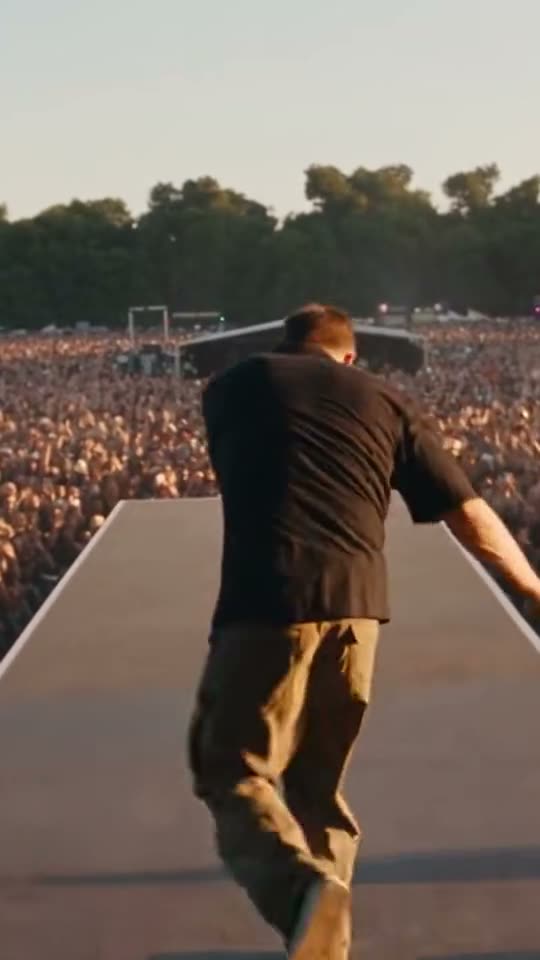
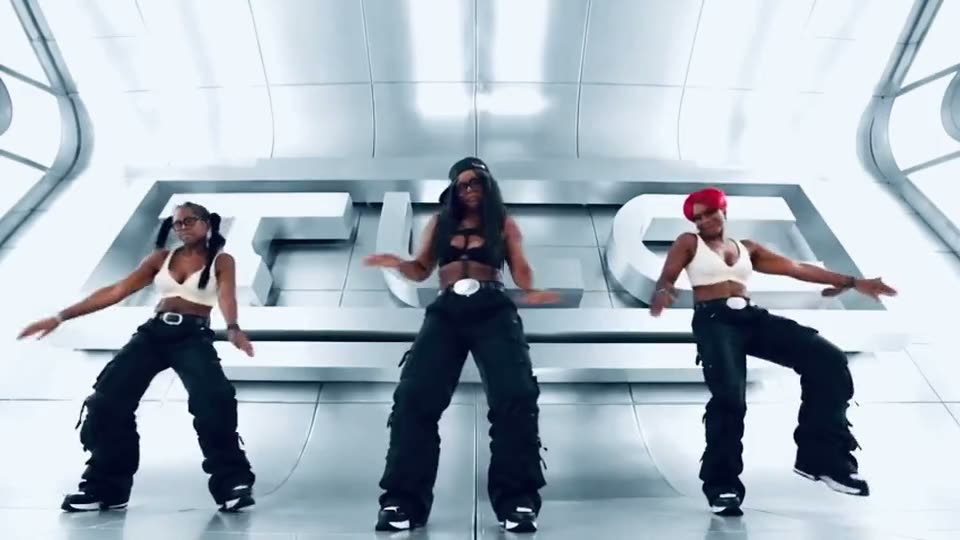
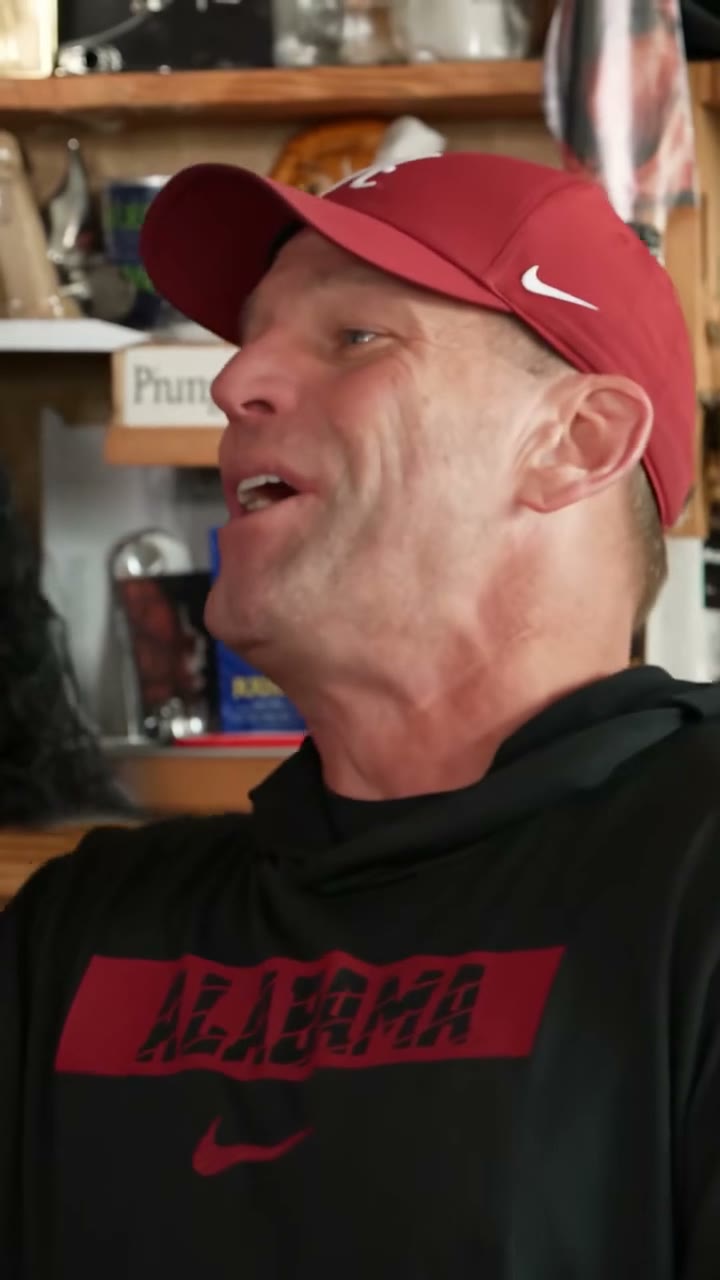
Two kids in red and green, close to the lens and singing into microphones with their mouths wide open on every line.
Now it's your faces. Upload two photos and the 0:20 loop comes back with two faces replaced. What stays: two young singers side by side, big open-mouthed lines, a fixed close-up on both faces, the 1:1 frame and the original sound.
What is Somebody That I Used To Know AI and how do I make one?
Somebody That I Used To Know AI is a 0:20 square performance clip in the MakeTrend library. Upload two photos — one clear, front-facing subject per slot — pick a finish in the order panel, and the render comes back as an MP4 with two faces swapped in. The original motion and audio stay on the file; there is no watermark and no editing software involved. In this one, two young singers side by side, big open-mouthed lines, a fixed close-up on both faces all stay exactly where they are in the preview.
What is the Somebody That I Used To Know trend?
The Somebody That I Used To Know trend is a performance clip that holds on a performer delivering a line, a verse or a lip-sync. What plays above is the real library preview at 1:1, not a storyboard: the 0:20 runtime, the square frame and two photos on this page are the ones your render uses.
People look for this clip under a few different names: Somebody That I Used To Know meme or Somebody That I Used To Know trend. Whatever it is called, two kid singers and the 0:20 timing are fixed — the only thing that changes is two faces.
What your Somebody That I Used To Know render includes
Everything below is identical on all three finishes — the 0:20 runtime, the 1:1 frame and the original sound come from the preview above. Two young singers side by side and a fixed close-up on both faces stay; only two faces change.
- Length
- 0:20 loop · 20s source file
- Frame
- square · post as-is, or crop it for Reels and TikTok
- In the clip
- two young singers side by side · big open-mouthed lines — unchanged
- Faces
- 2 faces replaced · the left slot (first face at the wall), the right slot (second face at the wall)
- File
- MP4 with the original sound, no watermark
- Turnaround
- About 75 seconds from cleared checkout
- Privacy
- Uploaded photos deleted 7 days later
- Examples
- two other takes on this loop shown above
Your Somebody That I Used To Know video in three steps
The order panel above handles the upload and the payment. These are the three decisions that decide how the Somebody That I Used To Know render turns out.
- 01
Upload two photos. A single subject per photo, face large in the frame, evenly lit and looking at the lens; use the left slot (first face at the wall), the right slot (second face at the wall) so each person lands in the right place. Both faces stay large in frame while the mouths move, so a hard profile or a hand near the face shows up immediately — two dead-on portraits, one per slot.
- 02
Pick the finish you need. Stories and reposts do fine at 480p, phone-size posts look best at 720p, and anything destined for an ad or a big screen wants 1080p. All three are priced in the order panel above.
- 03
Get the file. No account is needed for a one-off card payment. Your Somebody That I Used To Know MP4 lands in your library in about a minute, ready to download and post with the original sound.
What photo works for the Somebody That I Used To Know AI video
The render is only as good as the source. This loop swaps 2 faces, so each labelled box needs its own single-subject photo.
Works
- Both faces stay large in frame while the mouths move, so a hard profile or a hand near the face shows up immediately — two dead-on portraits, one per slot.
- One photo per slot — the left slot (first face at the wall), the right slot (second face at the wall)
- One subject in each photo, facing the lens
- Sharp original rather than a screenshot
- Pick a photo with even light and a neutral expression; dramatic side lighting on the source photo fights the stage lighting in the clip.
Breaks it
- Sunglasses, masks or a hand across the face
- Hard profile turned past 45°
- Two subjects in one photo — the model picks the first face it finds
- A heavy filter or a low-light, grainy shot
The two mistakes people make on a 0:20 square loop like Somebody That I Used To Know: using a screenshot instead of the original photo, and uploading a group shot where two faces compete. A single clean head-on portrait fixes both.
Who's making Somebody That I Used To Know videos
Who people put in the Somebody That I Used To Know clip: two siblings; a pair of friends who sing together; anyone with a karaoke habit. The labelled boxes make it easy to split the joke between two people. Use a photo you have permission to use — that goes double for anyone who is not you.
Where a Somebody That I Used To Know video ends up: lip-sync duets, throwback song posts, sibling posts. The square 1:1 frame sits in a feed without letterboxing, and works well as a reply or a story. Keep the original sound if the trend depends on it and put captions outside the face.
Looking for something else in the same shelf? Browse all 10 music & stage AI videos.
Somebody That I Used To Know: what viewers ask next
Watched the Somebody That I Used To Know loop above and still wondering about two kid singers or a fixed close-up on both faces? The first group of answers is about the clip itself; the rest cover your render and where you can post it.
Two kids in red and green, close to the lens and singing into microphones with their mouths wide open on every line. Nothing was generated while you watched — the player is playing the real 0:20 file. The AI pass happens only after you upload.
They are the people in the source loop, not customers. The upload boxes are labelled LEFT: first face at the wall; RIGHT: second face at the wall. Upload two photos, one person in each, and both of those faces are replaced.
The shot is held. A locked-off close-up of two singers — billed as a light effect, not twenty seconds of generated motion. That is also why the render is billed for 10 seconds rather than the full 20.
No — what you watched is the source, not a render. It is a real 20-second video file; the AI pass starts when you order and returns a new 0:20 MP4 with your face in it.
It is square 1:1 — the same ratio as the preview above, not re-framed for this page. It sits in a feed without letterboxing; crop it yourself if you want a full-screen story.
Two photos, full stop — one clear, front-facing subject in each, JPG, PNG or WebP up to 10 MB. The upload boxes are labelled LEFT: first face at the wall; RIGHT: second face at the wall. Both faces stay large in frame while the mouths move, so a hard profile or a hand near the face shows up immediately — two dead-on portraits, one per slot.
Not inside the template — Somebody That I Used To Know is a fixed 0:20 1:1 loop and the MP4 matches the preview. Repeat the file or cut it together with your own footage in an editor afterwards.
480p for a repost, 720p for everyday posting, 1080p for ads or a big screen. All three are the same 0:20 square 1:1 loop with two young singers side by side and the original audio; the order panel above shows the current options.
A single clean MP4 — 0:20, 1:1, the original audio, no watermark or end card — usually ready about 75 seconds after payment. Save it inside 30 days, because the file and the link are deleted together then; your source photos are deleted after 7.
It is the loop's own sound, exactly as you heard it. Only two faces are re-rendered; the timing, the mix and the 20-second length stay. We do not clear or replace tracks — a platform mute is a rights matter outside the render.
Ask first, and use only photos you have permission to use. A Somebody That I Used To Know render puts a recognisable face into a 0:20 loop, so a friend, a relative or a coworker should agree before you upload them; public figures are best left out. That applies to both labelled slots.
It posts to a feed as-is at 1:1; for a full-screen story you would crop it in the app. It is watermark-free, with the original sound on the file.
No. You get the 0:20 1:1 MP4 with the original sound, no watermark, no logo and no end card. The only difference between finishes is resolution; the disclosure label, if you need one, is set where you publish.
The MP4 and its download link both expire 30 days after the render, and the photos you uploaded are deleted after 7. Save the file when it lands — nothing else is kept.
Ready to see yourself in Somebody That I Used To Know?
Upload two photos in the order panel above. Two young singers side by side stays; two faces become yours in the 0:20 MP4.