Dance AI videos
Put your own face into the dance loops people keep rewatching — from two-person duets to solo choreography, rendered as a clean MP4 from one or two photos.
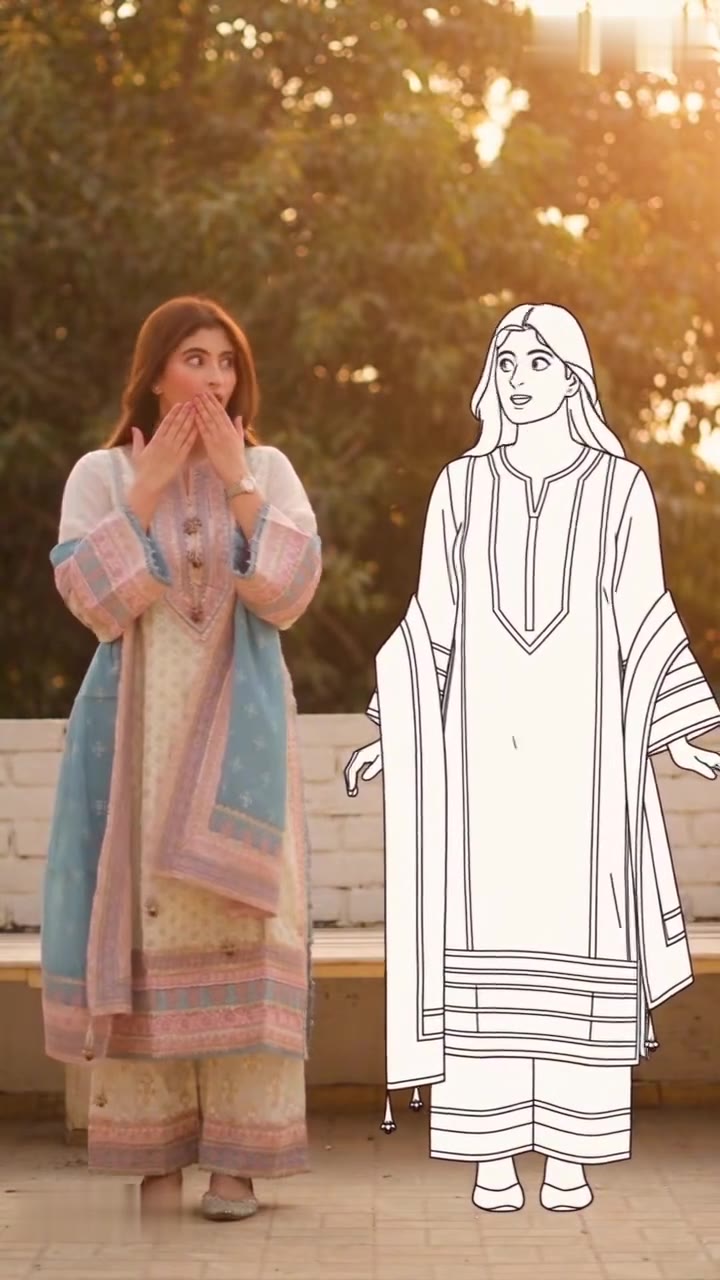
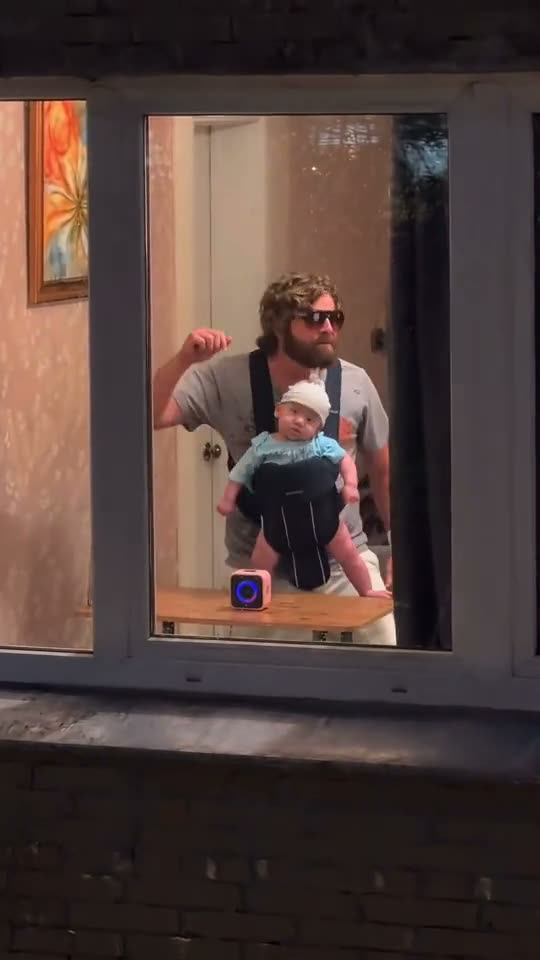
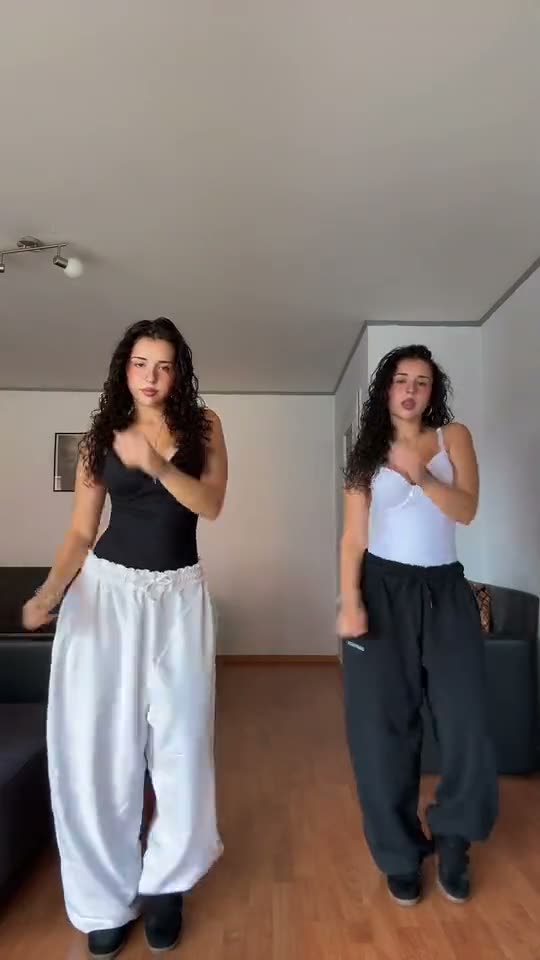
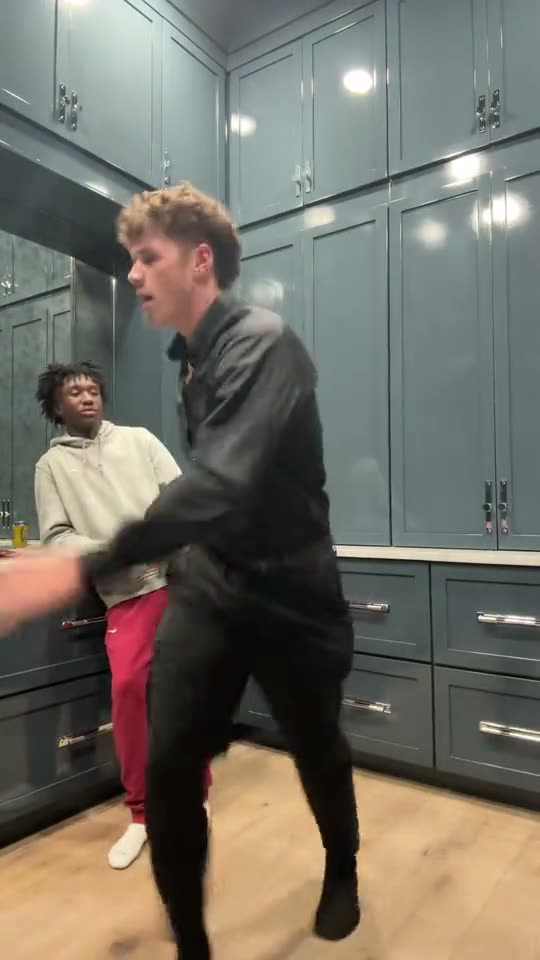
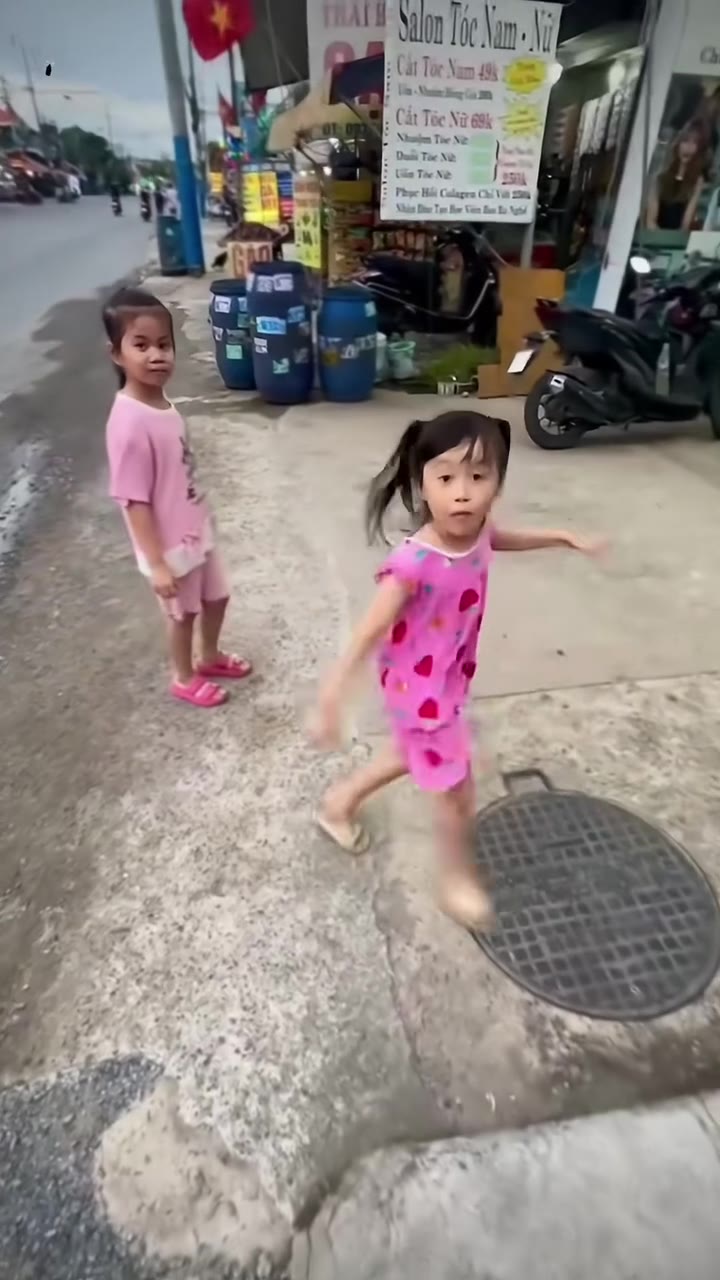
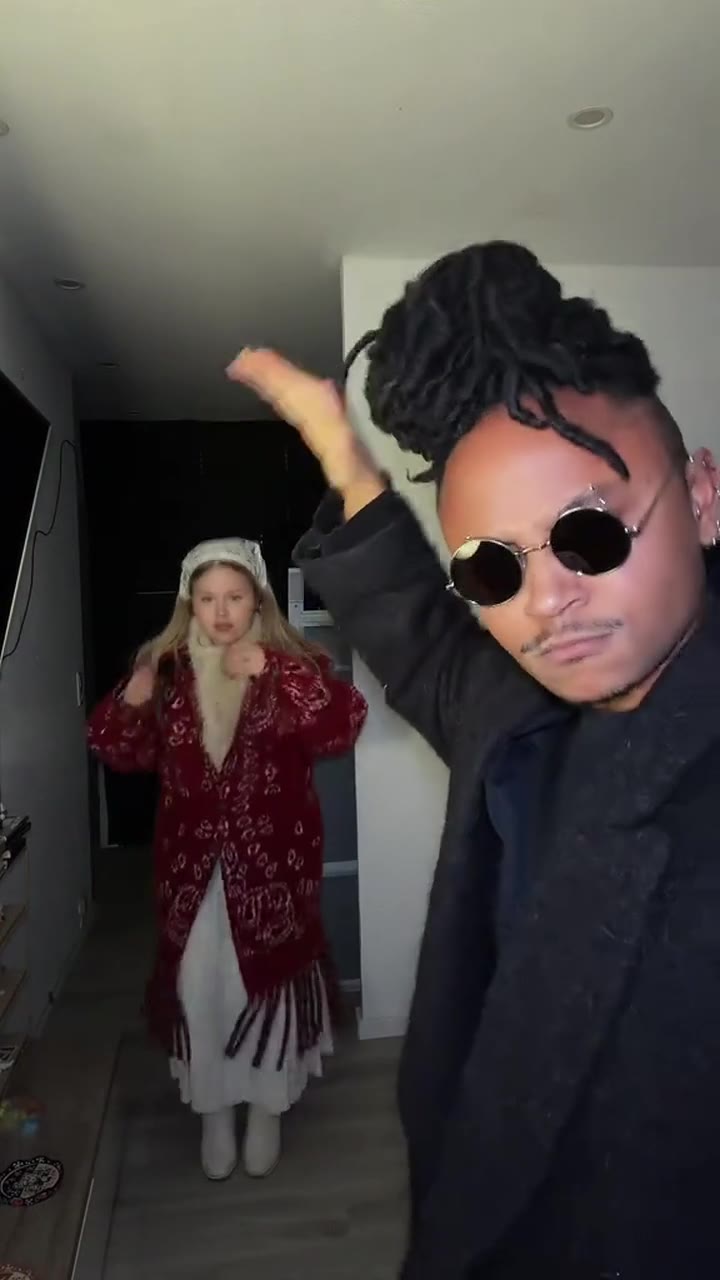
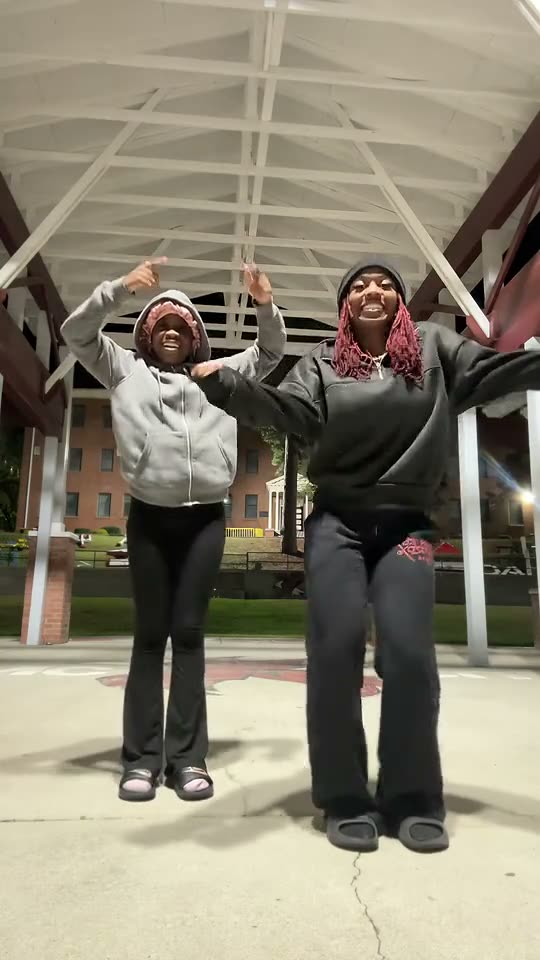
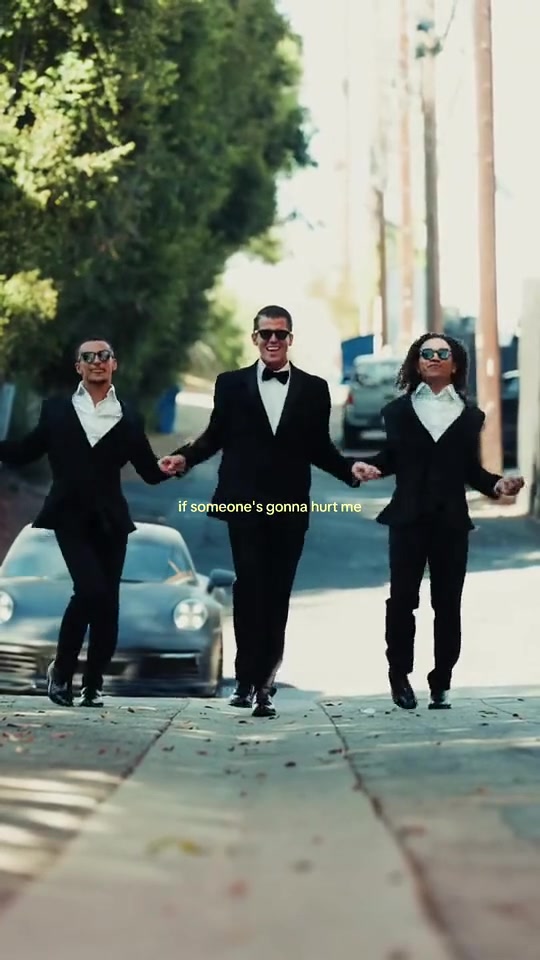
A dance loop is the most searched kind of face swap video for a reason: the move repeats, the camera stays put, and a single swapped face reads clearly for the whole clip. Every template in this collection is a real loop you can watch before you pay — no storyboard, no demo reel.
Most of these clips are vertical 9:16 for TikTok, Reels and Shorts. You upload one photo per face in the frame, pick a finish, and the render comes back with the original motion and sound intact. Two-person dances take two photos; solo routines take one.
Good for Dance challenges, duet replies, birthday posts and team accounts.
- ai dance face swap video from photo
- two person dance face swap template
- tiktok dance ai video generator
- vertical 9:16 dance face swap
- how to put your face in a dance trend
- ai dance challenge no watermark
- dance duet ai video with two photos
- best ai dance templates 2026
One-photo dance AI video templates

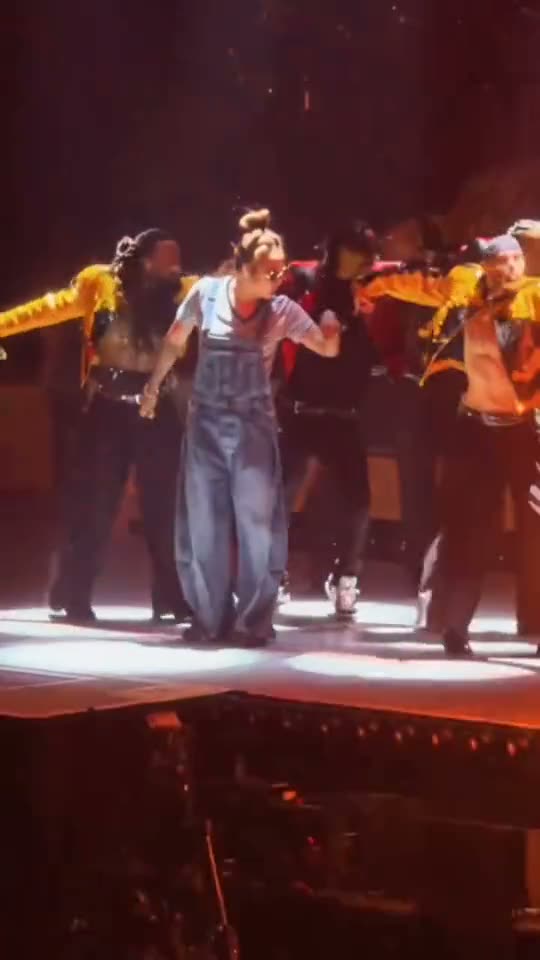
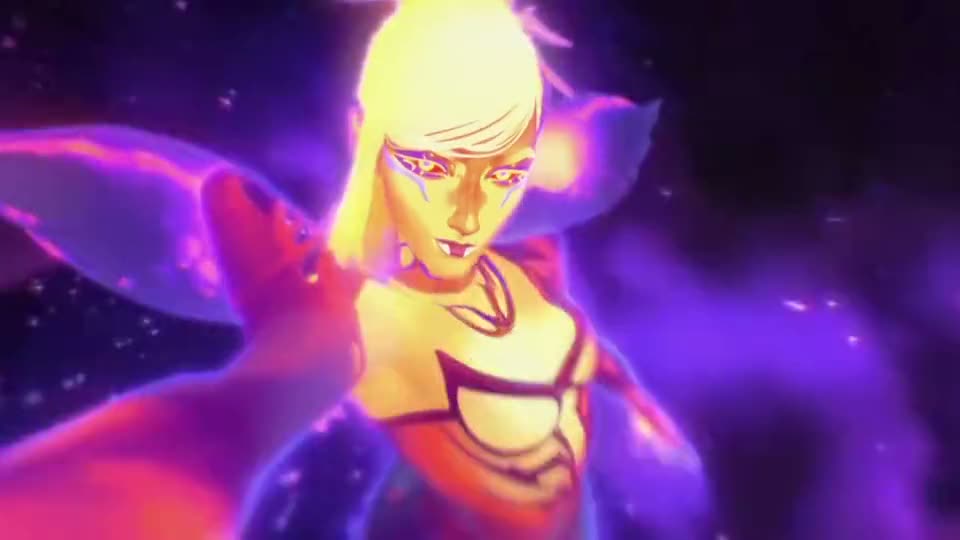

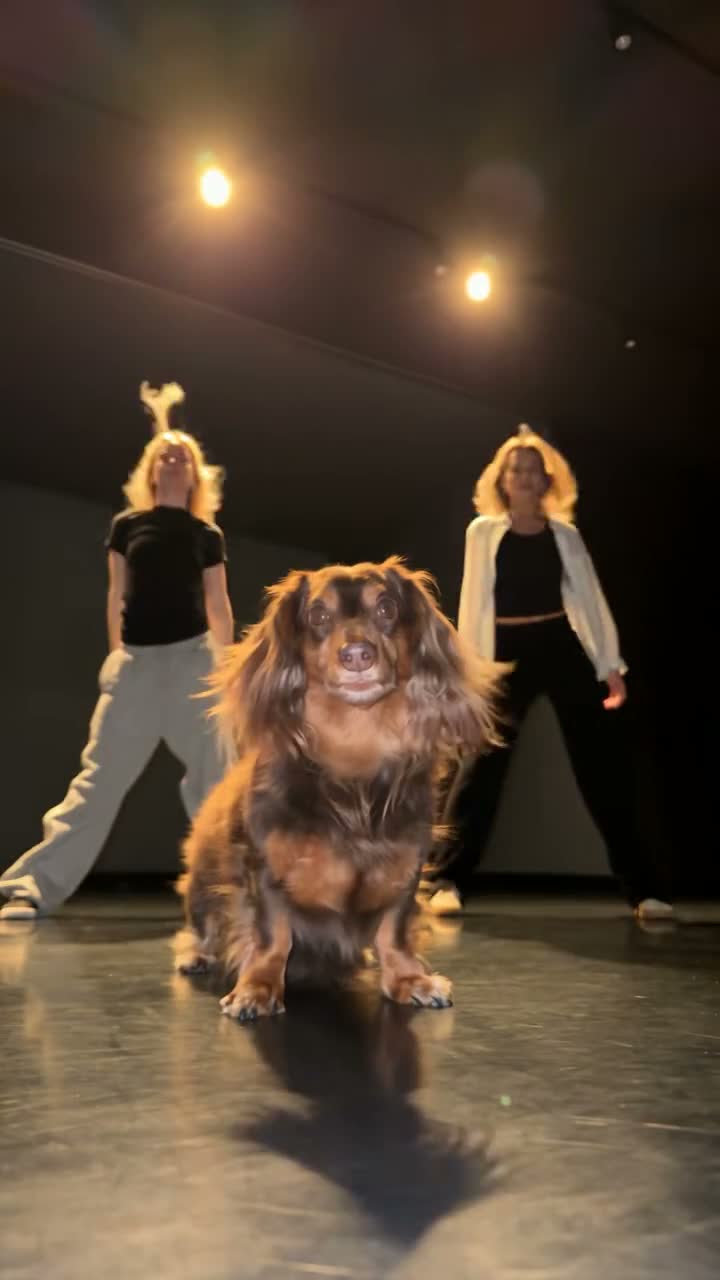
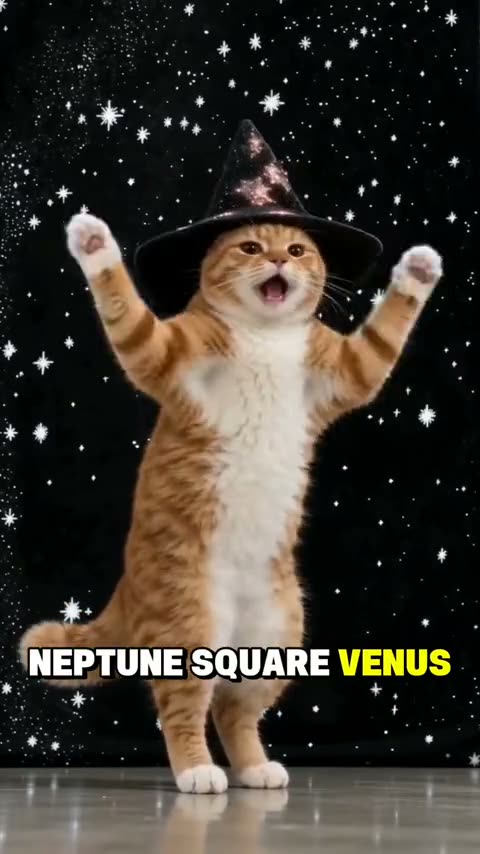
Multi-photo dance AI video clips



Dance AI video FAQ
One per face in the frame. Solo choreography takes one photo, duets and side-by-side routines take two — the upload boxes are labelled with which dancer each slot belongs to. One subject per photo, front-on and evenly lit, gives the cleanest result.
Yes, for two-face routines you can upload one photo of each person. Use a photo you have permission to use, keep one face per image, and avoid group shots: the renderer picks the first face it finds, which is rarely the one you meant.
Most are 9:16 and fill a phone screen without cropping. A few older loops are square or widescreen; the shape is printed on each clip page before you buy, and the MP4 you receive keeps that same aspect ratio.
Yes. The render replaces the face, not the edit — original motion, timing and audio stay on the file. What you download is an MP4 with no watermark, ready to post or drop into a caption edit.