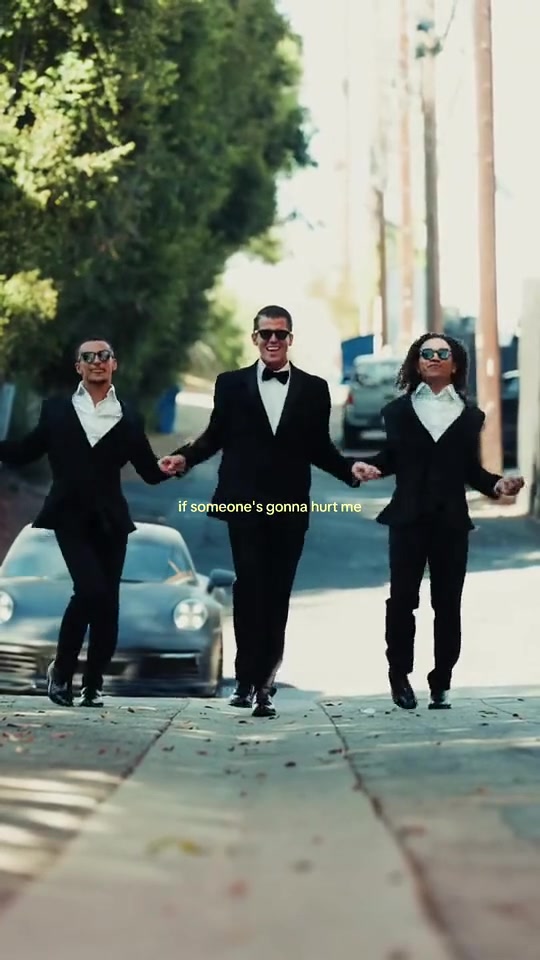
What you actually get
What is Bing Bing Bing AI?
The meme is a few seconds of phone footage from a Vietnamese shop street: two little girls in matching pink, side by side, taking turns throwing side kicks at the lens while whoever is filming backs away. It has gone around as a reaction clip since late 2024, and the “bing bing bing” beat the kicks land on gave it its name.
This page makes that clip with two photos instead of two girls. The reference keeps the street, the camera, the five beats and the timing; your photos supply the two figures — box one charges the lens at 2.5s, box two kicks high at 0.5s and closes on the close-up.
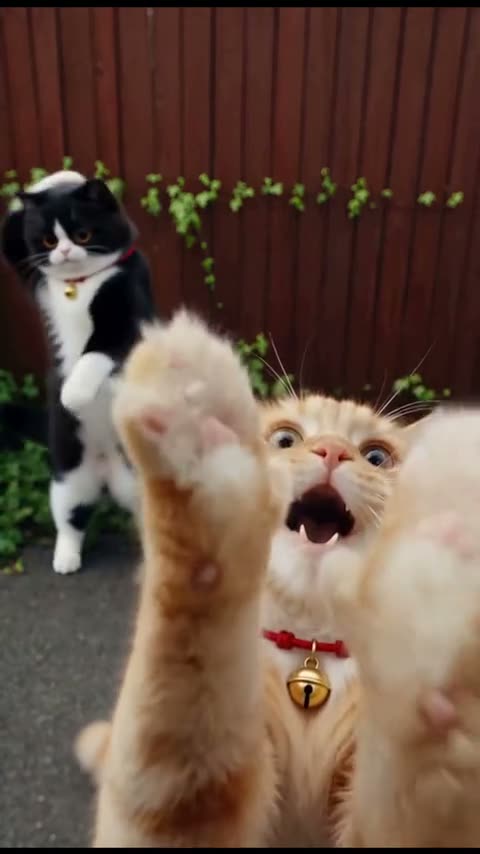
Five seconds, 9:16, one continuous take, the song already on the MP4. A pet works in either box, upright on its hind legs. Neither of the original two girls appears in your file.
How did Bing Bing Bing AI become a trend?
From one phone, one take: a shop street in Vietnam, two little girls in matching pink, side by side, taking turns kicking at the camera while whoever is filming backs away. It has gone around as a reaction clip since late 2024, and reposts never named the girls — the credit has stayed lost for two years.
Song or sound?
A sound, not a title. There is no single, artist or release anyone credits it to; what people call “the Bing Bing Bing song” is the audio the clip is cut to — a short, punchy track built on a repeated “bing bing bing” hook, with a hit landing on every kick. On TikTok it lives as a sound you add from the picker, and that hook is what named the trend.
A short timeline
- Late 2024The clip already circulates as a reaction video. Reposts never name the two girls, and the credit stays lost.
- Oct 15, 2026First AI version found: a hippo and a crocodile doing the same kicks on the same street. From then on, a format.
- Oct 17–22, 2026Parrots and furry monsters pass two million views; two-photo templates follow, #bingbingbing passes 1,900 videos.
Who people put on the street
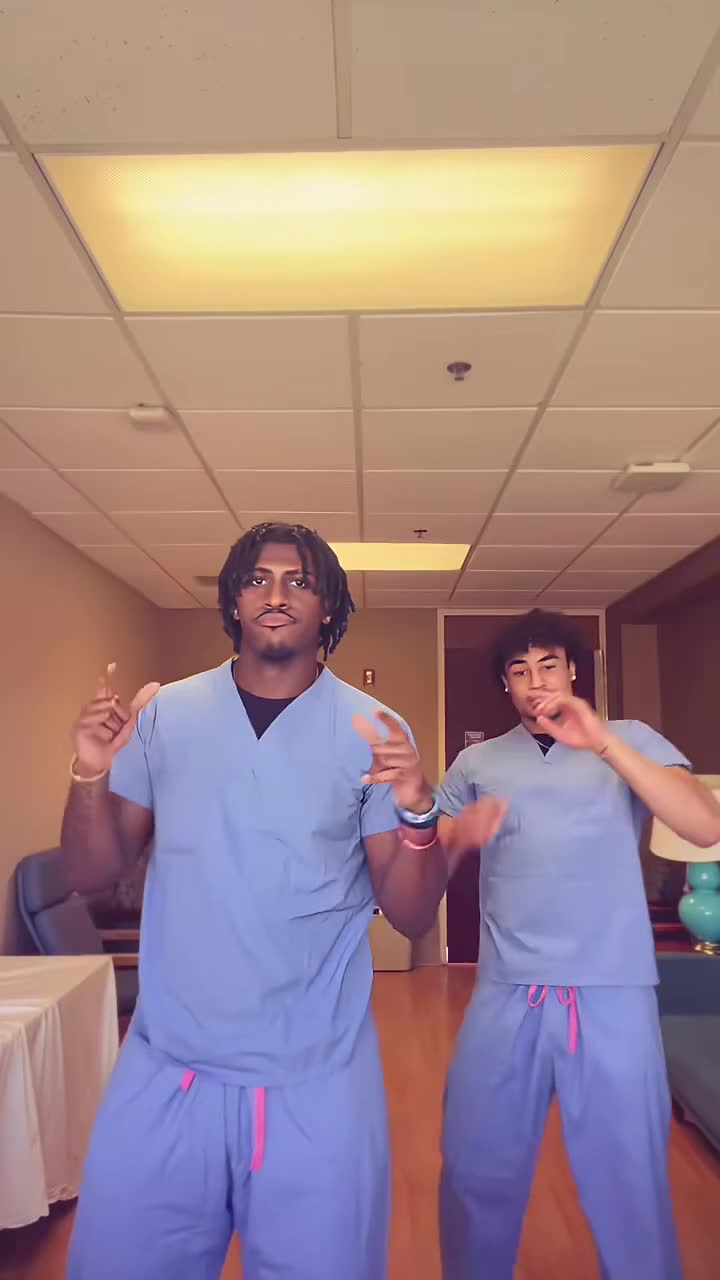
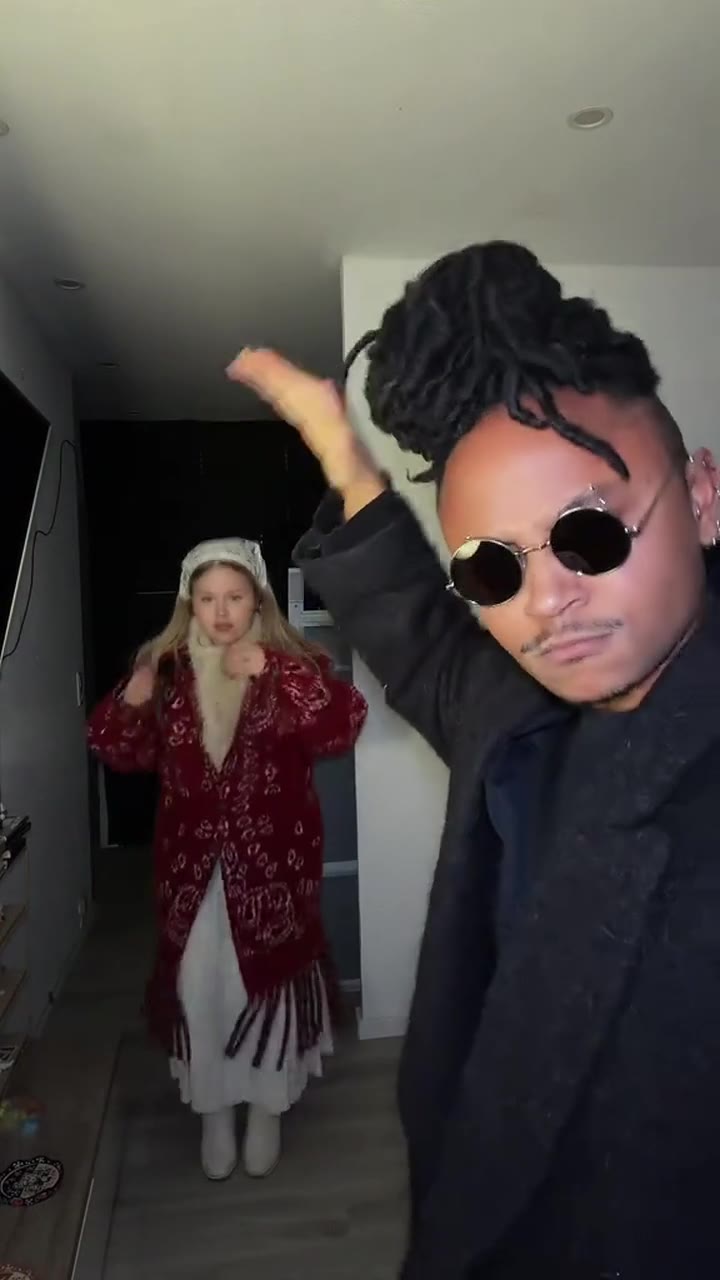
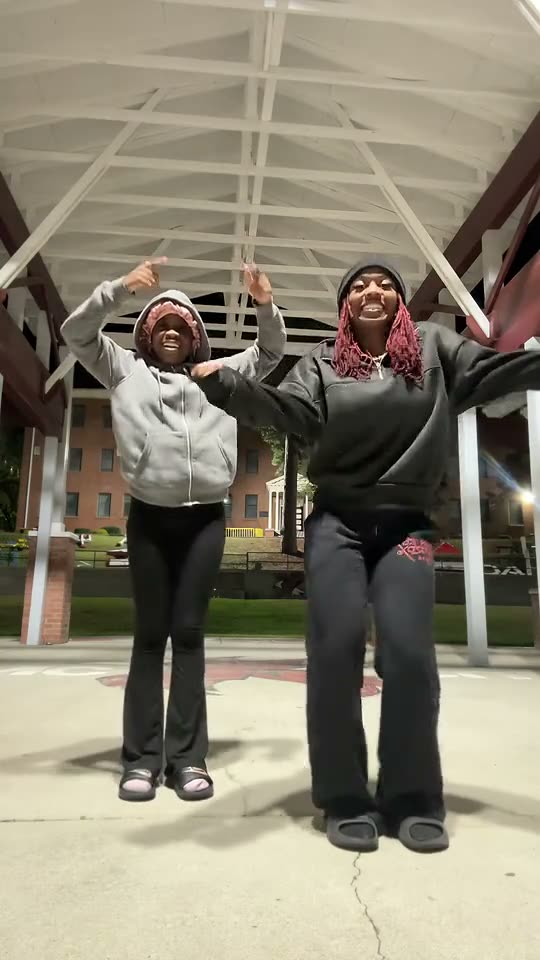
Most pairs start with the two who would do this in public anyway: two best friends, two sisters, a couple, twins in the same outfit, the friend who never backs down. One photo each is all the order panel needs — the two boxes decide who stands where, and any two people willing to laugh at themselves on camera work.
Pets count as people here. A dog and a cat, two dogs of the same breed, a corgi and its owner: the animal keeps its own breed, fur and markings and does the kick upright on its hind legs, with paws instead of hands, which is what keeps it recognisable through the charge at the lens.
Order sets the roles. Box one charges the lens, box two kicks high and takes the last close-up; swap the photos and the parts swap with them. Best results come from one subject per box, front-facing, evenly lit and full body — the high kick needs the legs in frame, the close-up needs a face that reads. Siblings, teammates, coworkers, a parent and a kid: the two can be anyone.
- You and your best friend
- Two sisters
- You and your dog
- The pair who always film together
- Two flatmates outside the shop
- You and the friend who never backs down
Two photos, three steps: making your Bing Bing Bing AI video
The order panel above takes the photos and the finish. There is nothing else to decide.
Add your photos
The one who charges the lens in box one, the one who kicks high in box two.
2 photosPick a finish
480p, 720p or 1080p — the beats and the song are the same at all three.
480p · 720p · 1080pRender and download
Checkout starts the render; the 0:05 MP4 lands in your library with the song already on it.
0:05 · 9:16 · MP4Full step-by-step notes
- Add two photos. One for each role: box one is the figure who charges the lens, box two the one who kicks high and closes the clip. JPG, PNG or WebP, up to 10 MB each. One subject per photo, ideally full body and evenly lit.
- Pick a finish. Choose 480p, 720p or 1080p. The finish only changes sharpness — the five beats, both figures and the song are identical at every one.
- Render and download. The render starts when checkout clears. The 9:16 MP4 lands in your library with the song on the file, no watermark, no subtitles and no logo. Pay by card, with credits, or on a monthly plan — same clip, same render.
Rights. The preview above is the original clip this template recreates; the finished video is an AI render built from the photos you upload, not footage pulled from a social network. The street-kicking clip and the Bing Bing Bing track belong to their own creators and rights holders; MakeTrend is an independent tool with no affiliation with them, the platforms or the performers. Use photos of yourself, of people who agreed to appear, or of your own pet, and rights holders may ask for a clip to be removed at any time.
Bing Bing Bing AI FAQ
A few seconds of real phone footage from a Vietnamese shop street: two little girls in matching pink stand side by side and take turns throwing big side kicks at the camera while the person filming backs away. It has been shared as a reaction clip since late 2024, and the “Bing Bing Bing” beat the kicks land on named it. The AI wave started in October 2026, when people put hippos, crocodiles and parrots in the girls' places — then their own pairs.
One clear, front-facing photo per subject, evenly lit, full body if you have it — the clip has a high kick and a charge, so the legs need to be in frame. Box one is the one who runs at the lens, box two the one who kicks high and gets the last close-up. Avoid sunglasses, heavy filters and group shots: each box binds one subject and the two are never blended.
Pets, yes — in either box or in both, exactly as the crocodile and the hippo and the two snails in the examples do. An animal keeps its own species, breed, fur and markings and does every move upright on its hind legs, never with human hands, so it stays recognisable through the kick and the run. A cartoon or illustrated character is fine when the artwork is yours or licensed. What we cannot accept is someone else's likeness: only photos you have the rights to use, and no celebrities, athletes or influencers.
Because the lens is the target. It is not a dance and there is no choreography: each one hops in, boots a foot at the phone, and the person holding it flinches or steps back — the kick that lands nearest the glass is the punchline. The kicks are timed to the beat, so the last one lands on the “bing”, and the clip ends on a close-up grin instead of a clean exit.
No. Bing Bong is an older meme built on someone shouting in New York street videos. This one is the two-girls side-kick clip: two figures side by side on a pavement, taking turns kicking at the phone, cut to the “Bing Bing Bing” beat. The sound is what gave the trend its name.
It is AI, not a CapCut template. You upload two photos — one per box — and we generate the video from them: the whole five-second take, both figures, the kicks and the camera swing, with the song already on the MP4.
Five seconds — one portrait 9:16 MP4 with five beats, at 480p, 720p or 1080p. It ships as a single continuous take with the song already on it, not a repeating template, and drops straight into TikTok, Instagram or YouTube.
MakeTrend chooses the model that suits this render best and tunes the request for this trend, so both subjects stay distinct through all five beats and the song lands with the action. We may switch models as better ones become available, but you never have to pick or configure one — upload your photos and the render is queued.
No. The finished MP4 already carries the Bing Bing Bing track in time with the beats — the same sound you hear in the preview. Download it and post it as is; there is no voiceover, subtitle or added logo. You can still mute it and pick a different sound inside TikTok or Instagram if you prefer.
No, it is paid. One render is $0.99 for 480p, $1.99 for 720p and $3.99 for 1080p — or 10, 20 and 40 credits. Nothing is charged until you render, and a failed render is refunded automatically.
The MP4 and its download link both expire 30 days after the render, and the photos you uploaded are deleted after 7. Save the file when it lands — nothing else is kept.
Ready to take the street?
Add two photos, pick a finish, and the pavement is yours.