What you actually get
What is Chipmunks Dance AI?
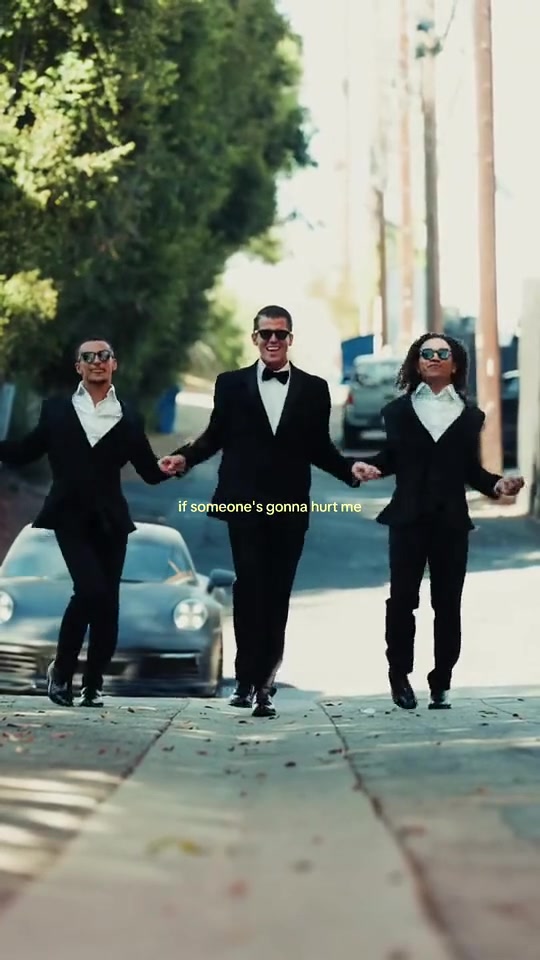
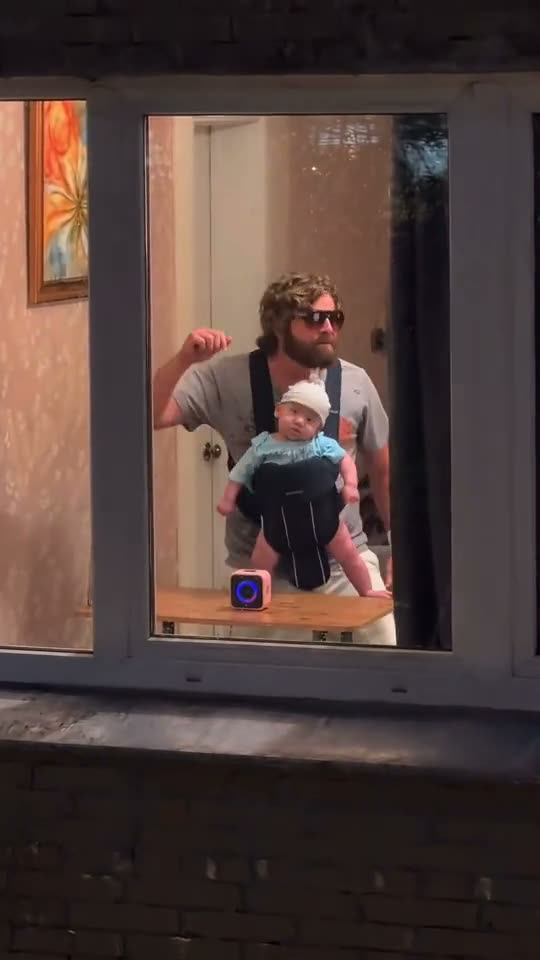
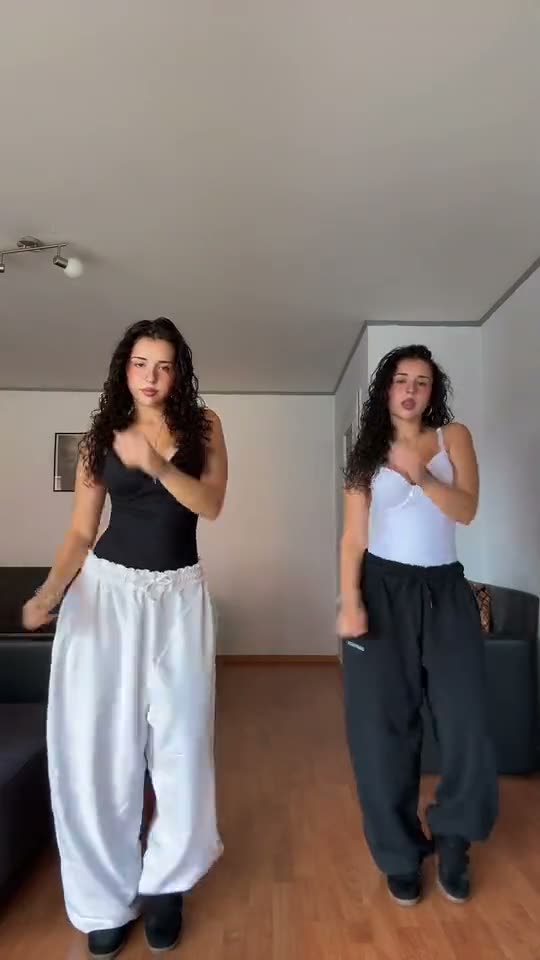
Chipmunks Dance AI is the trio routine from the late 2026 chipmunk-voice trend: three people in a row, arms thrown up on the beat, arms crossed, then the middle dancer steps to the lens and spins away. The name belongs to the sound — a sped-up, squeaky pop edit — not to a cartoon animal, which no version of this dance has ever shown.
The AI part is the cast: the three places in the row become whoever is in your photos, and the joke is the mismatch. A family, three coworkers or three friends read as exactly the same dance, because the blocking never moves — so the only thing people notice is who is standing in it.
How did the Chipmunks Dance become a trend?
A squeaky edit nobody could place, a routine short enough to learn in an afternoon, and a fixed line-up that made every copy look like the original — that is what carried it from one screen recording to tens of thousands of posts.
A short timeline
- Aug 22, 2026A DJ posts a screen recording of the squeaky mashup; a repost nine days later carries the sound to 53,800 videos.
- Oct 3, 2026Three TCU Showgirls post the first trio version in a row — the lineup and the turn at the lens every copy repeats.
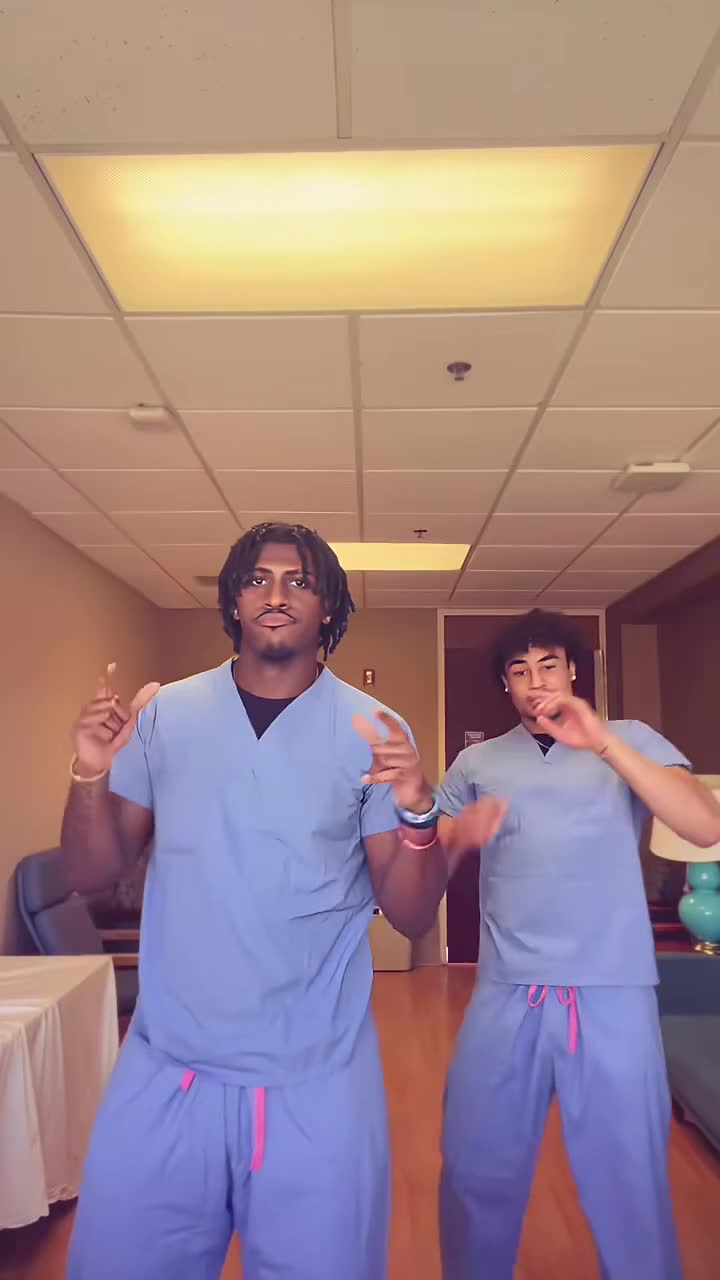
- Through Oct 2026Tutorials and family versions follow; the biggest pass 20 million plays, then photo-to-video templates arrive.
Who people put in the three places
Most people start with themselves and the two people they would call if a routine needed three. One photo each, and the three boxes do the rest — middle, left, right, in that order.
On your own is a real option too: Just me takes one photo and keeps you in the middle of the row, with the two outside places danced by invented strangers in ordinary clothes. The price is the same either way.
One person per box, front-facing and evenly lit, with the face large in the frame — three people who look clearly different read best, because the render has to keep them apart through every turn. Use your own photo, or photos of people who agreed to appear.
- You and the two friends who always film together
- Three siblings, in age order
- A dad and his two daughters
- The trio from your team or your shift
- You, on your own, in the middle
- Three coworkers on a break
Your Chipmunks Dance video in three steps
The order panel above takes the photos and the finish. There is nothing else to decide.
Add your photos
One photo puts you in the middle. Three fill the row: middle, left, right.
1 or 3 photosPick a finish
480p, 720p or 1080p — the moves and the track are the same at all three.
480p · 720p · 1080pRender and download
Checkout starts the render; the 0:10 MP4 lands in your library with the track already on it.
0:10 · 9:16 · MP4Full step-by-step notes
- Add your photos. One photo in the box marked In the middle is enough; add Me + 2 friends to open the left and right boxes and fill all three. JPG, PNG or WebP, up to 10 MB each. One person per photo, with the face large in the frame.
- Pick a finish. Choose 480p, 720p or 1080p. The finish only changes sharpness — the moves, the three places and the track are identical at every one.
- Render and download. The render starts when checkout clears. The 9:16 MP4 lands in your library with the track on the file, no watermark, no subtitles and no logo. Pay by card, with credits, or on a monthly plan — same clip, same render.
Rights. The preview above shows the format this clip recreates; the finished video is an AI render built from the photos you upload, not footage pulled from a social network. The track every version of this trend uses is a sped-up edit of “You Spin Me Round (Like a Record)” — Dead or Alive's 1984 single, in the Chipmunks' cover — cut with will.i.am's “Big and Chunky”. MakeTrend is an independent tool with no affiliation with the rights holders, the artists or the original video. Use photos of yourself, or of people who agreed to appear, and rights holders may ask for a clip to be removed at any time.
Chipmunks Dance AI FAQ
One clear, front-facing photo per person, evenly lit, with the face large in the frame. Box one is the middle of the row, boxes two and three are the left and right. Avoid sunglasses, heavy filters and group shots — each box binds one subject, and the render has to keep three people apart through every turn.
One is enough. Just me takes a single photo, keeps you in the middle of the row and fills the two outside places with invented strangers in ordinary clothes. Me + 2 friends takes three photos and puts real people in all three places. Both casts cost the same — reference images add no billable seconds.
MakeTrend chooses the model that suits this render best and tunes the request for this trend, so three people stay distinct through the spins and the track lands in time with the action. We may switch models as better ones become available, but you never have to pick or configure one — upload your photos and the render is queued.
No. The routine is built on three standing dancers and the render holds each person's face, hair and build through every beat, so each box needs one real person. Use a photo of yourself or someone who agreed to appear — not a pet, an illustration or a public figure you do not have permission to use.
No. The reference take fixes the ten seconds: the line-up with the arms thrown up, the arms crossed, then the step to the camera and the spin away. There is no option to reorder the beats or extend the runtime, and the full 25-second trend routine is not part of this clip — only the cast and the finish are yours to pick.
Box one is the middle of the row — the dancer who starts centre, steps close to the camera and spins away with his back to the lens. Box two is the left of the row and box three the right, and both only appear for Me + 2 friends. The order comes from the reference take and cannot be rearranged once the render starts.
Ten seconds — one portrait 9:16 MP4, three moves, at 480p, 720p or 1080p. It ships as a single clip with the track already on it, not a repeating template, and drops straight into TikTok, Instagram or YouTube.
No, it is paid. One render starts at $2.99 for 480p; 720p is $4.99 and 1080p is $8.99 — or 30, 50 and 90 credits. Nothing is charged until you render.
No. The finished MP4 already carries the same ten-second track you hear in the preview, in time with the moves. Download it and post it as is; there is no voiceover, subtitle or added logo.
Because of the voice, not the picture: the track is a pitched-up, squeaky edit of the Chipmunks' singing — the high voices from the 2009 Squeakquel soundtrack, sped up. That squeaky vocal is the whole name.
The MP4 and its download link both expire 30 days after the render, and the photos you uploaded are deleted after 7. Save the file when it lands — nothing else is kept.
Ready to fill the row?
Add one photo for the middle, two more if your friends are in, and pick a finish.