What you actually get
What is No Scrubs AI?
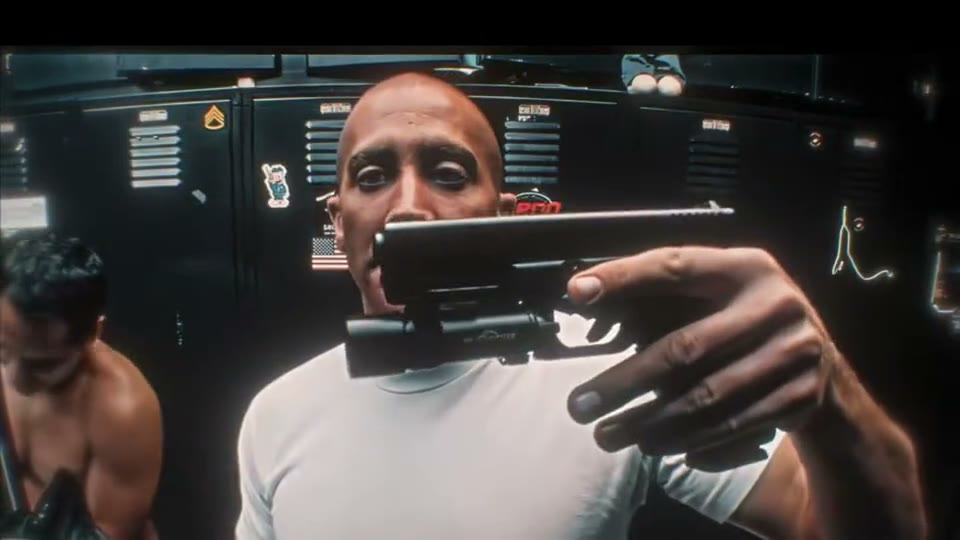
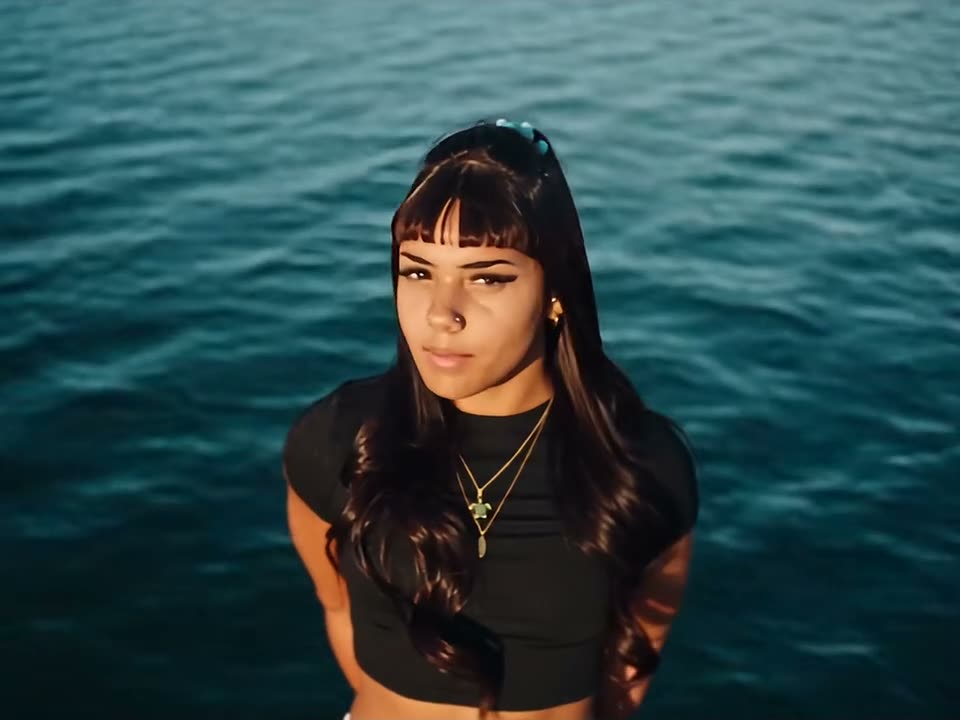
No Scrubs AI is a fourteen-second widescreen clip built from one photo — or three. A reference clip supplies the silver corridor, the camera, the eleven cuts and the dance; your photos supply the people who take the three places in the row.
Pick Just me and one person plays all three places, close-ups included. Pick Me + 2 friends and three photos give the row three different faces, with the lead in the centre. Either way the set, the cuts and the timing are fixed: nothing to film, no prompt to write.
Each person keeps the face, hair and clothes from their own photo in every shot — this is a full re-render, not a face swap over the original video, and none of its three performers appear. The 14-second song is already on the finished 16:9 MP4, so download it and post it as is.
How did No Scrubs AI become a trend?
The silver space-station set was already one of the most recognised backdrops of the nineties. What turned it into a 2026 trend was the song climbing the charts again — and AI video getting good enough to hold three faces through eleven cuts.
A short timeline
- Feb 1999TLC release “No Scrubs”, the lead single of FanMail, and Hype Williams films the trio on a silver space-station set — the corridor, the close-ups straight down the lens, the three dancing in a row. The song spends four weeks at No. 1, and the video takes Best Group Video at the VMAs.
- Sep 2026The song comes back. A karaoke scene in the Prime Video film The Last Sunrise puts it back in circulation, lyric edits run up millions of TikTok views, and on September 18 it re-enters the UK Top 40 at No. 23 — its first Top 40 week since 1999.
- Mid Oct 2026The first AI versions. The earliest one found was posted on TikTok on October 17 — a streamer's face on the lead — and a three-actor swap posted two days later passed 690,000 views within days. Every version copies the same stretch of video: corridor, close-ups, the row.
- Late Oct 2026It becomes a photo-to-video format: generators and template sites take one to three photos and supply the set, the camera, the cuts and the song. Three spots in the row make it a natural tag-your-friends trend, and tutorials follow within days.
This page makes the photo-to-video version: your photos take the three places, the silver set and the eleven cuts stay as they are, and the 14-second song is already on the file.
Who people put in the three places
Most people start with themselves. One clear photo, and the same person turns up in the corridor, both close-ups and all three places in the row.
Or make it a trio — two friends, three sisters, a work team. The lead takes the centre and the close-ups; the second photo gets the shot that points straight at the lens.
One subject per box, front-facing and evenly lit, with the face large in the frame. Use your own photo, or photos of people who agreed to appear.
- You, in all three places
- You and two friends
- Three sisters
- The group chat, finally in sync
- A work trio
- You and the two who always dance
Your No Scrubs video in three steps
The order panel above takes the photos, the cast and the finish. There is nothing else to decide.
Add your photos
One photo for all three places, or three photos when the row is three different people.
1 or 3 photosPick the cast
Just me puts you in every shot; Me + 2 friends casts the centre, the left and the right.
Solo · trioRender and download
Checkout starts the render; the 0:14 MP4 lands in your library with the song already on it.
0:14 · 16:9 · MP4Full step-by-step notes
- Add one photo — or three. Just me needs one clear, front-facing photo. Me + 2 friends needs three, one per box: the lead in the centre, then the left and the right of the row. JPG, PNG or WebP, up to 10 MB each. One subject per photo, with the face large in the frame.
- Pick the cast and a finish. Just me plays all three places; Me + 2 friends gives each person their own spot and their own close-up. Then choose 480p, 720p or 1080p. The finish only changes sharpness — the cuts, the cast and the song are identical at every one, and both casts cost the same.
- Render and download. The render starts when checkout clears. The 16:9 MP4 lands in your library with the song on the file, no watermark, no subtitles and no logo. Pay by card, with credits, or on a monthly plan — same clip, same render.
Rights. The preview above shows the format this clip recreates; the finished video is an AI render built from the photos you upload, not footage pulled from a social network. MakeTrend is an independent tool with no affiliation with the artists, the label or the original video. Use photos of yourself, or of people who agreed to appear, and rights holders may ask for a clip to be removed at any time.
No Scrubs AI FAQ
One clear, front-facing photo of each person, evenly lit, with the face large in the frame. Just me needs one; Me + 2 friends needs three, one per place in the row. Avoid sunglasses, heavy filters and group shots — each box binds one subject.
MakeTrend chooses the model that suits this render best and tunes the request for this trend, so the three faces stay distinct through all eleven cuts and the song lands in time with the action. We may switch models as better ones become available, but you never have to pick or configure one — upload your photos and the render is queued.
No. Each box is built for one real person, and the render holds that person's face, hair and build through all eleven cuts. Use a photo of yourself or someone who agreed to appear — not a pet, an illustration or a public figure you do not have permission to use.
No. The reference clip fixes the fourteen seconds: eleven cuts at the same timings, the same camera angles and the same dance. There is no option to reorder shots, add a twelfth cut or extend the runtime — only the cast and the finish are yours to pick.
Yes — put that person's photo in the first box. Box one is the lead: centre of the row, the corridor and both close-ups; boxes two and three take the left and right. The order comes from the reference clip and cannot be rearranged once the render starts.
Fourteen seconds — one widescreen 16:9 MP4 with eleven cuts, at 480p, 720p or 1080p. It ships as a single clip with the song already on it, not a loop, and drops straight into TikTok, Instagram or YouTube.
No, it is paid. One render starts at $2.99 for 480p; 720p is $5.99 and 1080p is $11.99 — or 30, 60 and 120 credits. Both casts cost the same, and nothing is charged until you render.
No. The finished MP4 already carries the 14-second No Scrubs track in time with the cuts — the same sound you hear in the preview. Download it and post it as is; there is no voiceover, subtitle or added logo.
The MP4 and its download link both expire 30 days after the render, and the photos you uploaded are deleted after 7. Save the file when it lands — nothing else is kept.
Ready to take the three places?
Add one photo for all three, or three for a trio, pick a finish, and the row is yours.