What you actually get
What is End of Watch Locker Scene AI?
End of Watch Locker Scene AI drops you into the famous locker-room moment from the film End of Watch: a nine-second, 16:9 wide-angle selfie where you hold the camera, run the gear beat and lock eyes for the closing two-shot. The two men from the film never appear — your photo is the cast — and the original soundtrack is already on the file, so download and post it as is.
Solo, it is just you holding the camera while a generic stranger leans in beside you. Add a partner with a second photo and that place is filled by a real second person, keeping their own face and clothes. The camera, the timing and the nine seconds are fixed: nothing to film, no prompt to write.
How did End of Watch Locker Scene AI become a trend?
The gear check began as the opening locker-room scene of David Ayer's 2012 police film End of Watch. It became a meme because the routine is a countdown: one item held to the lens on each beat, a deadpan show-and-tell that reads with the sound off, and a 'loadout' that can be anything from a gym bag to a night-shift kit. Once AI video could hold one face through the whole handheld take, a single photo was enough to star in it.
A short timeline
- 21 Sep 2012End of Watch, written and directed by David Ayer, opens at No. 1 in the US. In the opening scene Officer Brian Taylor (Jake Gyllenhaal) points a small camera at his own face and holds up his duty kit — sidearm, knife, spare magazines, cuffs — one piece at a time, while his partner Mike Zavala (Michael Peña) leans into frame.
- 16–20 Aug 2023The scene turns into a TikTok meme on the "original sound – xylo" audio, a clip of "Twirlanta". @wardsimons posts a gym edition on 16 August (about 811,300 plays), a fast-food edition follows on 18 August (633,800) and @207vengeance posts a Walmart edition on 20 August (724,200). The sound eventually reaches 66,100 videos.
- 7–9 Aug 2026The AI wave starts. A Kling AI template puts a new face into the film shot, tutorial accounts begin posting on 7 August, and the #lockerscenetrend tag appears on 9 August. The most-viewed AI tutorial, by @meowstardaily, reaches 132,700 views and 8,225 likes.
- Oct 2026An End of Watch film edit by @hod1e passes 1.1 million views and 236,400 likes on 7 October, and AI fan-edits restaging the locker-room composition with ordinary people's faces spread across TikTok, Reels and Shorts. By 2 November the #lockerscenetrend tag has 226 videos and 966,401 views.
- Nov 2026Template sites ship one-photo locker-scene builds from 1 November, with a second photo for the partner in duo versions. The lockers, the gear beats and the soundtrack are fixed, and the photo-to-video version becomes the default way to make it.
Who people put in the locker room
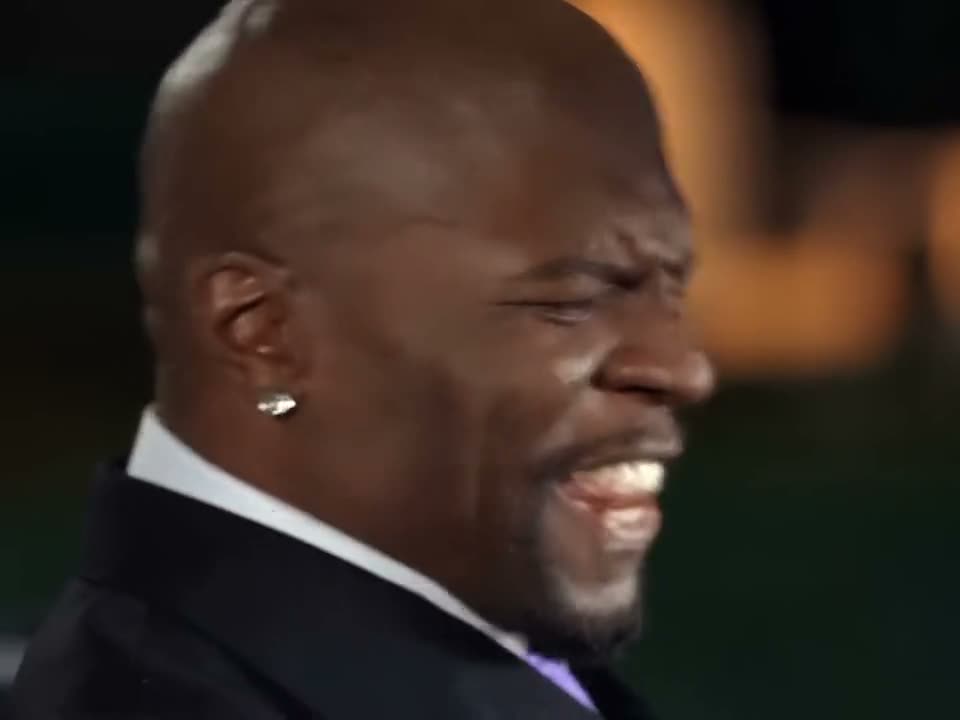
Most people start with themselves. One clear photo, and you hold the camera through the whole nine seconds while the person beside you stays an unfamiliar face in a plain dark T-shirt.
Or make it a duo — a friend, a sibling, a partner from the group chat. Your first photo still holds the camera; the second takes the place beside you at the start and in the closing two-shot.
One subject per box, front-facing and evenly lit, with the face large in the frame. Use your own photo, or photos of people who agreed to appear.
- Just you, with a stranger beside you
- You and your best friend
- Two siblings
- The group chat, in uniform
- You and your workout partner
- A watch-party duo
Your End of Watch video in three steps
The order panel above takes the photos, the cast and the finish. There is nothing else to decide.
Add your photos
One photo for the whole gear show, or two when you want your own partner in the two-shot.
1 or 2 photosPick the cast
Just me leaves the partner a stranger; Me and a partner casts them from your second photo.
Solo · duoRender and download
Checkout starts the render; the 0:09 MP4 lands in your library with the audio already on it.
0:09 · 16:9 · MP4Full step-by-step notes
- Add one photo — or two. Just me needs one clear, front-facing photo. Me and a partner needs two: the first is who holds the camera, the second who leans in beside them. JPG, PNG or WebP, up to 10 MB each. One subject per photo, with the face large in the frame.
- Pick the cast and a finish. Just me keeps the partner an ordinary stranger; Me and a partner puts your second photo in that place. Then choose 480p, 720p or 1080p. The finish only changes sharpness — the beats, the cast and the soundtrack are identical at every one, and both casts cost the same.
- Render and download. The render starts when checkout clears. The 16:9 MP4 lands in your library with the original audio on the file, no watermark, no subtitles and no logo. Pay by card, with credits, or on a monthly plan — same clip, same render.
Rights. The preview above shows the format this clip recreates; the finished video is an AI render built from the photos you upload, not footage pulled from a film or a social network. MakeTrend is an independent tool with no affiliation with any film, studio or rights holder. Use photos of yourself, or of people who agreed to appear, and rights holders may ask for a clip to be removed at any time.
End of Watch Locker Scene AI FAQ
One clear, front-facing photo of each person, evenly lit, with the face large in the frame. Just me needs one; Me and a partner needs two, one per box. Avoid sunglasses, heavy filters and group shots — each box binds one subject.
MakeTrend chooses the model that suits this render best and tunes the request for this trend, so your face holds through the wide-angle selfie and the four gear beats, and the soundtrack lands in time with the action. We may switch models as better ones become available, but you never have to pick or configure one — upload your photos and the render is queued.
No. Each box is built for one real person, and the render holds that person's face, hair and build through all nine seconds. Use a photo of yourself or someone who agreed to appear — not a pet, an illustration or a public figure you do not have permission to use.
No. The reference clip fixes the nine seconds: the opening two-shot, four pieces of kit at the same timings, then the closing two-shot. There is no option to reorder beats, add a fifth piece of kit or extend the runtime — only the cast and the finish are yours to pick.
Yes — put that person's photo in the first box. Box one is the camera holder and appears in every shot; box two, when you add it, is the partner who leans in at the start and returns for the closing two-shot. The order comes from the reference clip and cannot be rearranged once the render starts.
Nine seconds — one widescreen 16:9 MP4 with three stretches, at 480p, 720p or 1080p. It ships as a single clip with the original audio already on it, not a loop, and drops straight into TikTok, Instagram or YouTube.
No, it is paid. One render starts at $1.99 for 480p; 720p is $3.99 and 1080p is $7.99 — or 20, 40 and 80 credits. Both casts cost the same, and nothing is charged until you render.
No. The finished MP4 already carries the nine-second track from the reference in time with the beats — the same sound you hear in the preview. Download it and post it as is; there is no voiceover, subtitle or added logo.
The MP4 and its download link both expire 30 days after the render, and the photos you uploaded are deleted after 7. Save the file when it lands — nothing else is kept.
Ready to hold the camera?
Add one photo for the whole gear show, or two to bring your own partner, pick a finish, and the locker room is yours.