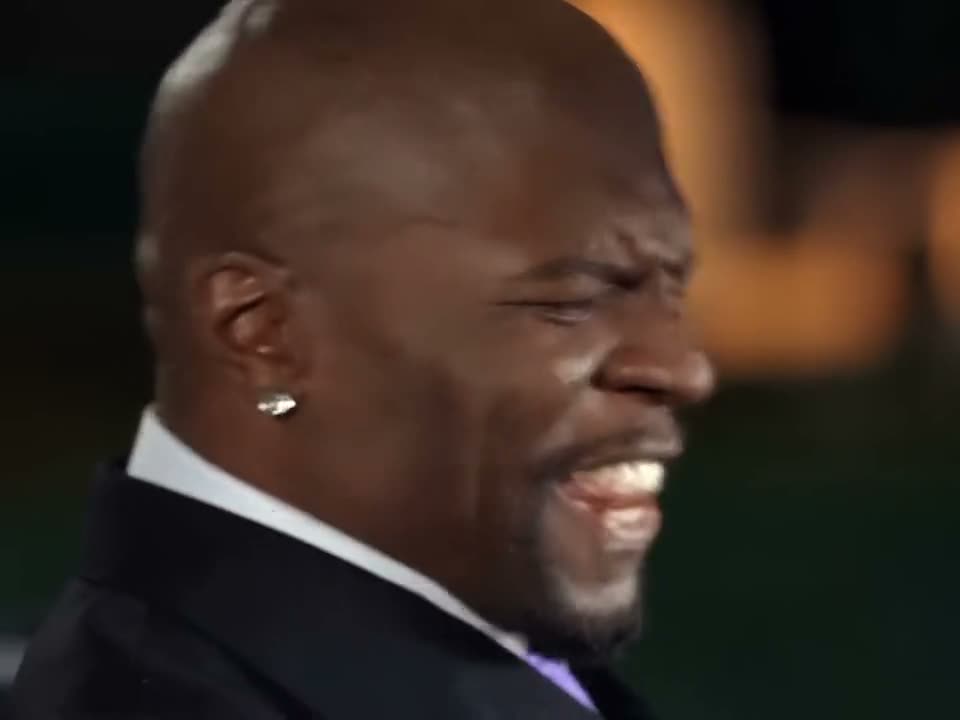
A man and a woman in evening clothes, seen first on a balcony of lights and then from a second angle across the room; the same two people, two shots.
Now it's your faces. Upload two photos and the 0:15 loop comes back with two faces replaced. What stays: a balcony lit up behind them, a cut to a second angle, the same pair in both shots, the 9:16 frame and the original sound.
What is I Lost You in the Crowd AI and how do I make one?
I Lost You in the Crowd AI is a 0:15 vertical 9:16 scene recreation in the MakeTrend library. Upload two photos — one clear, front-facing subject per slot — pick a finish in the order panel, and the render comes back as an MP4 with two faces swapped in. The original motion and audio stay on the file; there is no watermark and no editing software involved. It takes two photos and runs 15 seconds of source footage.
I Lost You in the Crowd explained
The I Lost You in the Crowd trend is a scene recreation that restages a familiar dramatic beat or reaction shot. What plays above is the real library preview at 9:16, not a storyboard: the 0:15 runtime, the vertical 9:16 frame and two photos on this page are the ones your render uses.
The vertical 9:16 preview of I Lost You in the Crowd was added Nov 7, 2026 and has not been re-framed or re-timed for the library. Searches for I Lost You in the Crowd meme or I Lost You in the Crowd trend land on the same clip; what plays above is what the render works from.
What your I Lost You in the Crowd render includes
Everything below is identical on all three finishes — the 0:15 runtime, the 9:16 frame and the original sound come from the preview above. A balcony lit up behind them and the same pair in both shots stay; only two faces change.
- Length
- 0:15 loop · 15s source file
- Frame
- vertical 9:16 · post as-is on a phone screen
- In the clip
- a balcony lit up behind them · a cut to a second angle — unchanged
- Faces
- 2 faces replaced · the rail slot (leaning on the balcony), the floor slot (alone in the spotlight)
- File
- MP4 with the original sound, no watermark
- Turnaround
- About 75 seconds from cleared checkout
- Privacy
- Uploaded photos deleted 7 days later
- Examples
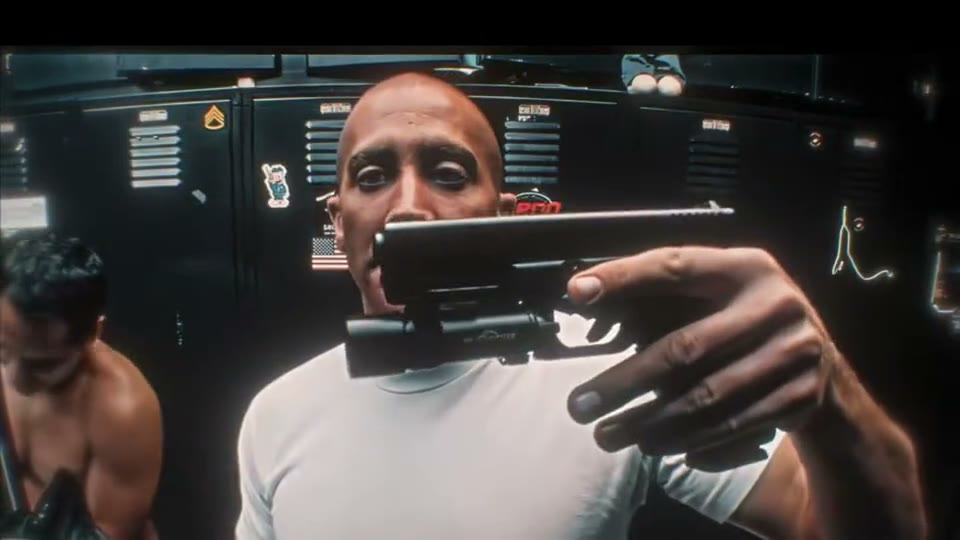
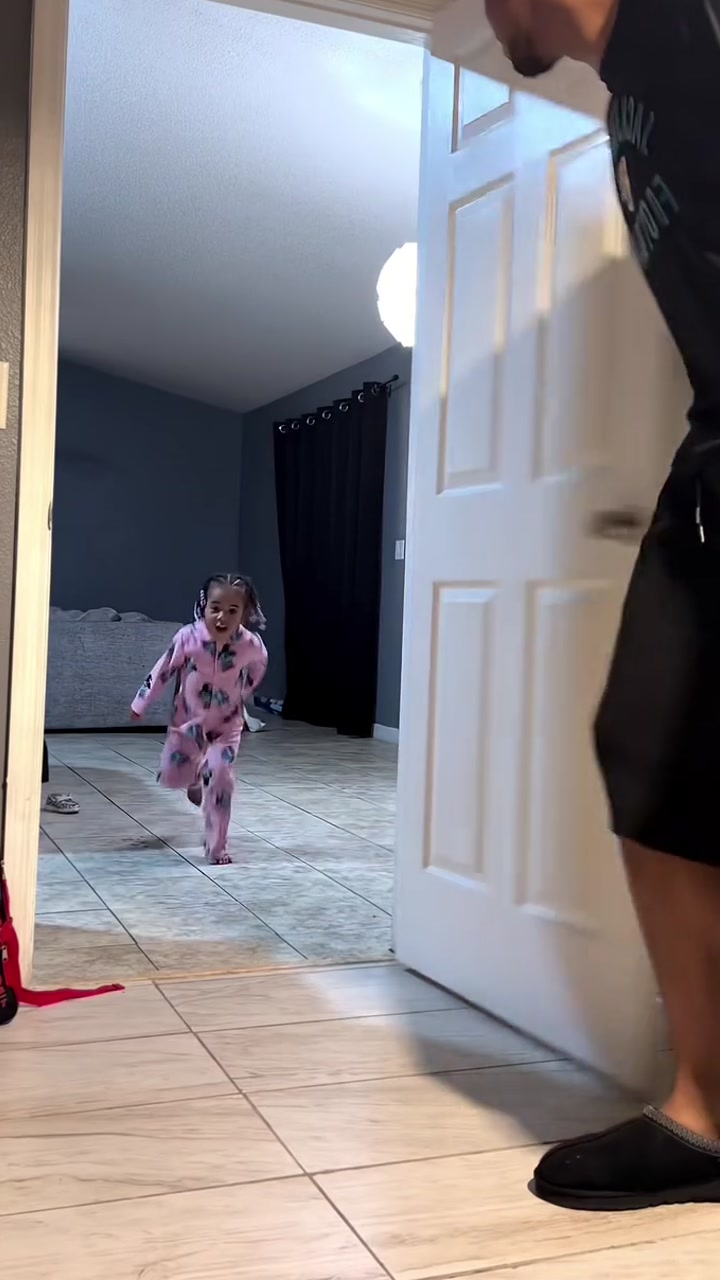
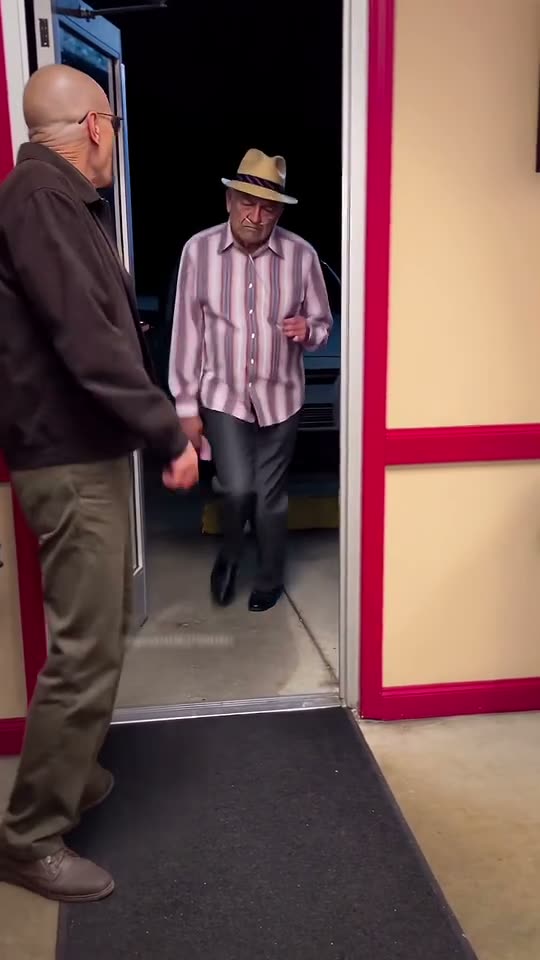
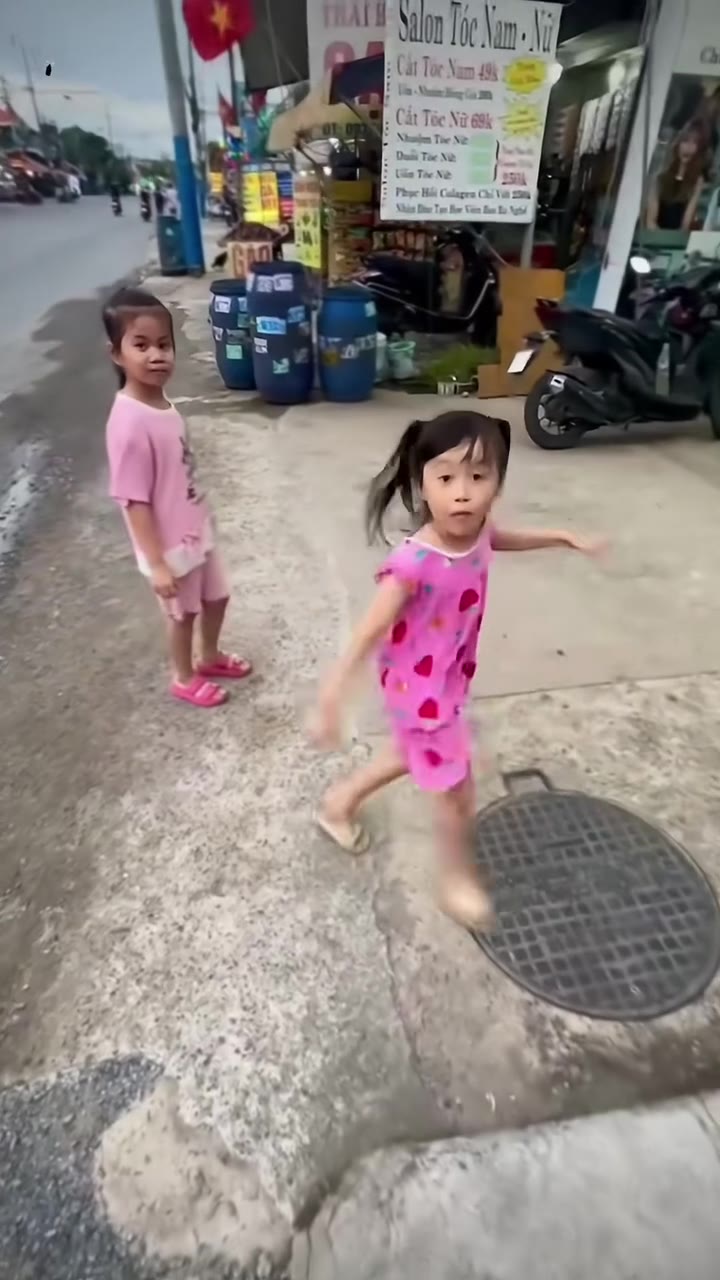
- four other takes on this loop shown above
Your I Lost You in the Crowd video in three steps
The order panel above handles the upload and the payment. These are the three decisions that decide how the I Lost You in the Crowd render turns out.
- 01
Add two photos. One clean, front-facing photo for each face in the frame — the rail slot (leaning on the balcony), the floor slot (alone in the spotlight). JPG, PNG or WebP, up to 10 MB each. Two labelled boxes, one face per photo. The lighting changes between the two angles, so an evenly lit source photo holds up better than a moody, side-lit one.
- 02
Choose a finish. 480p for a quick look and reposts, 720p for everyday posting, 1080p for ads and client work. The order panel above shows all three for this I Lost You in the Crowd 0:15 clip — the scene and the sound are the same on each.
- 03
Render and download. The render starts as soon as checkout clears. About 75 seconds later the 9:16 MP4 is in your library, with the loop's audio and no watermark.
Tips for a better I Lost You in the Crowd result
The render is only as good as the source. This loop swaps 2 faces, so each labelled box needs its own single-subject photo.
What works
- Two labelled boxes, one face per photo. The lighting changes between the two angles, so an evenly lit source photo holds up better than a moody, side-lit one.
- One photo per slot — the rail slot (leaning on the balcony), the floor slot (alone in the spotlight)
- One subject in each photo, facing the lens
- Sharp original rather than a screenshot
- Match the light direction if you can; a hard profile or a hat brim is much more obvious under cinematic lighting.
Breaks it
- A group shot where the model has to guess which face you meant
- A hat brim, sunglasses or hair covering the eyes
- A heavy beauty filter or a screenshot of a photo
- A dim, grainy shot with the face turned away from the lens
Wondering why an I Lost You in the Crowd face swap looks soft on one face but not the other? Give the smaller slot the sharpest photo you have — match the light direction if you can; a hard profile or a hat brim is much more obvious under cinematic lighting.
Who's making I Lost You in the Crowd videos
Who people put in the I Lost You in the Crowd clip: a couple; two friends who like dramatic edits; anyone recreating a film scene. The labelled boxes make it easy to split the joke between two people. Use a photo you have permission to use — that goes double for anyone who is not you.
Where an I Lost You in the Crowd video ends up: couple edits, dramatic reveal posts, fan-account scenes. The 9:16 frame fills a phone screen with no cropping, so the MP4 can go straight to TikTok, Reels or Shorts as-is. Keep the original sound if the trend depends on it and put captions outside the face.
Looking for something else in the same shelf? Browse all 3 movie & tv scenes AI videos.
I Lost You in the Crowd: what viewers ask next
The 0:15 preview of I Lost You in the Crowd raises a few obvious questions. Here is what is actually on screen, what the render swaps, and what to check before the clip goes public.
A man and a woman in evening clothes, seen first on a balcony of lights and then from a second angle across the room; the same two people, two shots. The preview runs 0:15 (15 seconds), and a balcony lit up behind them and the same pair in both shots stay exactly where they are when your faces are on screen.
They are the people in the source loop, not customers. The upload boxes are labelled RAIL: leaning on the balcony; FLOOR: alone in the spotlight. Upload two photos, one person in each, and both of those faces are replaced.
No, it is this same 9:16 loop with a different input photo. A balcony lit up behind them and the 0:15 timing do not change between takes; only the face does.
Yes — in the app you post from or in any editor after download. The render adds no captions, no end card and no logo, so the 0:15 MP4 stays clean.
It is a feed-sized loop, not a short film: one setup, two faces and a single payoff, then it starts over. Your 0:15 MP4 keeps that exact length with the original sound. For a longer edit, repeat the file or cut it together with your own footage afterwards.
Two photos with one person in each. The rest of the 0:15 I Lost You in the Crowd frame — a balcony lit up behind them and the original sound — is already finished in the template. The upload boxes are labelled RAIL: leaning on the balcony; FLOOR: alone in the spotlight.
A pet works if one animal fills the frame and faces the lens; a group shot does not, because the model picks the first face it finds. A screenshot carries compression that shows up on the face — use the original file, or a daylight photo of a print.
No. Your first render is the one you pay for. Watch I Lost You in the Crowd above plus the four extra takes to see how balcony scene treats different faces before you order.
Your I Lost You in the Crowd render as one 9:16 MP4, with a balcony lit up behind them and the sound intact. It is normally ready in about 75 seconds, the file and its link last 30 days, and the photos you uploaded are deleted 7 days after the render.
It is the loop's own sound, exactly as you heard it. Only two faces are re-rendered; the timing, the mix and the 15-second length stay. We do not clear or replace tracks — a platform mute is a rights matter outside the render.
It stays with whoever made the loop and is shown here only so you can judge a clip you already recognise. The master is never sold — your purchase is a fresh 0:15 render with your own two photos. Rights holders can ask for a preview to be removed.
The paid plans include a commercial licence for the render you generate; the 1080p finish is intended for ads and client work. The underlying scene and audio are third-party material, so publishing decisions stay with you.
Uploaded photos are deleted 7 days after the render and are not used for anything beyond that job. The MP4 is yours — download it inside 30 days, because the file and the link are deleted together then.
The MP4 and its download link both expire 30 days after the render, and the photos you uploaded are deleted after 7. Save the file when it lands — nothing else is kept.
Ready to see yourself in I Lost You in the Crowd?
Upload two photos in the order panel above. A balcony lit up behind them stays; two faces become yours in the 0:15 MP4.