What you actually get
What is Closing Door Prank AI?
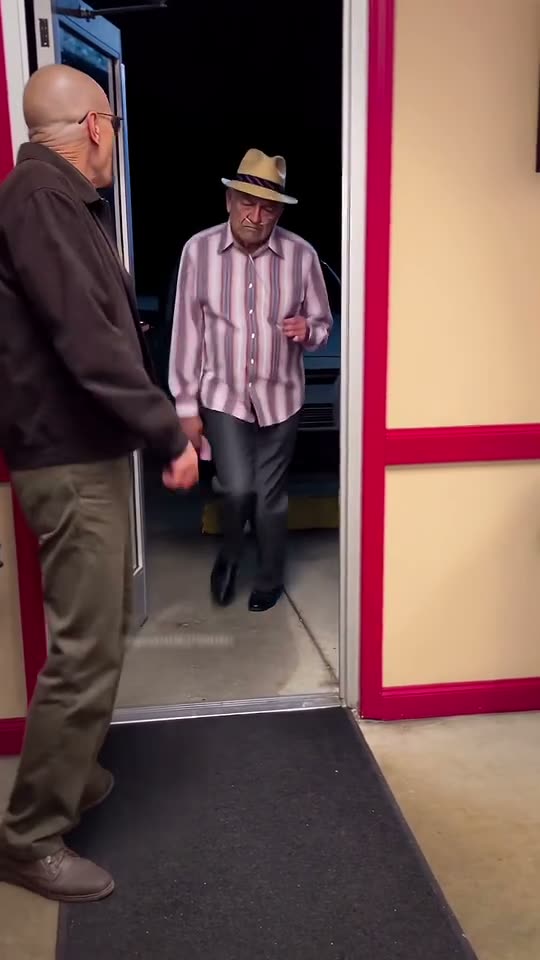
Closing Door Prank is the family prank that took over TikTok in late October 2026: one person stands at the end of a hallway holding a door open, a kid or a partner sprints at it, and the door swings shut an instant before they get there. No dialogue, no dance, no music cue — the whole joke is the run and the reaction at the end of it.
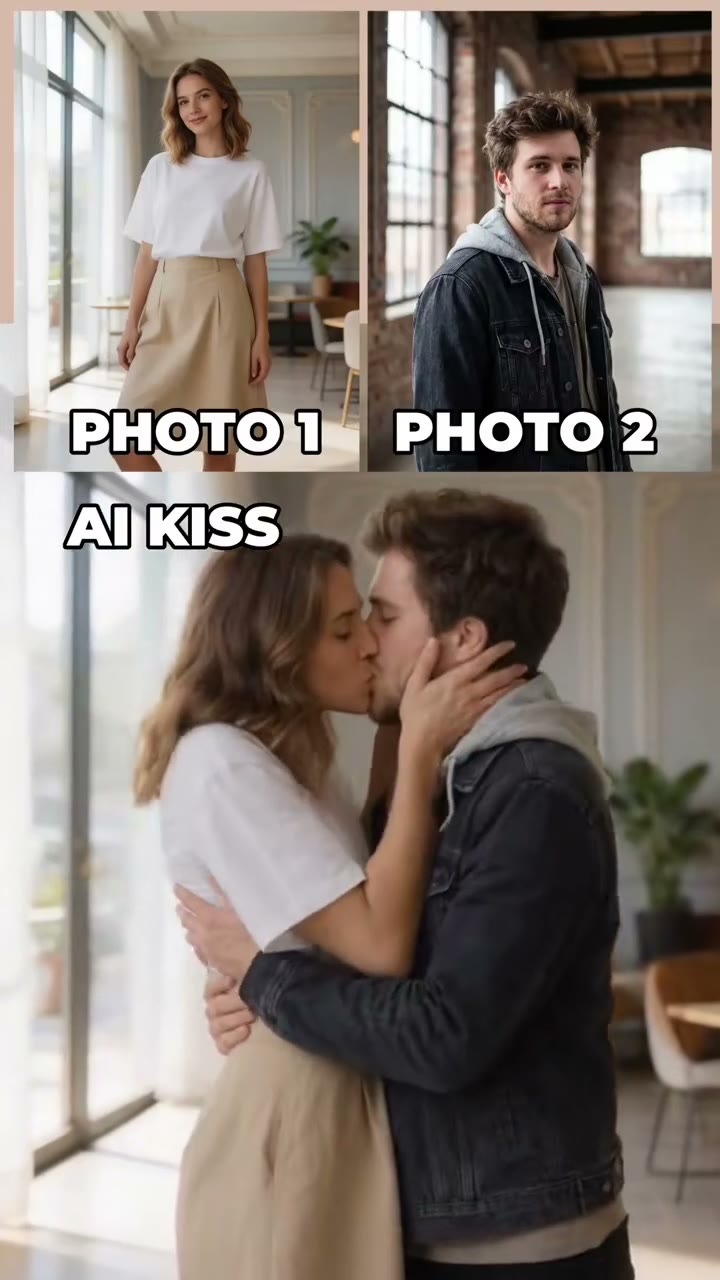
It became a format because nothing needs setting up: any door in any home works, and the roles never change — the one with the handle and the one who runs. The AI versions swap in the faces from two photos, so the same gag plays out with whoever you put in it, while the hallway, the door and the timing stay exactly as they are.
How did the Closing Door Prank become a trend?
It spread because anyone with a hallway could shoot it in one take: no choreography to learn, no sound to licence, and the payoff lands inside five seconds — which is exactly how long a viewer keeps watching.
A short timeline
- Oct 25, 2026The first Door-Closing Prank post passes 1.1 million views within a week; the hashtag opens the next day.
- Oct 28, 2026A family version reaches 7.1 million views and 1.2 million likes; the husband prank follows at 1.2 million.
- Oct 30 – early Nov 2026Compilations pass 7.5 million, then AI takes arrive — about 64 creators post a photo version in one week.
Who people put at the door
Most people start with the pair who would actually pull this on each other — a parent and a kid, two flatmates, a couple — one photo each, and the two boxes do the rest.
The order matters: box one holds the door, box two runs at it. Swap the photos and the roles swap with them, so the person you want laughing round the door goes in the first box.
One person per box, facing the camera and evenly lit, with the face large enough to read. Use your own photo, or photos of people who agreed to appear — and if a child is in the clip, it has to be your own child or one whose parent agreed.
- You and your kid
- Two flatmates, one locked out
- You and your partner
- The sibling who always arrives late
- Two coworkers and the meeting-room door
- You and the friend who sprints everywhere
Your Closing Door Prank video in three steps
The order panel above takes the photos and the finish. There is nothing else to decide.
Add your photos
The person at the door in box one, the runner in box two.
2 photosPick a finish
480p, 720p or 1080p — the beats and the track are the same at all three.
480p · 720p · 1080pRender and download
Checkout starts the render; the 0:05 MP4 lands in your library with the track already on it.
0:05 · 9:16 · MP4Full step-by-step notes
- Add two photos. One for each role: box one is the person at the door, box two is the runner. JPG, PNG or WebP, up to 10 MB each. One person per photo, with the face large enough to read.
- Pick a finish. Choose 480p, 720p or 1080p. The finish only changes sharpness — the three beats, both people and the track are identical at every one.
- Render and download. The render starts when checkout clears. The 9:16 MP4 lands in your library with the track on the file, no watermark, no subtitles and no logo. Pay by card, with credits, or on a monthly plan — same clip, same render.
Rights. The preview above shows the format this clip recreates; the finished video is an AI render built from the photos you upload, not footage pulled from a social network. The closing door prank is a TikTok trend with many versions and no single owner; MakeTrend is an independent tool with no affiliation with the people who posted them, the platforms or the rights holders. Use photos of yourself, or of people who agreed to appear — for a child, their parent or guardian — and rights holders may ask for a clip to be removed at any time.
Closing Door Prank AI FAQ
One clear, front-facing photo of each person, evenly lit, with the face large in the frame. Box one is the person who holds the door, box two is the runner. Avoid sunglasses, heavy filters and group shots — each box binds one subject, and the two are never blended.
We would not. A door swinging on someone at full speed is how fingers, noses and knees get hurt, and a real hallway gives you one take before somebody lands badly. This page renders the prank instead: the door swings shut in front of the runner, never makes contact, and the reaction is generated — so the clip is the joke and nobody has to run at a real door.
MakeTrend chooses the model that suits this render best and tunes the request for this trend, so both people stay distinct through every beat and the track lands in time with the action. We may switch models as better ones become available, but you never have to pick or configure one — upload your photos and the render is queued.
Yes, with your own children, or a child whose parent or guardian has agreed. Upload one photo of yourself for the door and one of your child for the run. Do not upload a photo of someone else's child, and do not upload a public figure or a celebrity — photos that look like public figures are rejected before any render is charged.
Yes — the prank needs two people, so it takes one photo each: box one is the person holding the door, box two is the one who runs at it. There is no single-photo version, because the joke only works if somebody shuts the door and somebody is still running.
Box one is the person at the door — they stand beside it holding the handle and swing it shut. Box two is the runner, who starts far back in the room and sprints straight at the door. The order comes from the reference take and cannot be rearranged once the render starts.
Five seconds — one portrait 9:16 MP4 with three beats, at 480p, 720p or 1080p. It ships as a single clip with the track already on it, not a repeating template, and drops straight into TikTok, Instagram or YouTube.
No, it is paid. One render is $0.99 for 480p, $1.99 for 720p and $3.99 for 1080p — or 10, 20 and 40 credits. Nothing is charged until you render, and a failed render is refunded automatically.
No. The finished MP4 already carries the same track you hear in the preview, in time with the run and the door. Download it and post it as is; there is no voiceover, subtitle or added logo. You can still mute it and pick a sound inside TikTok or Instagram if you prefer.
Yes — that is what most people do with it. One photo of you in box one, one of your friend in box two with their agreement, and the prank plays out without anyone running at a real door. If you post it at them, tag it as a prank.
The MP4 and its download link both expire 30 days after the render, and the photos you uploaded are deleted after 7. Save the file when it lands — nothing else is kept.
Ready to shut the door?
Add two photos, pick a finish, and the hallway is yours.