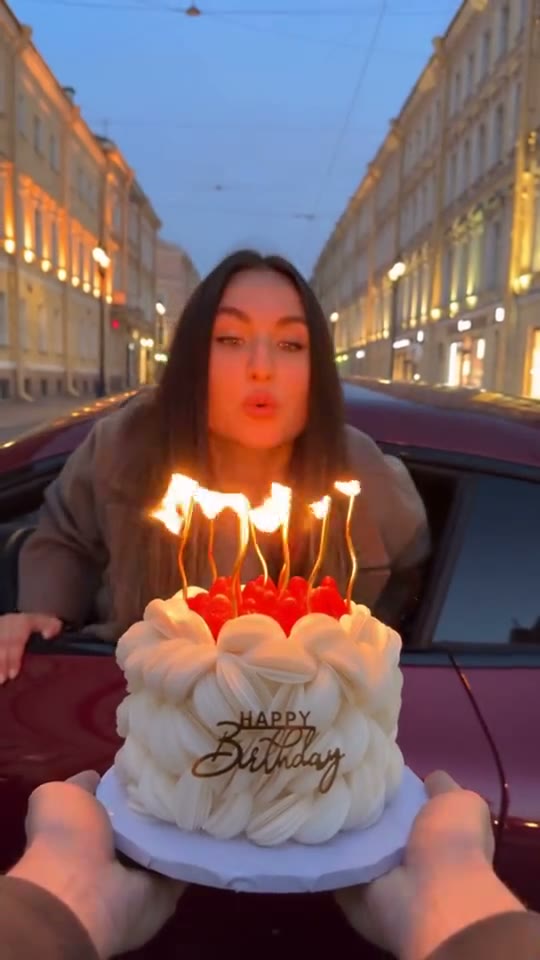
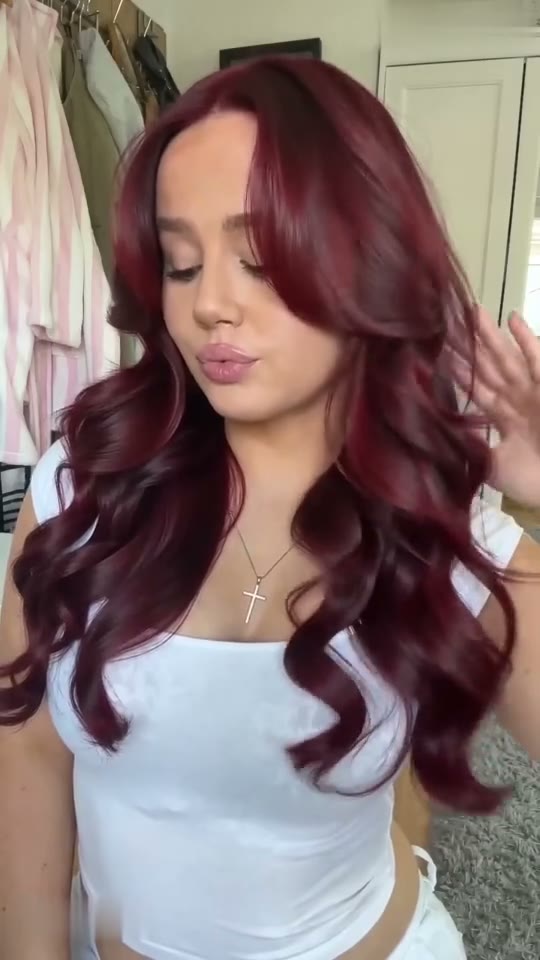
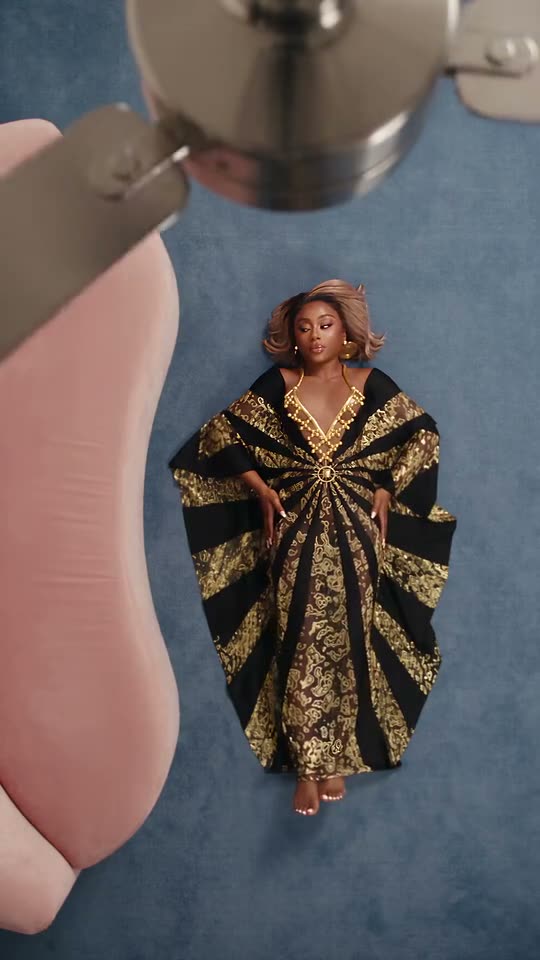
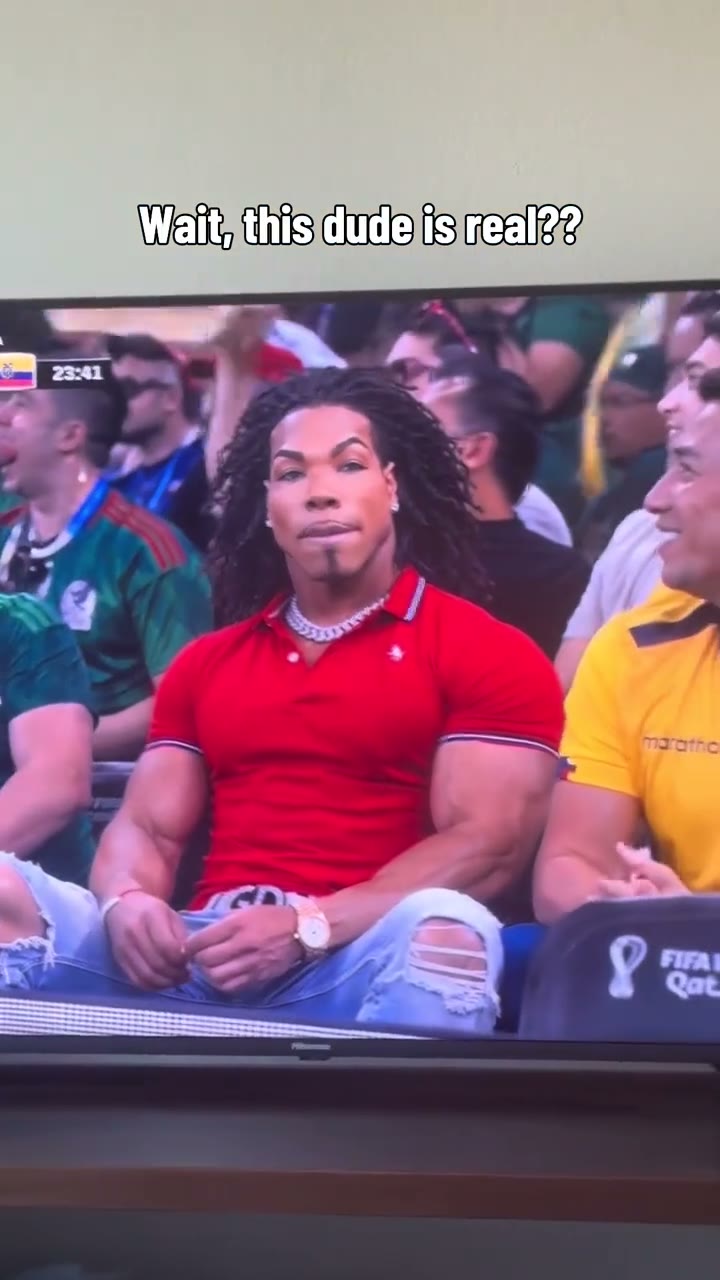
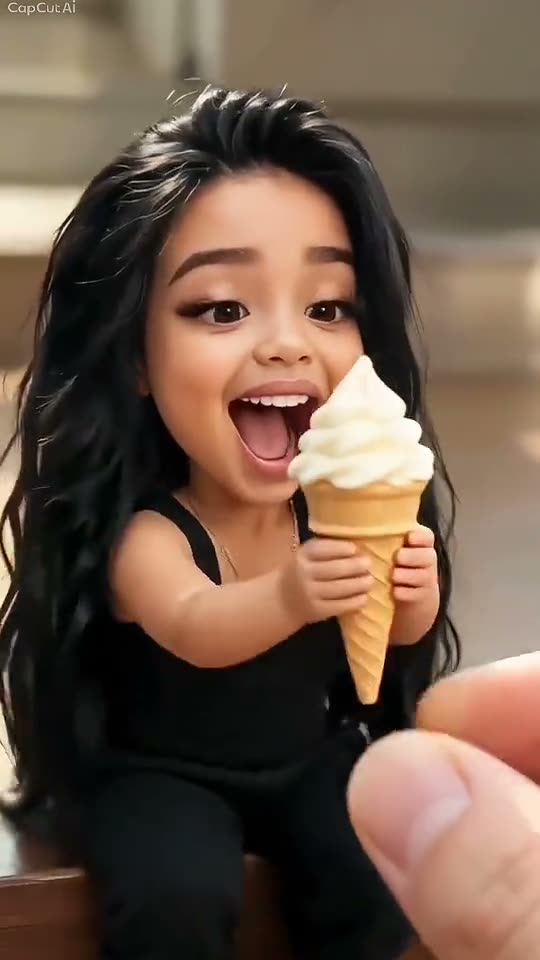
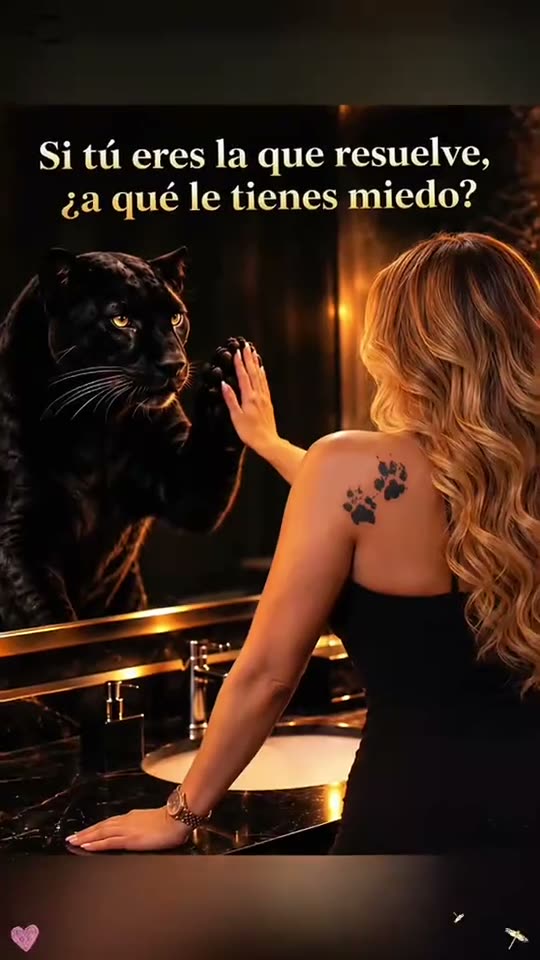
What you actually get
What is Cow Makeup AI?
Cow Makeup AI is the viral 15-second beauty-transition meme built around an instant beat-drop reveal: spend the first eight seconds casually dabbing a couple of brown spots onto your cheeks, turn your head right before the drop, and hard-cut straight into full theatrical cow face paint, floppy pink-lined ears, cream horns, a brass bell collar and a deadpan green leaf chew.
Doing the full costume and white-and-brown body paint in real life takes two hours and a pile of makeup wipes. This audio-driven AI photo-to-video template runs the entire before-and-after transformation inside your photo's own room from one still selfie or pet photo, with the sound built straight into the MP4.
How did Cow Makeup become a trend?
Deadpan beat-drop makeup transitions always dominate short-form beauty feeds — pairing a casual cheek-dab setup with a full leaf-chewing cow reveal turned it into an instant comedy staple.
The audio on the clip
The clip is driven directly by the 15-second Cow Makeup reference audio track, locking the opening lip-sync, the head turn and the exact 8.3-second hard cut to the beat drop natively inside the finished MP4.
A short timeline
- Aug 2026Beauty creators kick off the “dab two spots, hard-cut to full cow makeup chewing a leaf” transition across TikTok and Instagram Reels.
- Sep 2026The 8.3-second beat-drop timing becomes the signature punchline, with creators adding brass bell collars, cow-print outfits and deadpan blinks.
- Oct 2026Non-makeup creators and pet owners join the joke, giving friends, boyfriends, cats and dogs cow-patched fur and tiny cream horns.
- Nov 2026Audio-driven AI photo-to-video templates let anyone render the full 15-second before-and-after cow transition from a single photo.
Your room, light and face stay identical before and after the 8.3s cut; only the cheek dabs, full cow makeup, horns, bell and leaf chew arrive on beat.
Who people turn into a cow
Close head-and-shoulders selfies taken in a bedroom, bathroom or bright room look the most authentic, because the face-height phone angle and room lighting stay completely consistent across the 8.3s hard cut.
Pets are a hilarious favorite too: a cat or dog sits facing the camera before the drop, then transforms with white-and-brown cow patches across its own fur, tiny cream horns, a pink nose and a leather bell collar.
Leave a little headroom above the hair or ears in your photo so the cream horns and floppy pink-lined cow ears sit naturally in frame.
- Your own selfie turned into a 2-hour makeup transition in 75s
- A friend who would never sit still for theatrical face paint
- Your cat or dog with cow-patched fur, tiny horns and a bell
- A deadpan portrait that makes the green leaf chew extra funny
- A cow-print collar or hijab styling reveal on the beat drop
- A quick costume prank clip for Halloween or group chats
Want another one-photo transformation or cow meme? Try Cow Shaking Head AI or Hair Dye Filter AI, or browse every effect on the AI Transformations shelf.
One photo, three steps: making your Cow Makeup AI video
Upload your photo and pick a resolution in the panel above — the cheek spots, 8.3s hard cut, full cow makeup, leaf chew and audio are handled automatically.
Add one photo
One clear head-and-shoulders photo of a person or pet with headroom for horns and ears.
1 photoPick a finish
480p, 720p or 1080p — identical 15s cow makeup reveal and beat-drop audio.
480p · 720p · 1080p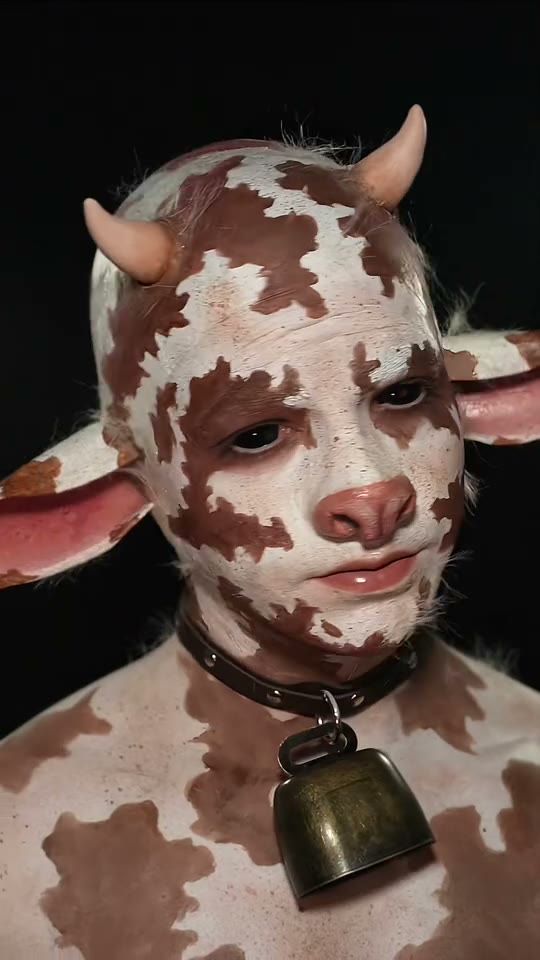
Render and download
Checkout starts the render; the 0:15 9:16 MP4 lands with sound and no watermark.
0:15 · 9:16 · MP4Full step-by-step notes
- Add one photo. Upload one clear, front-facing head-and-shoulders photo of a person or pet (JPG, PNG or WebP, up to 10 MB) with a little headroom for the horns and floppy cow ears.
- Pick a finish. Choose 480p ($1.99), 720p ($2.99) or 1080p ($5.99). Every tier renders the exact same 15-second before-and-after cow transformation and beat-drop audio.
- Render and download. Checkout starts the render right away. In about 75 seconds, your 9:16 MP4 lands ready to download with the audio built in, no watermark and no logo.
Rights. The preview clips above demonstrate the finished AI render style. Your video is generated fresh from the photo you upload inside its own setting, with no watermark or third-party footage pulled from social networks. MakeTrend is an independent tool with no affiliation with the audio creator. Only upload photos of yourself, your pet, or people who agreed to appear.
Cow Makeup AI FAQ
A 15-second vertical before-and-after makeup transition: from 0–8.3s your subject mouths along and dabs brown spots onto their cheeks, then at the 8.3s beat drop a crisp hard cut reveals full white-and-brown cow paint, pink nose, cream horns, floppy ears, cow-print clothing and a brass bell while calmly chewing a green leaf.
One sharp, front-facing, head-and-shoulders photo of a single person or pet in even indoor light, with a little space above the head so the cream horns and floppy pink-lined ears fit cleanly in frame.
MakeTrend routes this template to an audio-driven video generation model tuned for exact beat-drop hard cuts, identity consistency and detailed makeup transformations. You never have to pick a model or write a prompt — upload one photo and render.
Yes. Before the 8.3s drop your pet sits facing the lens normally; after the cut its own fur takes on white and brown cow patches with small cream horns, a pink nose and a brass bell collar while keeping its real face shape.
Yes. Both the BEFORE and AFTER halves stay inside the exact room and lighting from your uploaded photo, making the 8.3-second hard cut look like a real propped-phone makeup transition.
Fifteen seconds — one continuous 9:16 vertical MP4 at 480p, 720p or 1080p, covering the 0–8.3s cheek-dab setup, the 8.3s hard cut, and the 8.3–15s cow reveal and leaf chew.
No, it is paid per clip with no subscription required. 480p is $1.99, 720p is $2.99 and 1080p is $5.99 — or 20, 30 and 60 credits. Nothing is charged until you start a render, and failed renders refund automatically.
No. The 15-second reference audio track drives the lip-sync and the exact 8.3s beat-drop cut directly and is already built into your finished MP4, ready to post straight to TikTok, Reels or Shorts.
No. The face-height makeup transition is built for exactly one subject, so group shots will not render cleanly. Only upload photos of yourself, your pet, or someone who agreed to appear — public figures are not permitted.
Your finished MP4 and download link stay available for 30 days, and the photo you uploaded is deleted automatically after 7 days. Save the file to your device once it finishes.
Ready for the 8.3-second cow reveal?
Upload one clear head-and-shoulders photo of yourself or your pet, pick a finish, and download your 15s MP4 with sound in about 75 seconds.