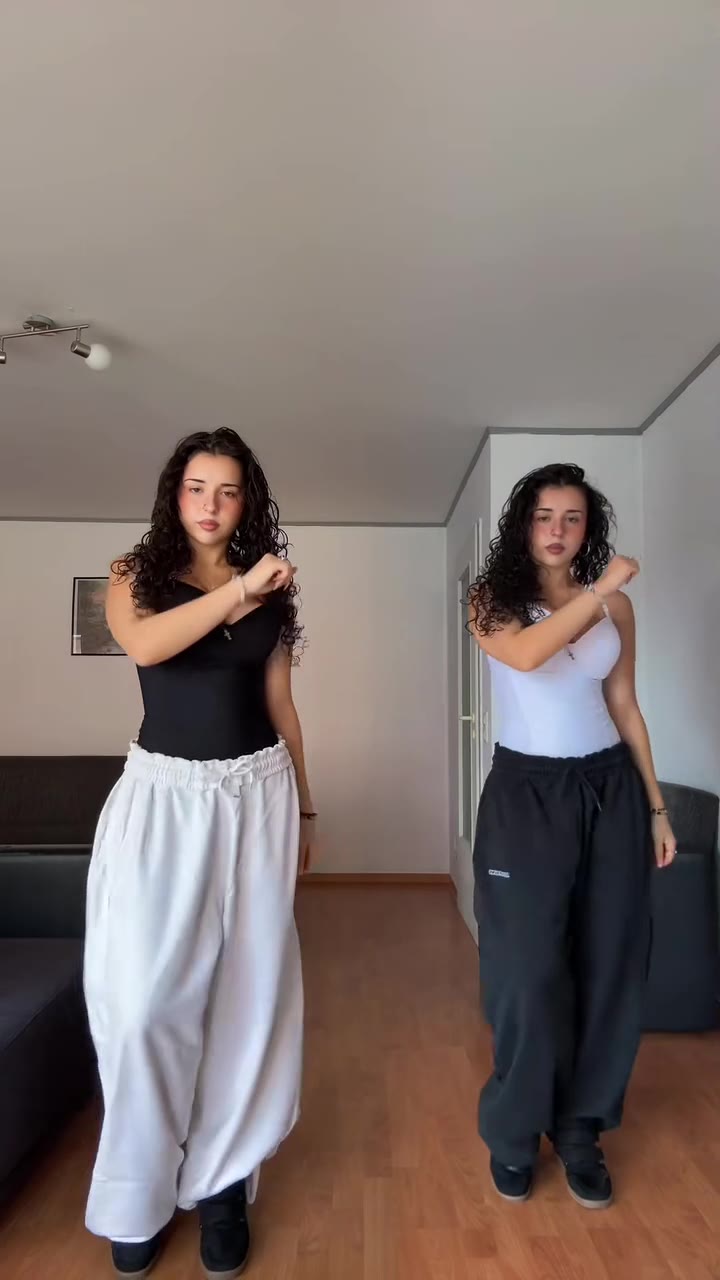
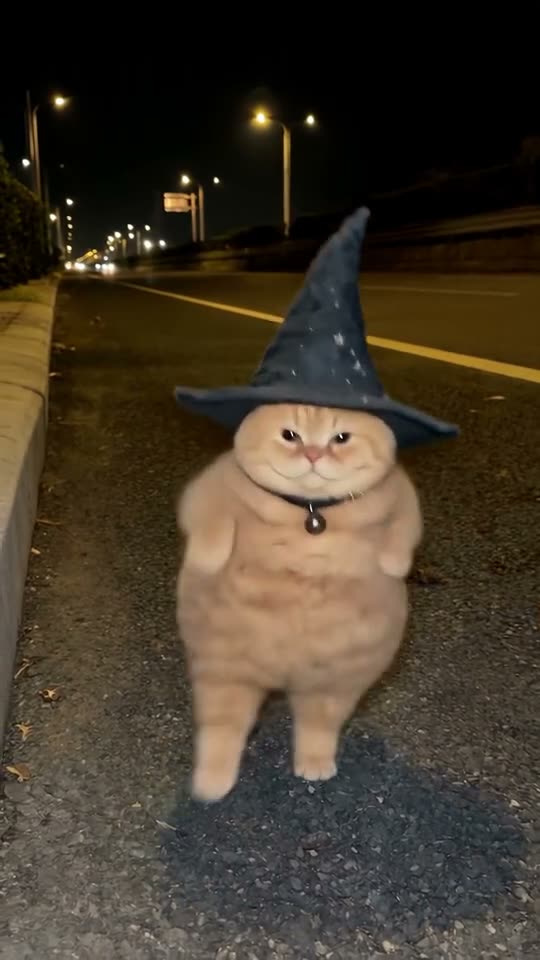
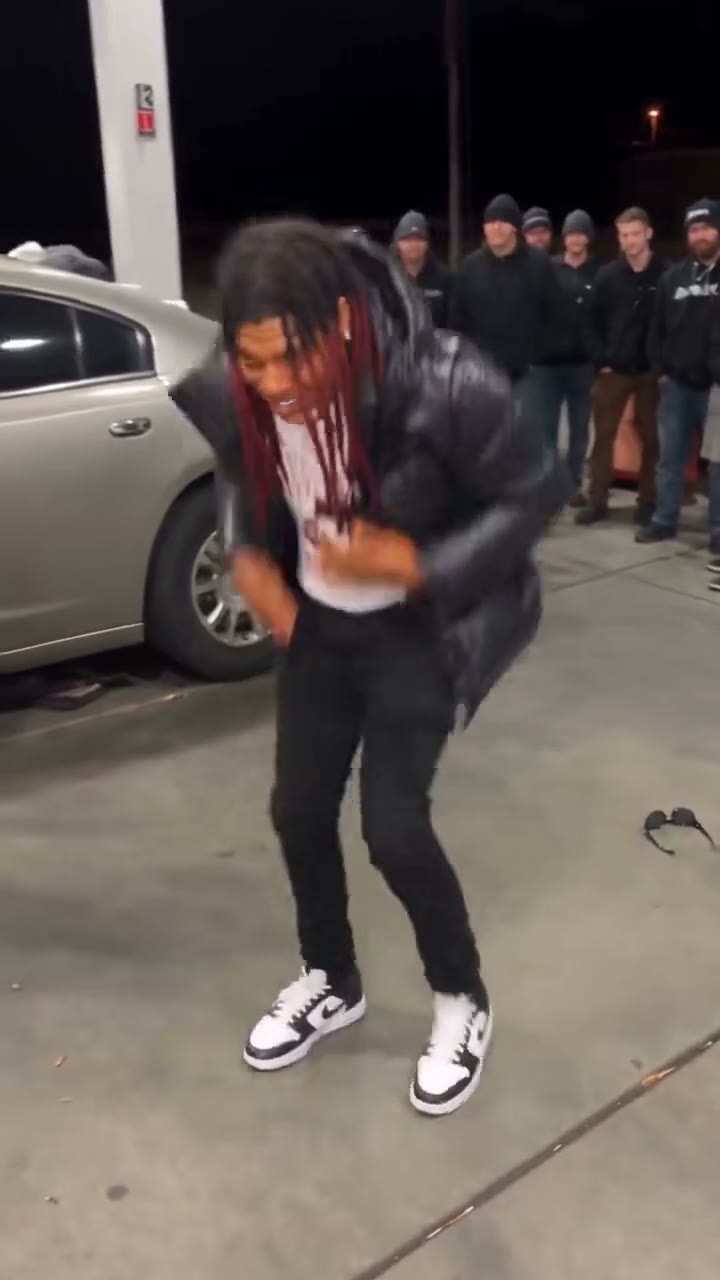
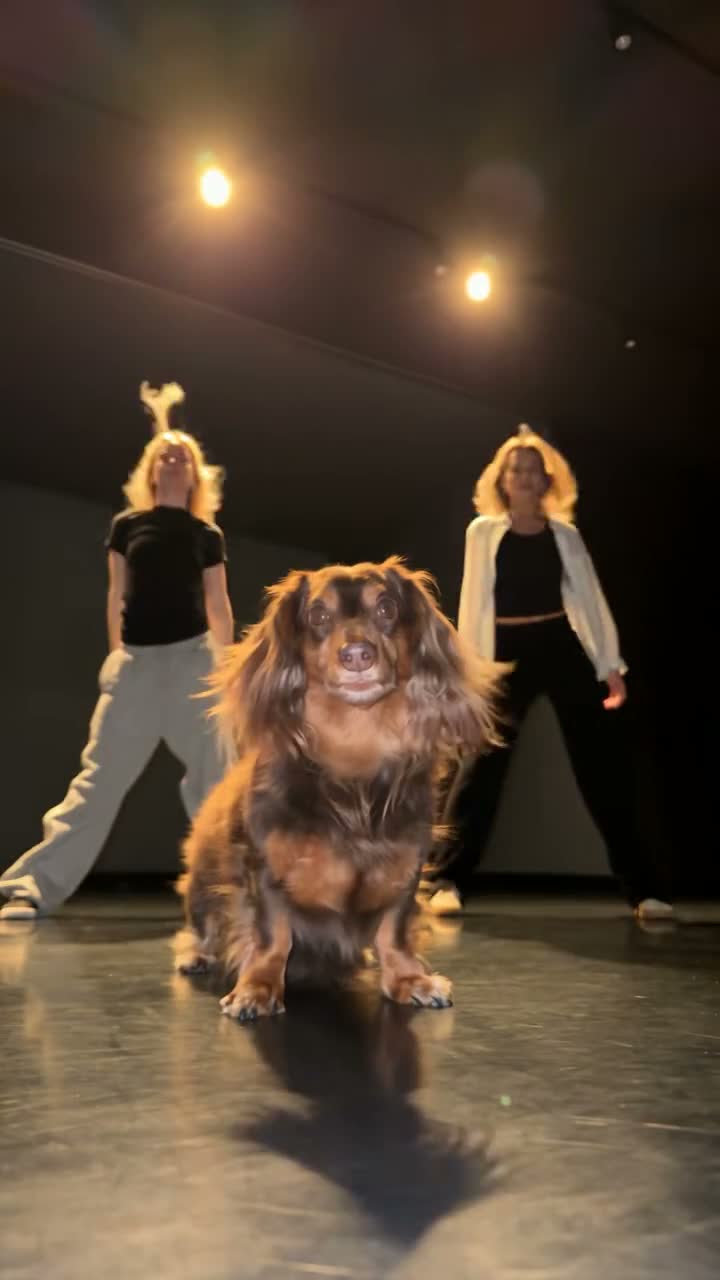
What you actually get
What is the Red Carpet Dance AI street video trend?
The Red Carpet Dance AI trend (also searched as the Times Square red carpet dance meme or AI filter) is a 15-second 9:16 photo-to-video format: a man unrolls a small red carpet in a busy crowd, and the person or pet from your photo steps on, laughs, dances through 12 cuts and drops into a deep squat — with the #redcarpetdance soundtrack already on the MP4.
Pick Just me (1 photo) to replace the dancer while the original man rolls out the carpet, or Me + a friend (2 photos) so your friend unrolls the carpet for you. Either way each subject keeps their exact face, hair or fur and clothes, and the street, camera angles and cheering crowd stay locked to the reference.
Fifteen seconds, 9:16 vertical, 480p / 720p / 1080p, no watermark and no prompt to write.
How did Red Carpet Dance AI become a trend?
It started as a candid Times Square street-dance stunt in a packed intersection: someone unrolls a mini red carpet on the asphalt, a dancer steps out of the crowd, cracks a smile and tears through a fast freestyle while bystanders cheer.
The sound on the clip
Because the AI video renders silently, MakeTrend muxes the trend's 15-second street audio track back onto your finished MP4 so every step, turn and the final squat land on the beat. Download and post as is, or mute it inside TikTok or Reels to pair with another sound.
A short timeline
- Nov 20, 2026@13rooklyn718 posts the original Times Square street clip — a man unrolling a small red carpet on a busy street as the dancer steps out of the crowd and breaks into a freestyle under #redcarpetdance.
- Nov 22, 2026@warped.ai posts an AI recast of the exact street, carpet and 12-cut routine ending in a deep squat, sparking a wave of creator and pet swaps across TikTok and Reels.
- Late Nov 2026Photo-to-video AI templates turn it into a 1- or 2-photo 15-second format — letting anyone put themselves, a friend rolling out the carpet, or their dog onto the Times Square red carpet in minutes.
Person or pet: who people put on the red carpet
Most people upload a full-body photo of themselves in a favourite streetwear outfit — the camera tracks head to toe across all twelve cuts, so sneakers, jackets and dresses all carry through into the freestyle.
Pets are the other instant favourite. Upload a clear photo of your dog or cat and it keeps its own species, fur colour and markings while standing upright on the red carpet and hitting the full street routine.
One subject per photo, standing and facing the camera in even light. Use your own photo, your pet, or someone who agreed to appear.
- You in your best streetwear
- Your friend who never dances
- Your dog owning the carpet
- A cat hitting the deep squat
- Birthday VIP arrival
- Your coworker at lunch
Want more street dance AI trends? Try the night forecourt two-step in Gas Station Dance AI, the street-row routine in Babydoll Dance AI, or browse all Dance AI videos.
One or two photos, three steps: making your Red Carpet Dance AI video
Pick solo or duo, drop your photos and choose a finish. There is nothing else to configure.
Add your photos
One clear photo for solo, or two photos when your friend rolls out the carpet.
1 or 2 photosPick cast & finish
Just me or Me + a friend, in 480p, 720p or 1080p — same 12-cut dance and sound.
Solo · duo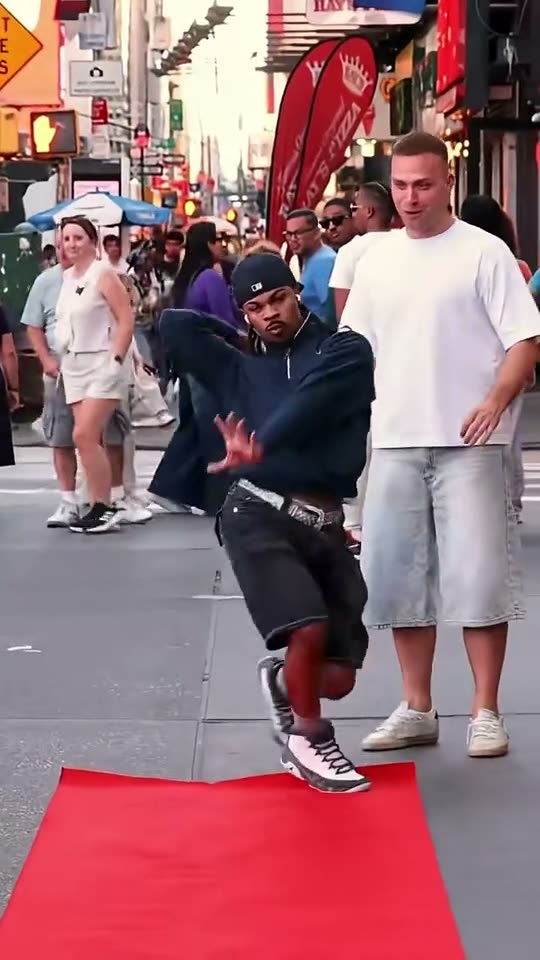
Render and download
Checkout starts the render; the 0:15 9:16 MP4 lands in your library with sound.
0:15 · 9:16 · MP4Full step-by-step notes
- Add one photo — or two with a friend. Pick Just me (1 photo of the dancer) or Me + a friend (2 photos: the dancer in box one, your friend rolling out the carpet in box two). JPG, PNG or WebP, up to 10 MB each, standing head to toe in even light.
- Pick the cast and a finish. Choose Just me or Me + a friend, then pick 480p ($6.99 / 70 credits), 720p ($14.99 / 150 credits) or 1080p ($35.99 / 360 credits). Both casts cost the same — only sharpness changes.
- Render and download. Checkout starts the render. The 9:16 MP4 lands in your library with the soundtrack already on the file, no watermark, no subtitles and no logo.
Rights. The preview above shows the street dance trend this template recreates; the finished video is an AI render built from the photo you upload, not footage pulled from a social network. The original street choreography and audio belong to their own creators and rights holders; MakeTrend is an independent tool with no affiliation with them or the platforms. Upload a photo of yourself, your pet, or someone who agreed to appear, and rights holders may ask for a clip to be removed at any time.
Red Carpet Dance AI FAQ
It is a 15-second 9:16 AI recast of the viral Times Square street Red Carpet Dance meme (#redcarpetdance). Upload one photo to dance solo while the original man unrolls the carpet, or two photos so your friend rolls it out for you — covering all 12 cuts ending in a deep squat, with the soundtrack already on the MP4.
MakeTrend chooses and tunes the video-recast model that holds identity, clothing and full-body footwork cleanly across all 12 street cuts, with automatic fallback if a photo is rejected. You never have to pick a model or write a prompt — upload your photos and the render is queued.
One clear, front-facing photo of a single person or pet, ideally head to toe in even light, wearing the outfit you want in the dance. Avoid sunglasses, caps covering the face, group shots or photos cropped at the chest.
Yes. Upload one clear photo of your pet and it keeps its own species, breed, fur colour and markings while standing upright on its hind legs and dancing through the full 15-second street routine.
Yes. Switch the cast picker to Me + a friend and upload two separate photos — box one is the dancer on the carpet, and box two is your friend who unrolls it. Both solo and duo cost the exact same price.
Fifteen seconds — one vertical 9:16 MP4 covering all 12 cuts at 480p, 720p or 1080p, ready to post straight to TikTok, Instagram Reels or YouTube Shorts.
No. The render is silent and the trend's 15-second audio track is muxed back onto your finished MP4 in time with the moves. Post it as is, or mute it inside TikTok or Reels.
No, it is pay-per-clip with no subscription required. One 15-second render starts at $6.99 for 480p (70 credits), $14.99 for 720p (150 credits) and $35.99 for 1080p (360 credits) — same price for solo or duo, no watermark, and automatic refund if a render fails.
The MP4 and its download link both expire 30 days after the render, and the photo you uploaded is deleted after 7. Save the file when it lands — nothing else is kept.
Ready to step onto the street red carpet?
Add one photo for solo — or two with a friend — pick a finish, and roll out the carpet.