What you actually get
What is Waiting On My Fries AI?
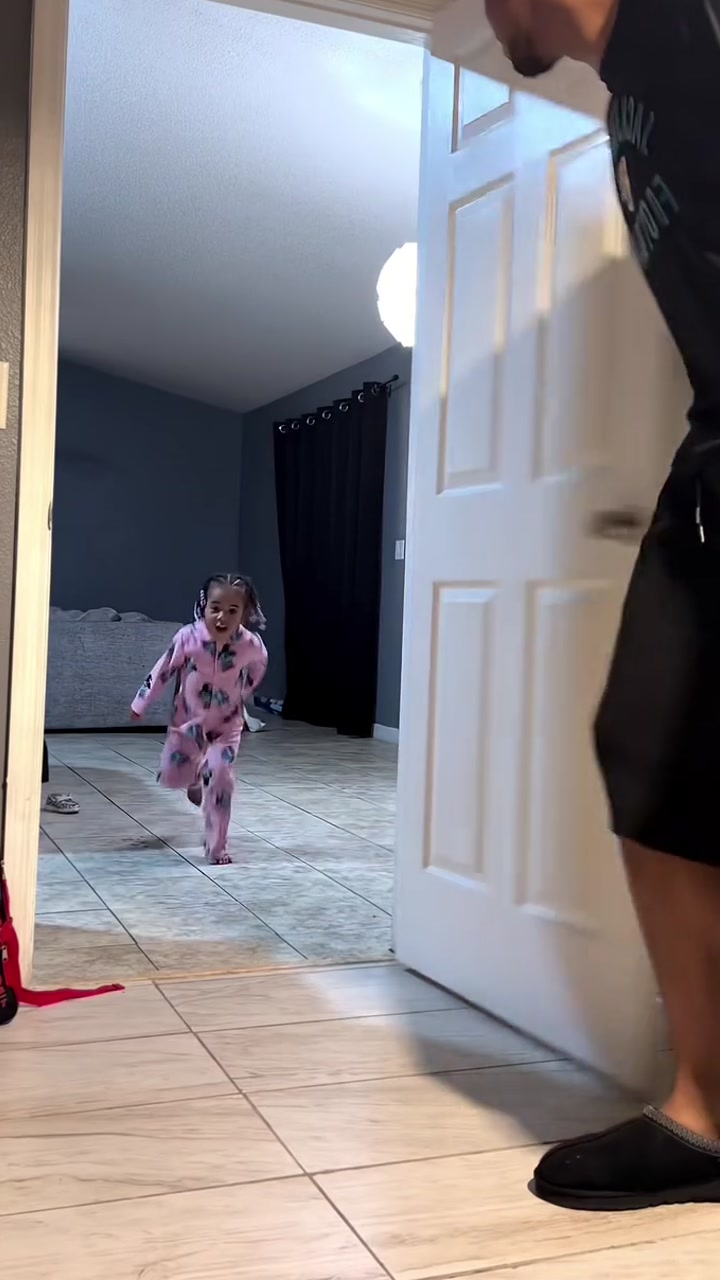
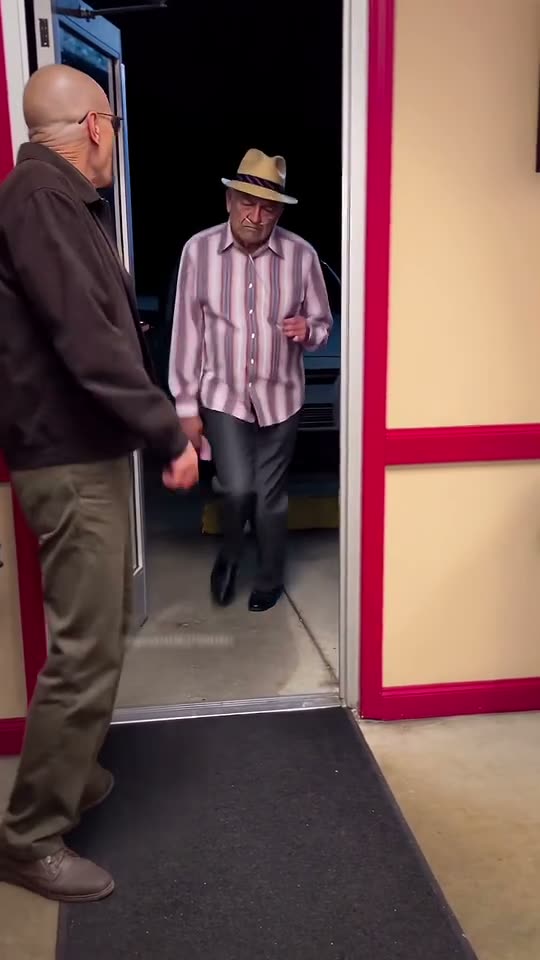
Waiting On My Fries AI is the two-person kitchen comedy meme built on the viral taco-shop counter clip: a customer asks where their fries are, the worker in back realizes they forgot to drop them and bolts for the fryer, and the worker in front locks eyes with the lens and buys time with a slow, completely straight-faced dance.
It caught fire because every friend group, workplace and pet duo instantly knows who would panic at the fryer and who would commit to the deadpan dance. This AI template recasts both workers from two photos while keeping the steel counter, menu boards, blue aprons and original audio intact.
How did Waiting On My Fries become a trend?
Fast-food counter skits already travel fast, and pairing a real-time kitchen panic with a nine-second deadpan stall dance gave creators an instant two-role meme.
The audio on the clip
Because the video render itself runs silent to avoid copyright filtering, the original 15-second taco-shop audio track is muxed back onto your finished MP4 so every beat of the panic and slow dance lands on cue.
A short timeline
- Aug 2026The original two-worker taco-shop counter skit goes viral on TikTok and Reels for its deadpan nine-second distraction dance.
- Sep 2026Coworkers, couples and sibling duos start captioning the clip with “who forgot the fries” vs. “who stalls the customer.”
- Oct 2026Pet owners join the trend, putting two cats or dogs upright in blue aprons behind the steel counter.
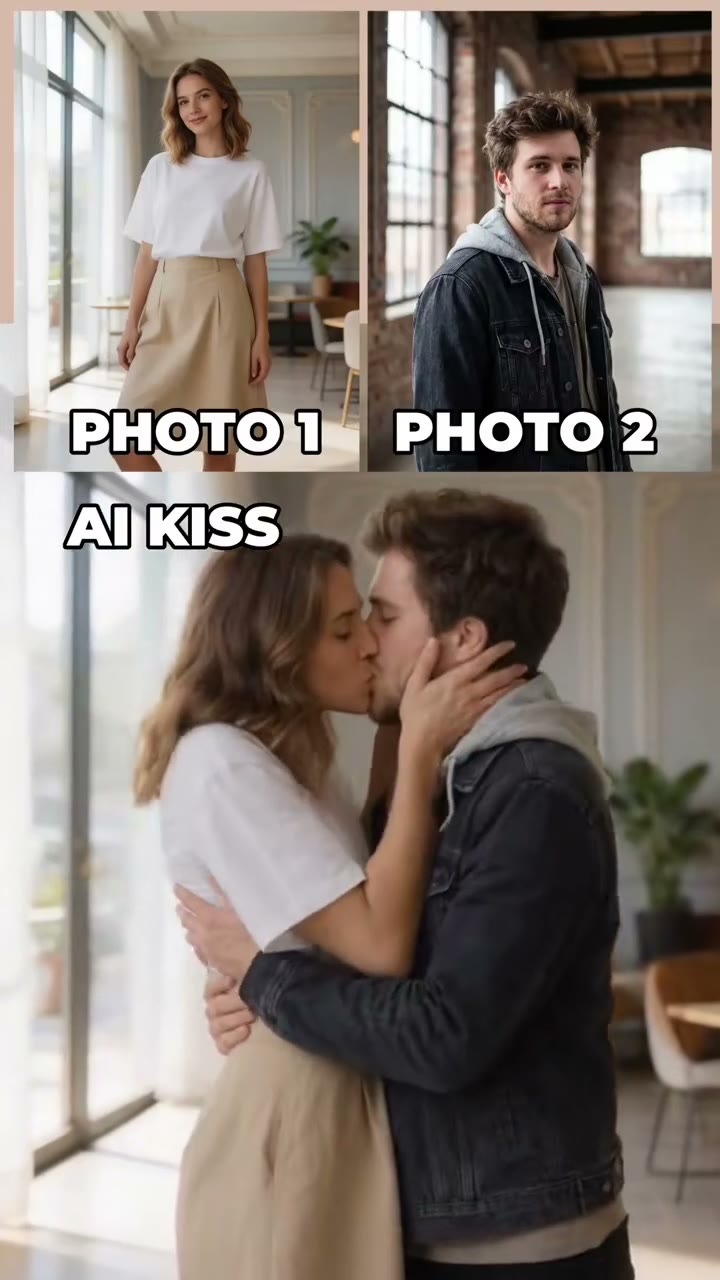
- Nov 2026Two-photo AI video templates make the full 15-second taco-shop skit recastable from any two portraits or pet photos.
The taco shop, blue aprons, timing and audio never change; only the dancer in front and the coworker running to the fryer come from your two photos.
Who people put behind the counter
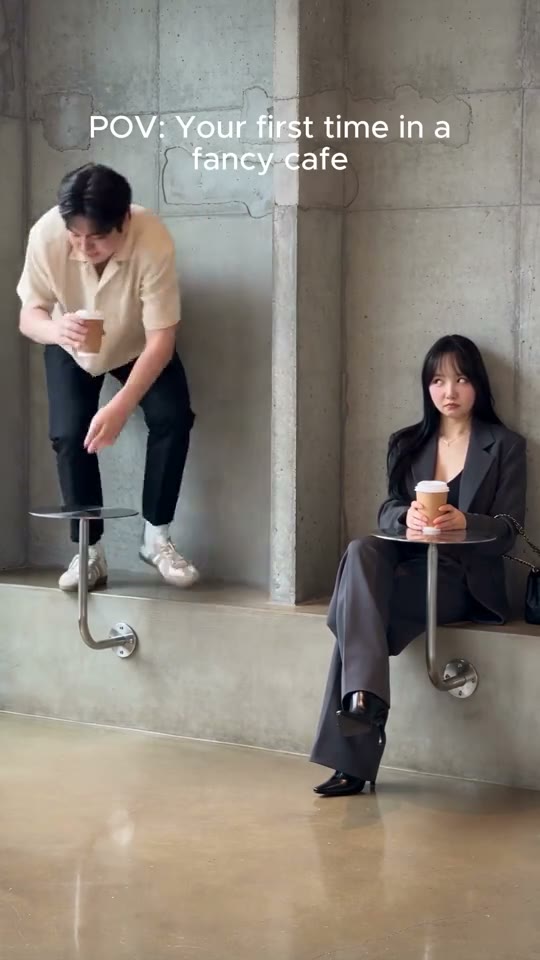
The whole joke is casting the two roles accurately: Slot 1 is the friend who can keep a straight face while doing the most ridiculous slow dance, and Slot 2 is the friend who always forgets the one thing they were supposed to do.
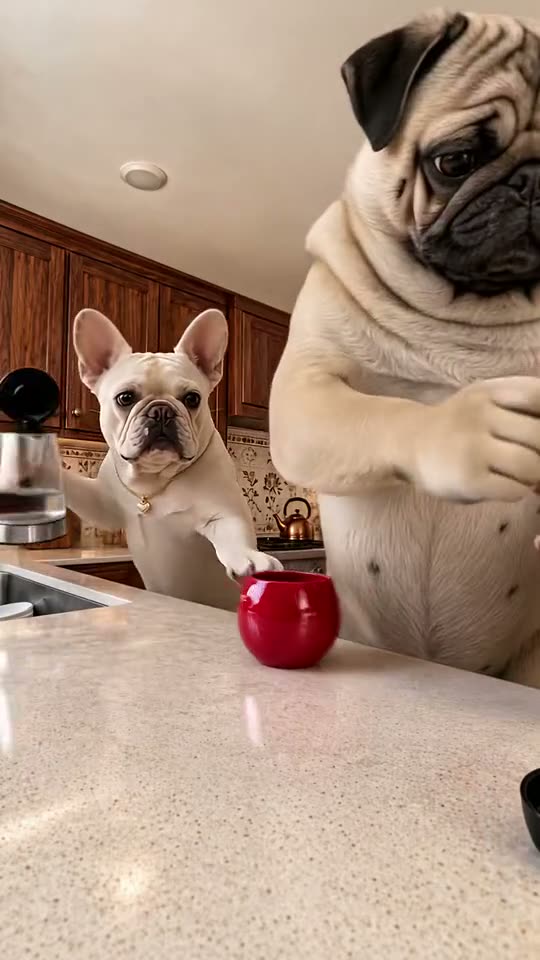
Two pets are just as popular as two people — cats and dogs keep their real fur, ears and markings while standing upright in blue aprons behind the steel counter and using their front paws for the dance and head-grab.
Upload one clear, front-facing photo per box with two visually distinct subjects so the render keeps both workers sharply separated across all fifteen seconds.
- You stalling while your best friend sprints to the fryer
- Two cats or two dogs working the late taco-shop shift
- Work besties who actually survive every rush together
- Siblings — the dramatic one in front, the chaotic one in back
- A couple recreating who handles every kitchen disaster
- Your manager in front and the new hire running to the fryer
Want another two-subject kitchen or counter comedy clip? Try Coffee Making AI or Window Peeper AI, or browse the full Skits & pranks AI videos shelf.
Two photos, three steps: making your Waiting On My Fries AI video
Drop your dancer and coworker photos into the two boxes above and pick a finish — the aprons, moves and audio are handled automatically.
Add two photos
Slot 1 is the front dancer; Slot 2 is the coworker who forgot the fries.
2 photosPick a finish
480p, 720p or 1080p — identical 15s taco-shop skit and original audio.
480p · 720p · 1080p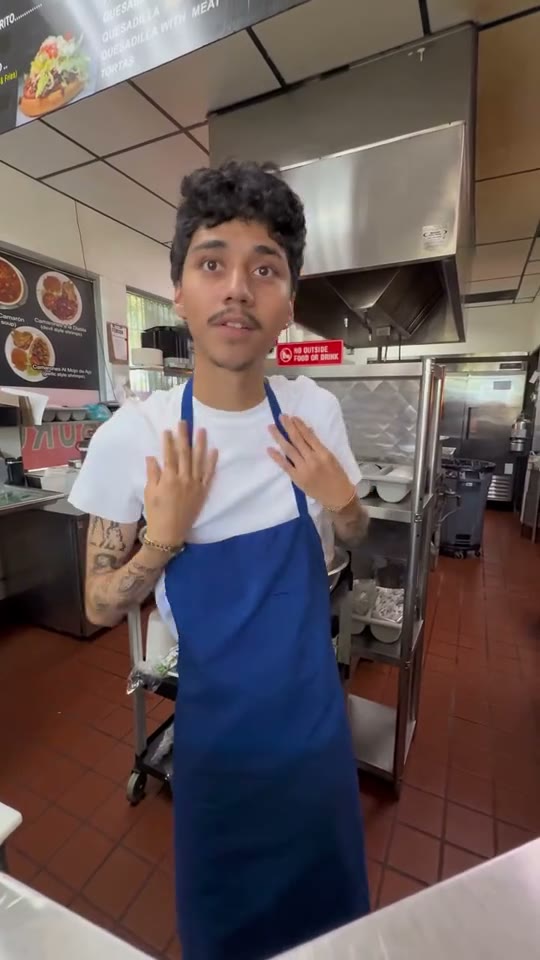
Render and download
Checkout starts the render; the 0:15 9:16 MP4 lands with sound and no watermark.
0:15 · 9:16 · MP4Full step-by-step notes
- Add two photos. Upload one clear front-facing photo in Slot 1 (Who does the dance?) and one in Slot 2 (Who forgot the fries?). JPG, PNG or WebP, up to 10 MB each. People and pets both work.
- Pick a finish. Choose 480p ($6.99), 720p ($14.99) or 1080p ($35.99). Every tier renders the exact same 15-second taco-shop skit and audio — only sharpness changes.
- Render and download. Checkout starts the render right away. In about 75 seconds, your 9:16 MP4 lands ready to download with the original audio muxed on, no watermark and no logo.
Rights. The preview clips above demonstrate the finished AI render style. Your video is generated fresh from the two photos you upload, with the taco-shop audio track muxed onto the file and no watermark. MakeTrend is an independent tool with no affiliation with the original skit creators. Only upload photos of yourself, your pets, or people who agreed to appear.
Waiting On My Fries AI FAQ
A 15-second vertical taco-shop comedy skit where two workers in blue aprons face a customer across the counter: the coworker in back panics and bolts to the fryers at 5.7s, while the worker in front locks eyes with the camera and stalls with a slow, dead-serious dance.
Upload one clear, front-facing photo per box — Slot 1 for the front dancer and Slot 2 for the coworker who forgot the fries. Even indoor light, unobstructed faces and two visually distinct subjects keep both roles sharp from start to finish.
MakeTrend routes this template to the video model tuned best for two-subject identity preservation and kitchen motion, with automatic fallback if a strict portrait check triggers. You never have to pick a model or write a prompt — upload both photos and render.
Yes. You can cast two cats, two dogs, or even a person and a pet. Any animal keeps its real species, breed, fur and markings while standing upright behind the steel counter in a blue apron and performing the moves with its front paws.
Yes. Each worker keeps their own outfit from their uploaded photo, with the long blue taco-shop work apron tied over it just like the original skit.
Fifteen seconds — one continuous 9:16 vertical MP4 at 480p, 720p or 1080p, covering the menu-board drop (0–0.7s), the fryer panic (0.7–6s) and the full dead-serious stall dance (6–15s).
No, it is paid per clip with no subscription required. 480p is $6.99, 720p is $14.99 and 1080p is $35.99 — or 70, 150 and 360 credits. Nothing is charged until you render, and failed renders refund automatically.
No. The render runs silent and the original 15-second taco-shop audio track is automatically muxed onto your finished MP4 before delivery, ready to post straight to TikTok, Reels or Shorts.
No. Each of the two upload boxes binds one worker, so group shots will not separate cleanly. Only upload photos of yourself, your pets, or people who agreed to appear — public figures are not permitted.
Your finished MP4 and download link stay available for 30 days, and both uploaded photos are deleted automatically after 7 days. Save the file to your device once it finishes.
Ready to cast your taco-shop duo?
Upload who does the dance and who forgot the fries, pick a finish, and download your 15s MP4 with audio in about 75 seconds.