What you actually get
What is Low Budget Amanda AI?
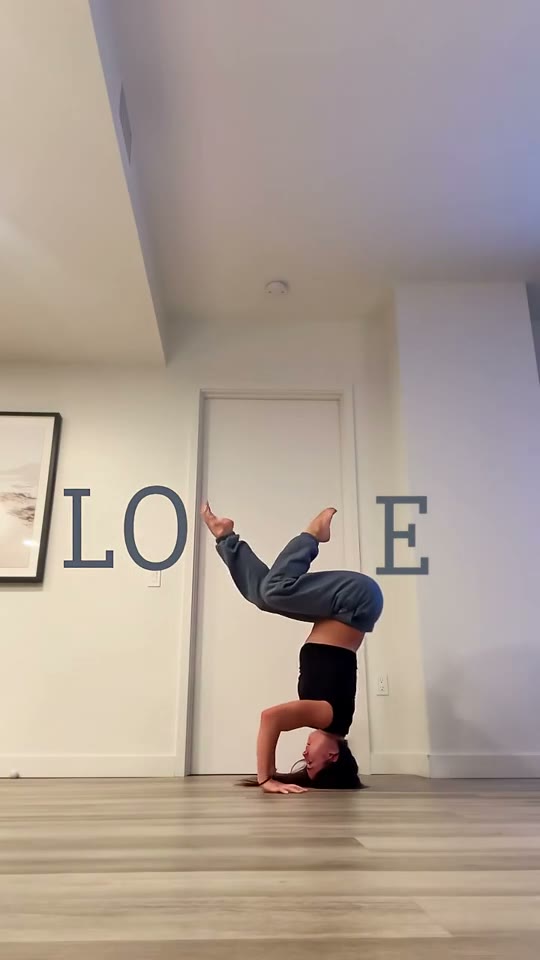
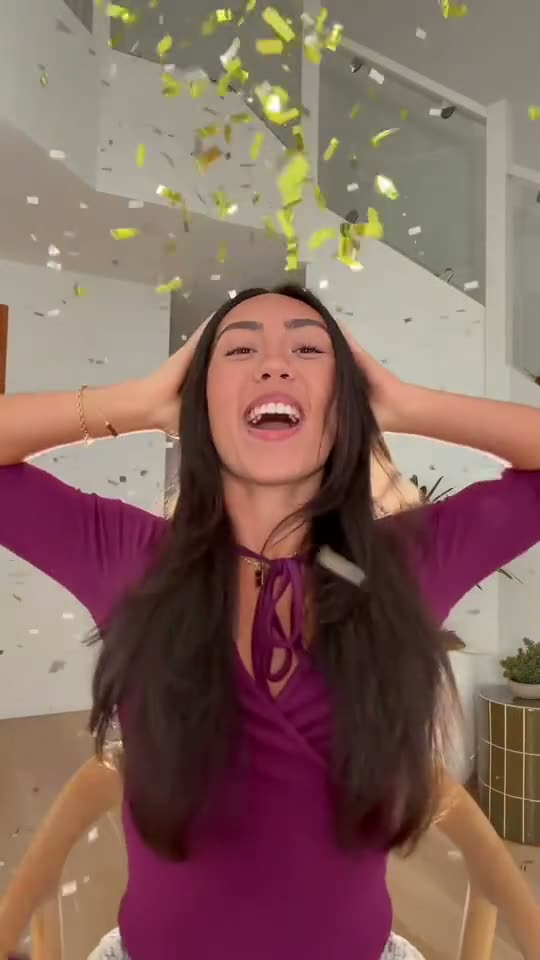
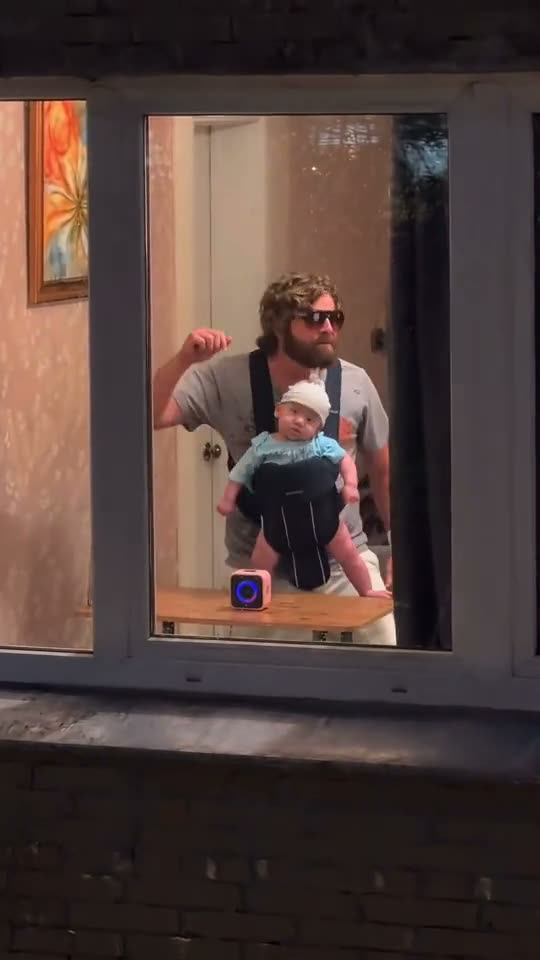
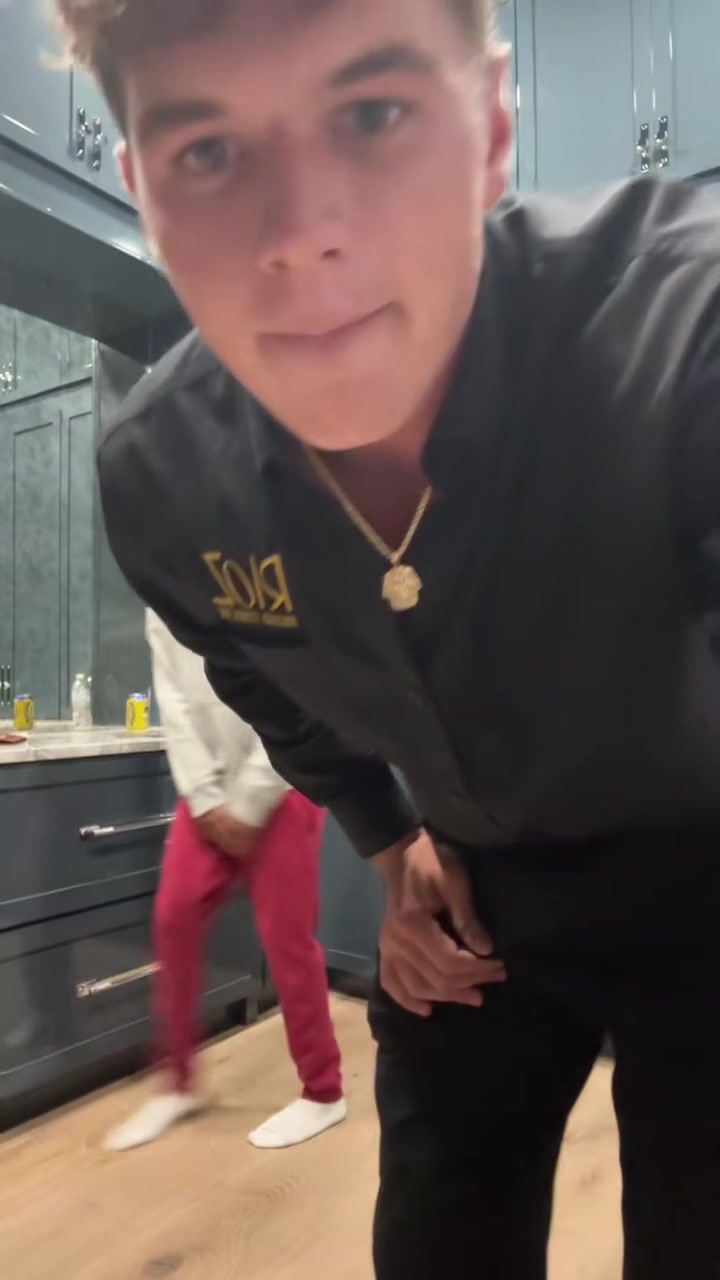
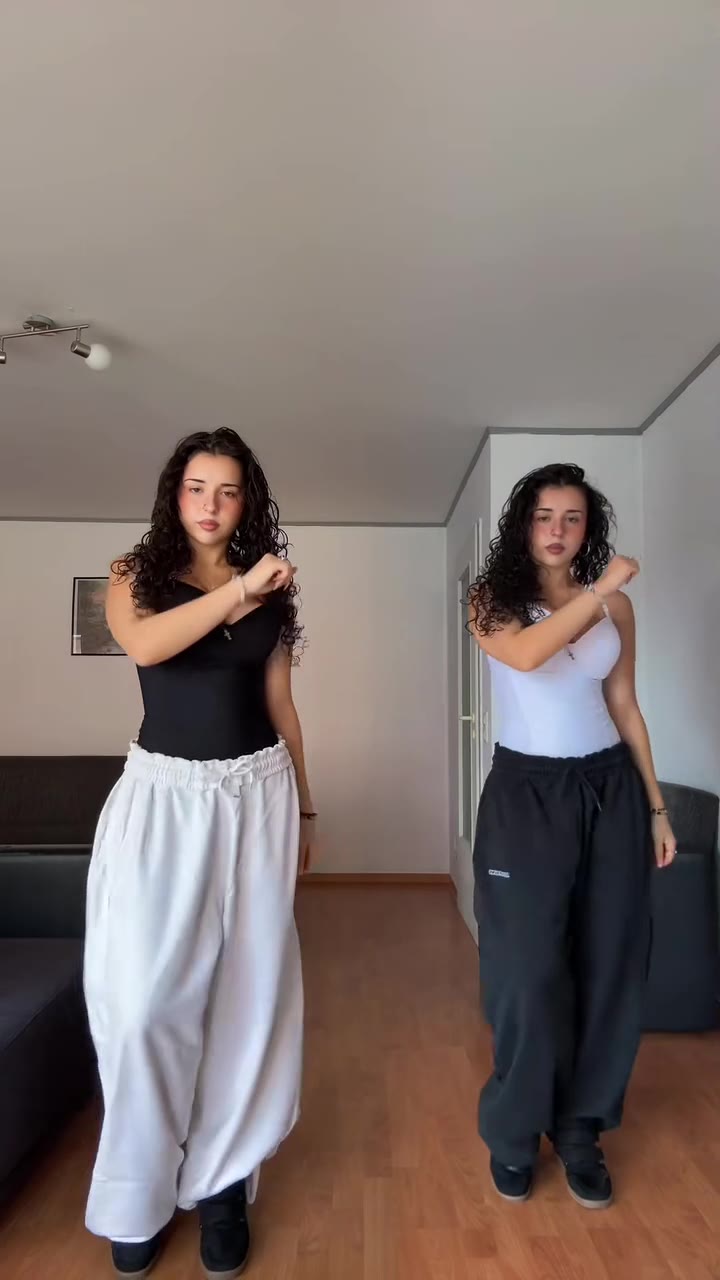
Low Budget Amanda AI is the 15-second vertical dance and lip-sync trend built around a propped-up phone shot at home: a sassy, knowing intro that rolls straight into a playful bashment groove with knee bounces, hip rolls, a slow wine, finger wags and laughs between lines.
Because the charm of the trend is that it looks casually filmed in a real kitchen, living room or street rather than a studio, this audio-driven AI template keeps your photo's actual room, lighting, face and outfit while animating the full 15-second dance and lip-sync directly from the track.
How did Low Budget Amanda become a trend?
Casual at-home kitchen and living-room dance clips always travel fast on TikTok — pairing a catchy bashment beat with sassy lip-sync moves turned it into a go-to 15-second format.
The song on the clip
The clip is driven directly by the 15-second Low Budget Amanda reference audio track, so lip-sync, shoulder and hip rolls, the slow wine and the laughs between lines all lock natively to the bashment beat inside the finished MP4.
A short timeline
- Aug 2026Propped-phone kitchen and bedroom dance clips set to the Low Budget Amanda bashment hook begin circulating on TikTok and Reels.
- Sep 2026Creators lock in the playful 15-second sequence — sassy opener, knee bounce, hand on hip, slow wine and wagging finger at the camera.
- Oct 2026Pet owners join the sound, standing cats and dogs up in the kitchen to bounce and sway along to the chorus.
- Nov 2026Audio-driven AI photo-to-video templates let anyone turn one still standing photo into the full 15-second dance and lip-sync clip.
The room, kitchen or street and your outfit stay straight from the photo; only the bashment groove, sassy lip-sync and audio are brought to life.
Who people put on the beat
Standing or three-quarter photos taken in a kitchen, bedroom, hallway or outdoor street look the most natural, because the propped-phone camera keeps the entire upper body and most of the legs in frame.
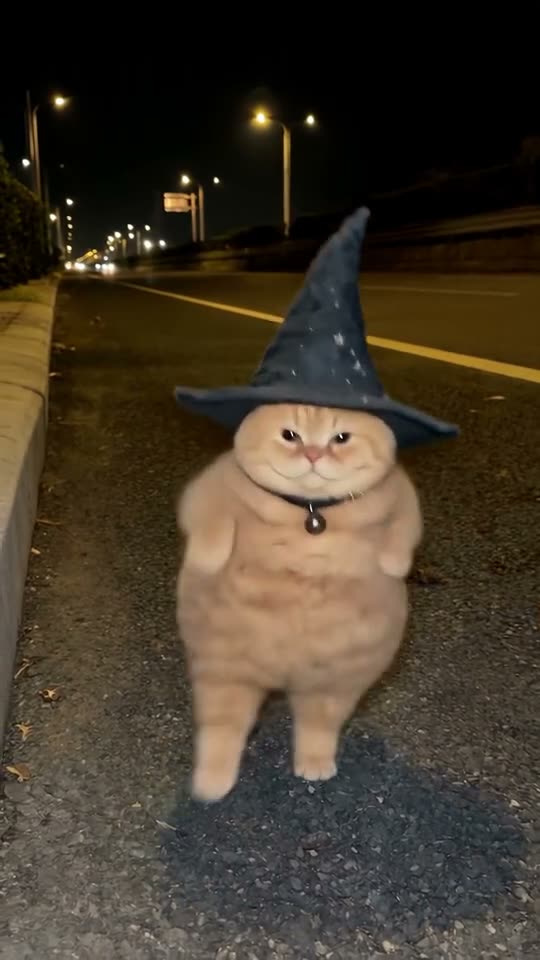
Pets are a favorite twist too: a cat or dog facing the lens keeps its exact species, breed, fur and markings while standing upright on its hind legs, mouthing the words and swaying to the bashment beat.
Use one sharp, evenly lit photo with clear space around the torso and hips so the bounce, slow wine and hand gestures move cleanly.
- A casual kitchen or living-room standing photo
- Your outfit-of-the-day mirror or hallway shot
- Your cat or dog bouncing upright on the kitchen floor
- A friend who claims they never dance on camera
- A sunny street portrait turned into a 15s groove
- A deadpan photo flipped into a sassy hair flip and laugh
Want another beat-synced dance clip from one photo? Try Boom Clap Confetti AI or No Scrubs AI, or browse every routine on the AI Dance Trends shelf.
One photo, three steps: making your Low Budget Amanda AI video
Upload your photo and pick a resolution in the panel above — the bashment groove, lip-sync and song are handled automatically.
Add one photo
One clear standing or three-quarter photo of a person or pet in a room, kitchen or street.
1 photoPick a finish
480p, 720p or 1080p — identical 15s bashment groove, lip-sync and audio.
480p · 720p · 1080p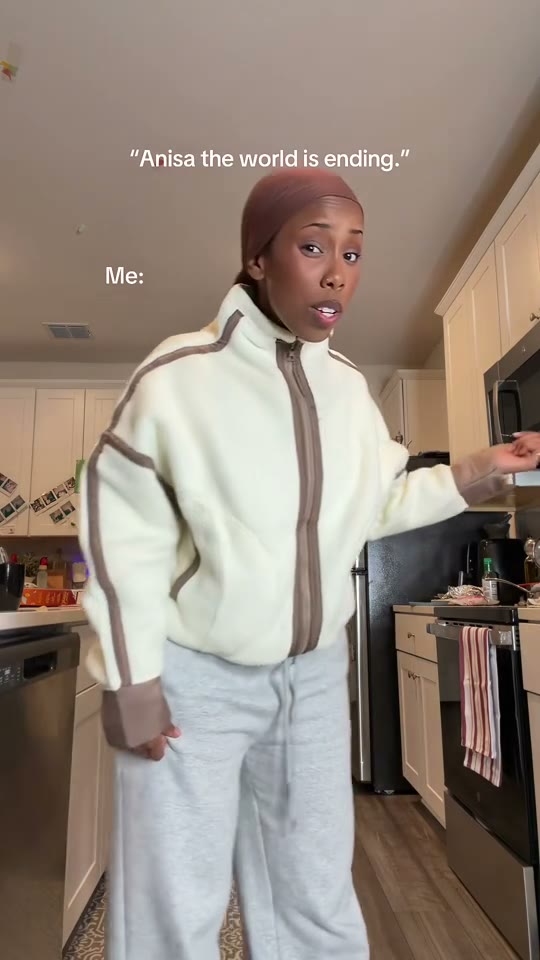
Render and download
Checkout starts the render; the 0:15 9:16 MP4 lands with sound and no watermark.
0:15 · 9:16 · MP4Full step-by-step notes
- Add one photo. Upload one clear, front-facing photo of a person or pet (JPG, PNG or WebP, up to 10 MB). Three-quarter or full-body framing in a room, kitchen or street gives the dance moves clean space.
- Pick a finish. Choose 480p ($1.99), 720p ($2.99) or 1080p ($5.99). Every tier renders the exact same 15-second bashment dance, lip-sync and built-in song.
- Render and download. Checkout starts the render right away. In about 75 seconds, your 9:16 MP4 lands ready to download with the song synced on the file, no watermark and no logo.
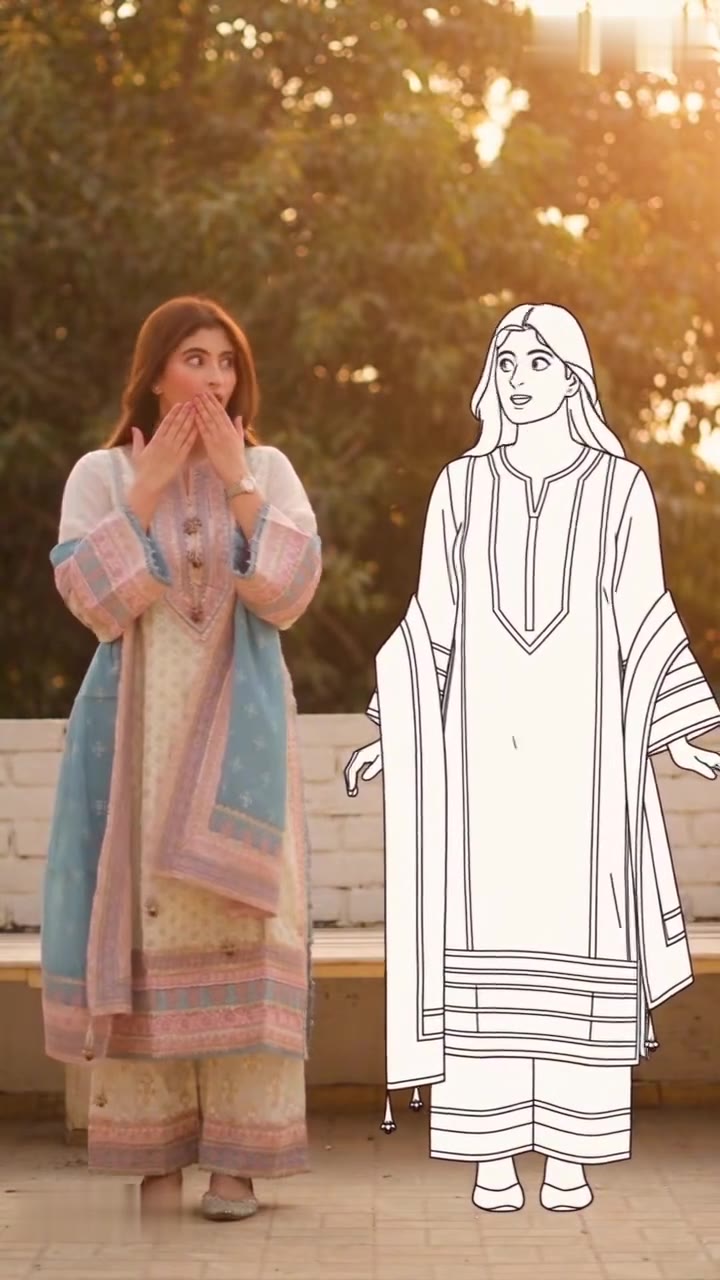
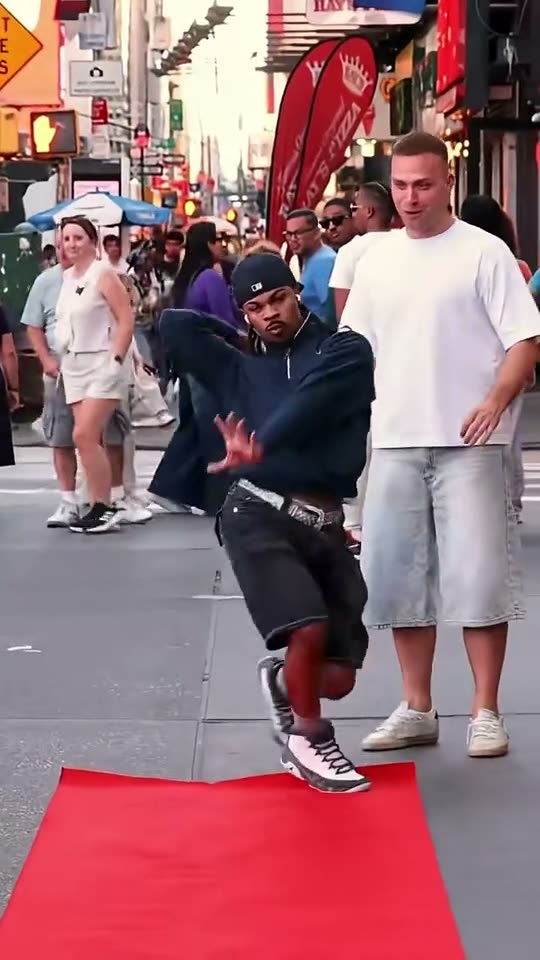
Rights. The preview clips above demonstrate the finished AI render style. Your video is generated fresh from the photo you upload inside its own setting, with no watermark or third-party footage pulled from social networks. MakeTrend is an independent tool with no affiliation with the song's artist or label. Only upload photos of yourself, your pet, or people who agreed to appear.
Low Budget Amanda AI FAQ
A 15-second vertical propped-phone dance and lip-sync video where your subject opens with a sassy bounce (0–3s) and grooves to the Low Budget Amanda bashment beat with knee bounces, hip rolls, a slow wine, hair flip, finger wag and laughs right inside the room from your photo.
One sharp, front-facing, three-quarter or full-body photo of a single person or pet in an evenly lit room, kitchen or street, with the face unobstructed and most of the upper body and legs visible in frame.
MakeTrend routes this template to an audio-driven video generation model tuned for beat-synced dance motion and word-for-word lip-sync. You never have to pick a model or write a prompt — upload one photo and the render starts automatically.
Yes. A cat, dog or other pet facing the camera keeps its exact species, breed, fur and markings while standing upright on its hind legs, moving its mouth to the lyrics and bouncing on the bashment beat.
Yes. The template preserves both your subject's identity and the actual room, kitchen or street, lighting and outfit from your photo, so the finished clip looks like a real propped-phone video.
Fifteen seconds — one continuous 9:16 vertical MP4 at 480p, 720p or 1080p, covering the 0–3s sassy opener and the full 3–15s bashment groove without cutting off the ending.
No, it is paid per clip with no subscription required. 480p is $1.99, 720p is $2.99 and 1080p is $5.99 — or 20, 30 and 60 credits. Nothing is charged until you start a render, and failed renders refund automatically.
No. The 15-second song track drives the lip-sync and dance directly and is already built into your finished MP4. Download and post it straight to TikTok, Instagram Reels or YouTube Shorts.
No. The routine is designed for exactly one subject dancing in frame, so group photos will not render cleanly. Only upload photos of yourself, your pet, or someone who agreed to appear — public figures are not permitted.
Your finished MP4 and download link stay available for 30 days, and the photo you uploaded is deleted automatically after 7 days. Save the file to your device once it finishes.
Ready to drop into the bashment groove?
Upload one clear photo of yourself or your pet, pick a finish, and download your 15s MP4 with song in about 75 seconds.