What you actually get
What is The Box AI?
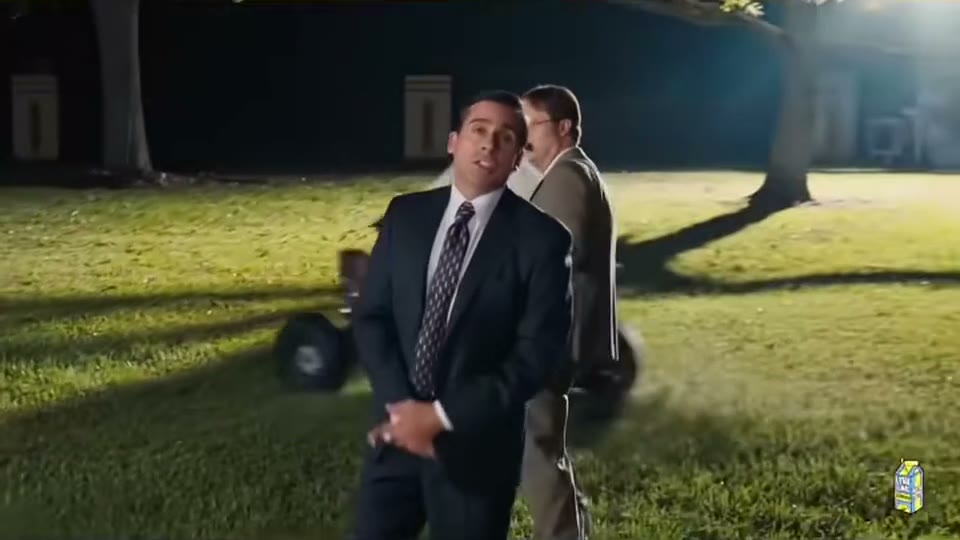
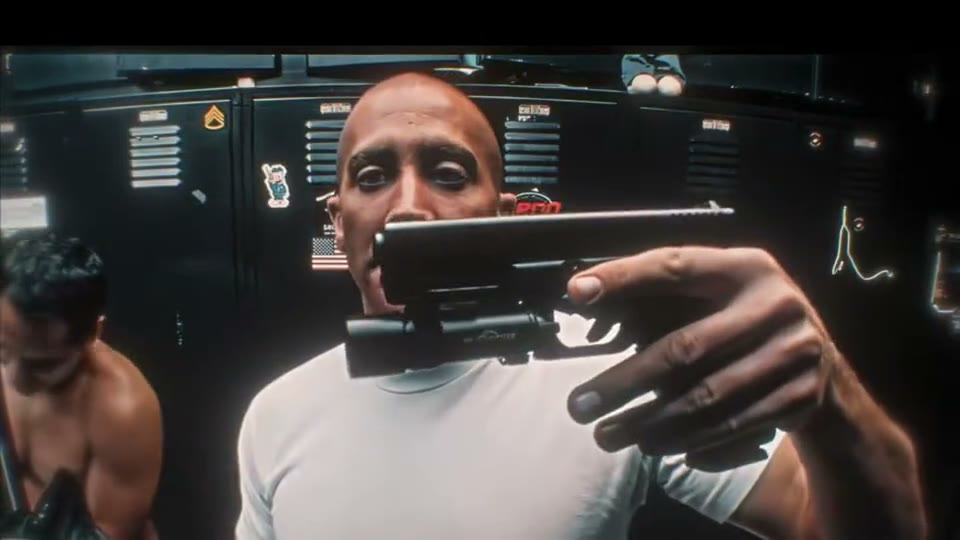
The Box AI is the 15-second widescreen music-video recast built on one of hip-hop's most recognizable visual gags: swaggering alone across a night car park while a yellow car flips into a giant fireball behind you, followed by a colour-glitch cut straight to a calm press briefing at a podium.
The contrast between total fiery chaos and polite podium hand gestures makes anyone — your friend in a hoodie, a coworker, or a cat or dog dancing upright — instantly hilarious. One photo supplies the face, fur and outfit across all three shots with the song already muxed onto the MP4.
How did The Box become an AI video trend?
Unbothered-in-front-of-an-explosion shots are timeless internet comedy — pairing the car-flip fireball with the deadpan press podium gave creators a ready-made 15-second flex.
The song on the clip
Because the video render itself runs silent to avoid copyright filtering, the 15-second car-flip song track is muxed back onto your finished MP4 so the pullback dance, the 4.8-second explosion and the glitch cut to the podium all hit on cue.
A short timeline
- 2020Roddy Ricch's “The Box” music video popularizes the floodlit car-park fireball dance and presidential-style podium cuts.
- Aug 2026Short-form editors revive the exact 15-second car-flip-to-podium sequence as a reaction meme for chaotic wins and calm explanations.
- Oct 2026AI recasts explode on TikTok and Reels, dropping everyday people, fictional characters and pets straight into the orange firelight.
- Nov 2026One-photo widescreen AI templates recreate all three shots in 75 seconds while preserving your real outfit and muxing the track back on.
The floodlit car park, flipping yellow car fireball, colour-glitch cut and press podium stay exact; only the dancer and speaker come from your photo.
Who people put in front of the explosion
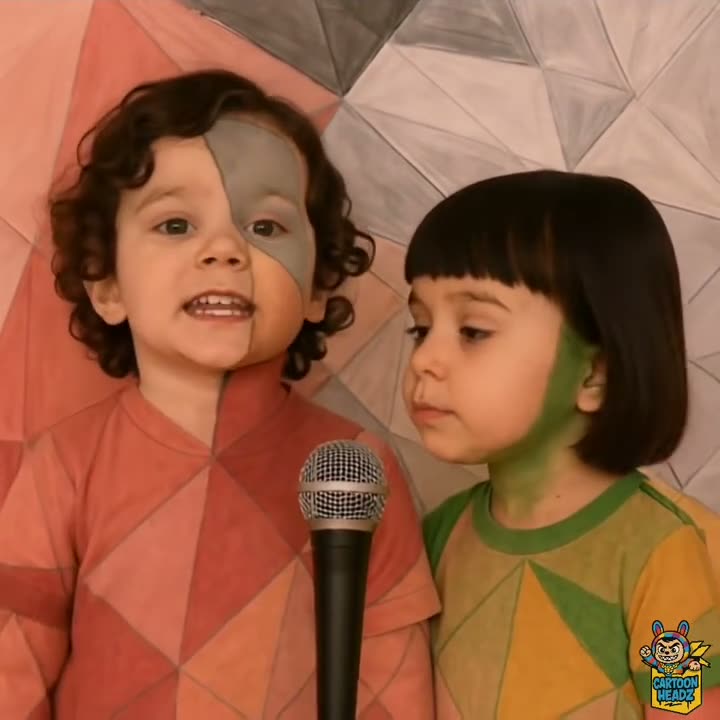
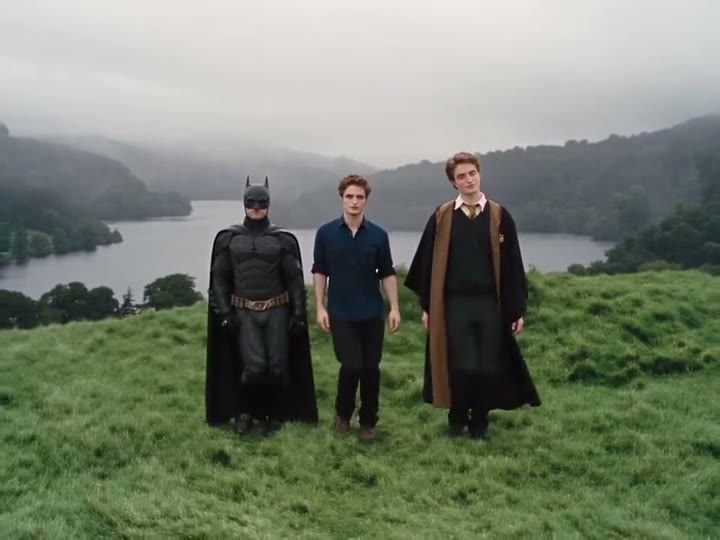
The funnier the contrast with a Hollywood car explosion, the better the clip lands: everyday hoodies, office shirts, gym wear or your most deadpan portrait work best because the template keeps your exact outfit instead of swapping in a music-video suit.
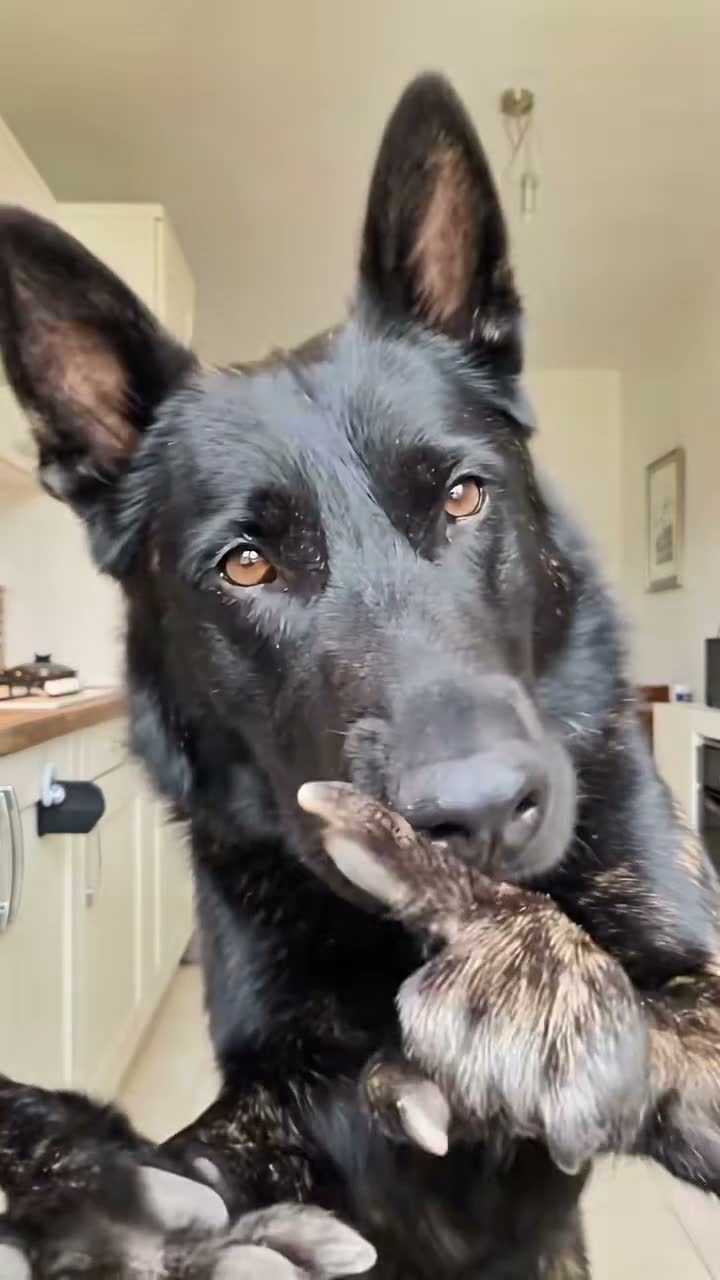
Pets and cartoon characters shine here too — a dog, cat or lion dances upright on its hind legs in front of the fireball and then delivers composed hand gestures behind the press podium.
Pick one sharp, front-facing photo in clear light so the opening close-up and the chest-height podium shots both lock onto your face cleanly.
- You celebrating a tiny win like a blockbuster movie
- Your friend calmly explaining their latest bad decision
- Your cat or dog dancing upright in front of the fireball
- A deadpan office portrait behind the press podium
- A birthday flex with maximum explosion energy
- A cartoon avatar or mascot turned into a headliner
Want another widescreen music-video recast? Try No Scrubs AI or Wassup Dance AI, or browse the full Music & stage AI videos shelf.
One photo, three steps: making your The Box AI video
Upload your photo and pick a resolution in the panel above — the car-park dance, fireball crash, glitch cut, podium shots and audio are handled automatically.
Add one photo
One clear front-facing photo of a person or pet in clear light.
1 photoPick a finish
480p, 720p or 1080p — identical 15s widescreen explosion & podium clip with song.
480p · 720p · 1080p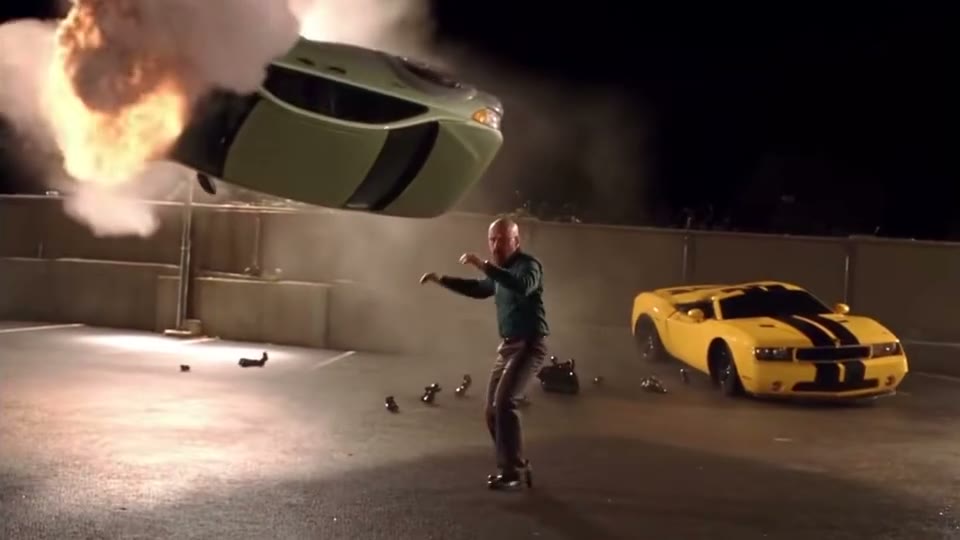
Render and download
Checkout starts the render; the 0:15 16:9 MP4 lands with sound and no watermark.
0:15 · 16:9 · MP4Full step-by-step notes
- Add one photo. Upload one clear, front-facing photo of a person or pet (JPG, PNG or WebP, up to 10 MB). Waist-up or full-body shots in even light preserve your face, outfit and accessories across all three shots.
- Pick a finish. Choose 480p ($2.99), 720p ($5.99) or 1080p ($11.99). Every tier renders the exact same 15-second car-flip fireball, podium cuts and song.
- Render and download. Checkout starts the render right away. In about 75 seconds, your 16:9 MP4 lands ready to download with the song muxed on, no watermark and no logo.
Rights. The preview clips above demonstrate finished AI recasts of the car-flip and podium format. Your video is generated fresh from the photo you upload in your own clothes, with the song track muxed onto the file and no watermark. MakeTrend is an independent tool with no affiliation with the artist, label or original music video. Only upload photos of yourself, your pet, or people who agreed to appear.
The Box AI FAQ
A 15-second widescreen (16:9) three-shot music video recast where your subject dances unbothered in a floodlit night car park while a yellow car flips into a giant fireball behind them (0–9.83s), then glitch-cuts to calmly speaking at a press-briefing podium (9.83–15s).
One sharp, front-facing, evenly lit photo of a single person or pet — waist-up or full-body works best so their face, hair or fur and outfit stay consistent across the close-up, car-park dance and press podium shots.
MakeTrend routes this template to the video generation model tuned best for multi-shot identity consistency, firelight reflections and widescreen music-video timing. You never have to pick a model or write a prompt — upload one photo and render.
Yes. Any cat, dog or animal keeps its exact species, breed, fur and markings while dancing upright on its hind legs in front of the fireball and then delivering calm remarks at the podium.
Yes. Your subject wears the exact outfit, cap, glasses, jewellery or watch from your uploaded photo in every shot — none of the reference pale jacket, white sunglasses or black suit and tie ever appear.
Fifteen seconds — one 16:9 widescreen MP4 at 480p, 720p or 1080p, covering the car-park dance and fireball (0–9.83s), the colour-glitch cut, and both podium shots (9.83–15s).
No, it is paid per clip with no subscription required. 480p is $2.99, 720p is $5.99 and 1080p is $11.99 — or 30, 60 and 120 credits. Nothing is charged until you render, and failed renders refund automatically.
No. The render runs silent and the 15-second song track is automatically muxed onto your finished MP4 before delivery, ready to post straight to TikTok, Reels or YouTube.
No. All three shots feature exactly one dancer and speaker, so group shots will not render cleanly. Only upload photos of yourself, your pet, or someone who agreed to appear — public figures are not permitted.
Your finished MP4 and download link stay available for 30 days, and the photo you uploaded is deleted automatically after 7 days. Save the file to your device once it finishes.
Ready to dance in front of the fireball?
Upload one clear photo of yourself or your pet, pick a finish, and download your 15s 16:9 MP4 with song in about 75 seconds.